
What is Alpa Player, who makes it, and what can it do?
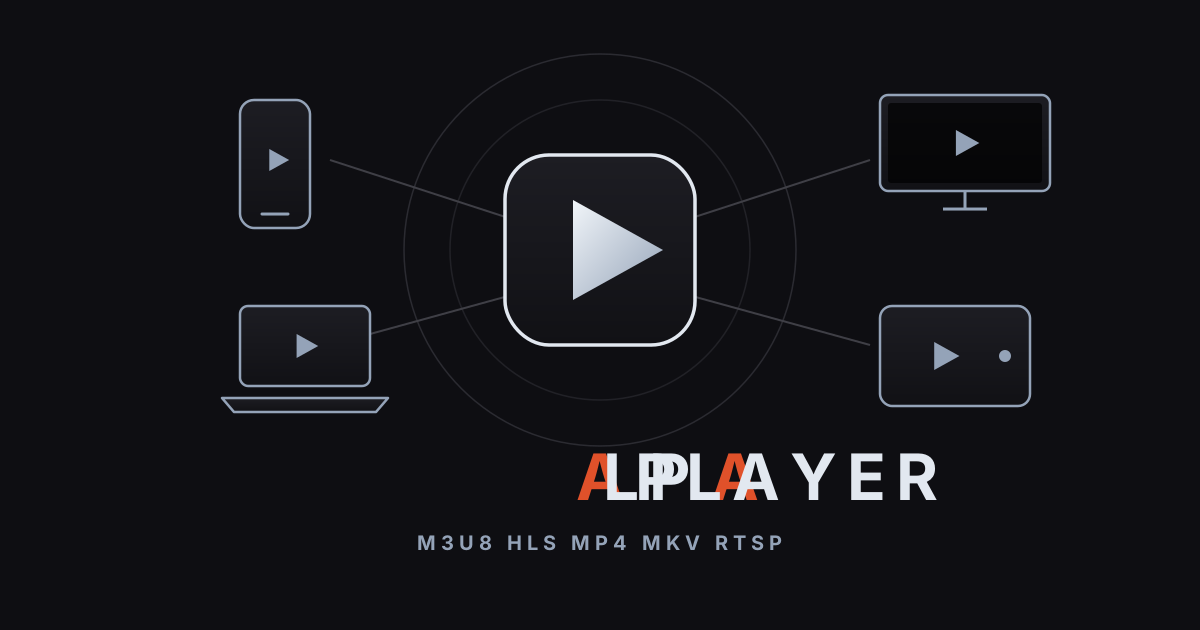
Short answer: Alpa Player is a free media player developed by Alpa Yazılım. It runs on Android phones and tablets, Android TV and TV boxes, Samsung and LG TVs, and Windows, and plays M3U/M3U8 playlists, HLS streams, MP4, MKV, and RTSP sources. It is not a content service; it plays only your own sources that you have the right to use.
Key takeaways
- Alpa Player is a free media player from Alpa Yazılım, with no membership, subscription, or purchase.
- It is built for Android, Android TV, Samsung (Tizen 2020+), LG (webOS 2020+), and Windows; the Android APK and Windows installer are available now, while store versions and iPhone/iPad are coming soon.
- It plays M3U/M3U8 playlists, HLS, MP4, MKV, RTSP, and more, using an address, a single link, or an account from your service provider.
- It provides no content: the app has no built-in channels, movies, shows, or lists.
- Addresses and passwords you add are encrypted on your device with AES-256, never shown on screen, and never sent to Alpa Yazılım.
- Organizations get a free panel, and TVs get remote playlist upload.
Alpa Player is a clean, simple player for people who want their own videos, playlists, and their organization's lecture recordings in one app. This page brings together what the app is, who builds it, which devices it runs on, what it plays, and what it is not. If you want quick answers, jump to the FAQ at the end.
What is Alpa Player?
Alpa Player is a free media player developed by Alpa Yazılım. With one simple interface on your phone, TV, and computer, it plays the sources you add: playlist addresses, single video links, accounts from your service provider, and your institution's lecture videos.
If you want the basics of how a media player works, our explainer on what a media player is covers the core concepts. The interface follows the simplicity of Apple TV and Netflix and works as comfortably with a remote, touch, or a mouse. Smooth arrow-key navigation on TV is one of the app's main goals.
Who makes it, and why is it free?
Alpa Player is developed by Alpa Yazılım, based in Mardin, Türkiye. It is a non-profit project, which is why the app and the institution panel are both free, with no membership, subscription, or purchase. The official site is alpaplayer.com.
For a wider view of what "free" can mean, see free video player, which compares open-source, ad-supported, and subscription models.
Which devices does Alpa Player run on?
The app is built to run on Android phones and tablets, Android TV, Google TV and TV boxes, Fire TV, Samsung and LG TVs, and Windows. Availability differs by device:
| Platform | Requirement | Status |
|---|---|---|
| Android phone and tablet | Android | APK available; Google Play version coming soon |
| Android TV, Google TV, TV boxes | Android TV | APK available |
| Fire TV | Fire TV | Supported; Amazon Appstore version coming soon |
| Samsung TV | Tizen 2020 or later | Samsung store version coming soon |
| LG TV | webOS 2020 or later | LG store version coming soon |
| Windows | Computer | Installer available |
| iPhone and iPad | iOS | Coming soon |
You can get the Android APK from the direct APK download and the Windows installer from the Windows installer download. For the latest status, check the download section. Device guides include media player for Android TV, Samsung smart TV media player, LG webOS media player, and free media player for Windows. To install the APK on Android, follow how to install an APK on Android TV.
What does it play, and which sources can you add?
It plays M3U and M3U8 playlists, HLS streams, MP4 and MKV files, RTSP streams, and more. You can add four kinds of source:
| Source type | When to use it |
|---|---|
| Playlist address (M3U/M3U8) | Your playlist lives at a web address |
| Single video or stream link | You have one link such as MP4, M3U8, or RTSP |
| Server account | Your service provider gave you a username and password |
| Institution account | Your school or organization gave you an institution code, a number, and a password |
To get to know the formats, read what an M3U file is, what M3U8 is, and what HLS streaming is. For a step-by-step walkthrough, how to add an M3U playlist is all you need. If you want to try the app before adding anything of your own, use the open-license samples in free test video streams or the demo in your browser.
What are the main features?
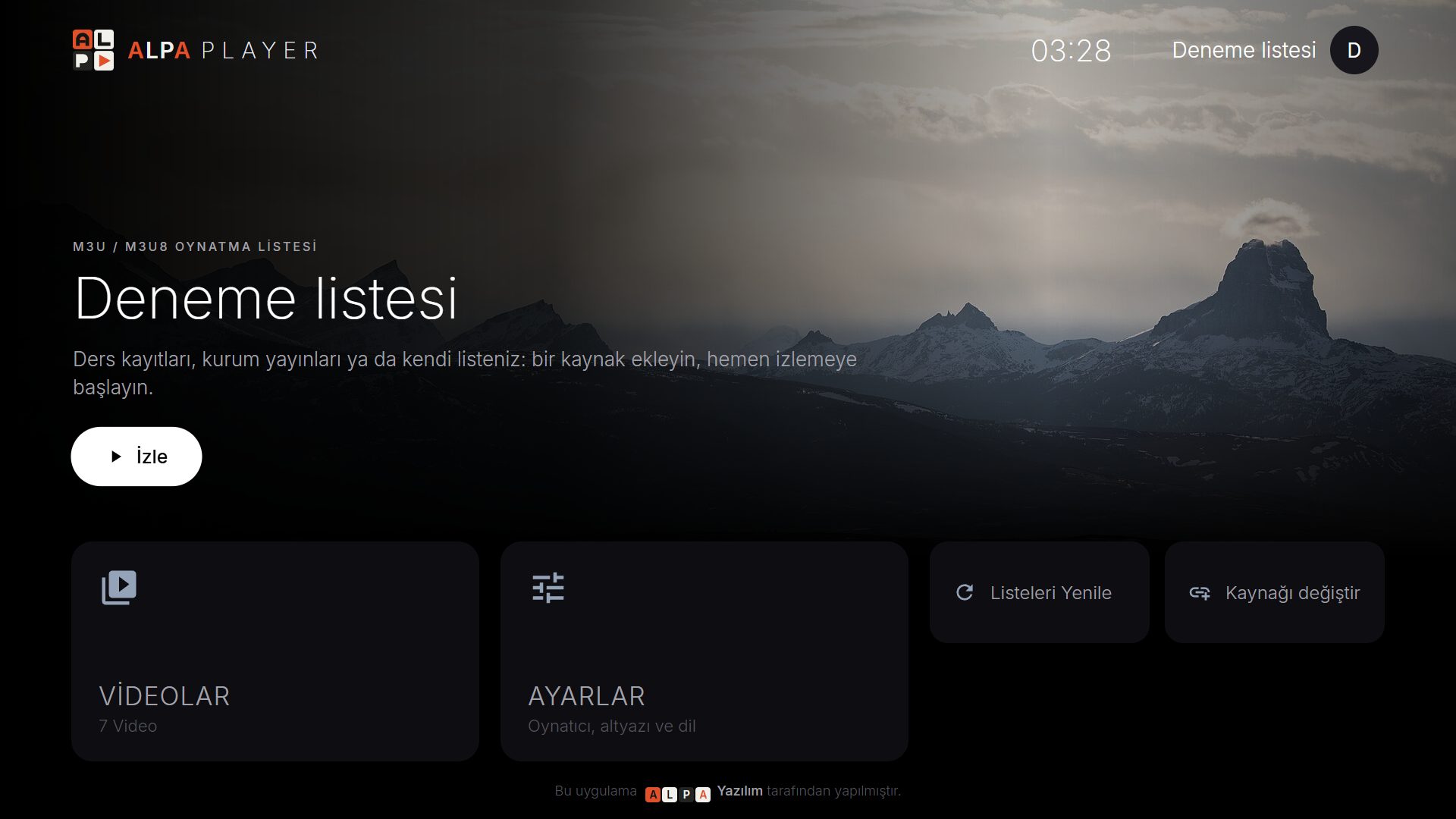
The features center on simplicity, smooth navigation, and flexibility about sources. The verified features are:
- Plays many formats: M3U, M3U8, HLS, MP4, MKV, RTSP, and more.
- Your own sources: a playlist address, a single link, a server account, or an institution account.
- Full remote support: smooth arrow-key navigation on TV; touch on phones and a mouse on computers.
- Pick up where you left off: unfinished videos, favorites, recently watched, and a stream guide (program guide). See resume playback and favorites.
- Playback engine choice on Android: a default ExoPlayer (Media3) based engine, a VLC engine, and an external player option. We compare them in ExoPlayer vs VLC.
- Remote playlist upload: send a playlist to your TV from a phone or computer without typing on a remote.
- Institution panel: free lecture and content management for schools, hospitals, hotels, and municipalities.
- Security: addresses and passwords you add are encrypted with AES-256.
To know what to look for in any player, use the video player features checklist and the best media player guide. If you are looking for options beyond VLC, VLC alternatives is worth a read.
What is Alpa Player not? Is it an IPTV or streaming service?
Alpa Player is not a streaming or IPTV service: it does not sell, provide, or host channels, matches, movies, shows, or any other content. IPTV means delivering television over the internet, and the technology itself is legal. What matters is who licenses and supplies the content, and that is the service provider. Alpa Player is only a player.
The app contains no ready-made channels, movies, shows, or lists; only the sources you add and have the right to use appear in it. Using unauthorized or unlicensed streams is illegal in most countries under copyright laws, and responsibility rests with the user. This article is not legal advice. For deeper reading, see is IPTV legal, are media player apps legal, how to spot a licensed streaming service, and risks of pirate streaming. The full text is on the legal notice page.
How does remote playlist upload work?
Remote playlist upload lets you send a playlist to your TV from your phone or computer instead of typing a long address with a remote. The upload is always done by the user.
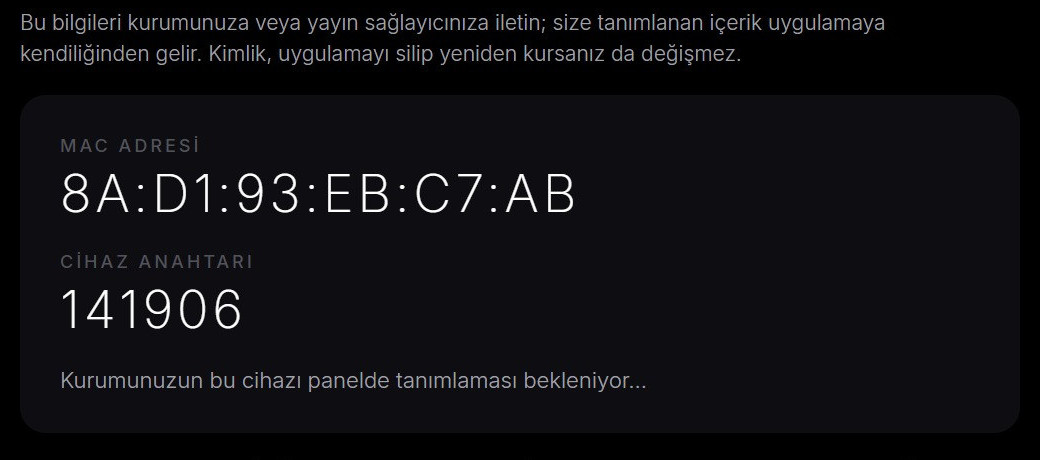
- In the app, open Add Source → Device ID (MAC on TV); the MAC address and a 6-digit key appear.
- On your phone or computer, open the playlist upload page and enter those details.
- Add your server account details or your M3U address, and confirm the responsibility statement.
- The playlist arrives on your TV.
Your address and password are never shown anywhere in the app. Every upload is logged with the IP address and MAC address, and the person who uploads is responsible for the legality of what they upload. For a longer walkthrough, see upload a playlist to your TV and find your TV's MAC address.
What is the institution panel, and who is it for?
The institution panel is a free management panel that lets schools, tutoring centers, hospitals, hotels, and municipalities deliver lecture and content videos securely to their students or users. You apply on the institution panel application page. Its main features:
- Lecture video upload; students watch with an institution code, a number, and a password.
- Short-lived signed links: a link expires after 120 seconds and does not open on another device.
- A watermark of the student's number that moves across the video.
- Device lock: each student can watch on up to a set number of devices, with a one-click reset.
- The institution's logo, name, and colors appear in the app automatically.
- Bulk student import through Excel or an API.
- Define classroom, conference, and room TVs from the panel by their MAC ID.
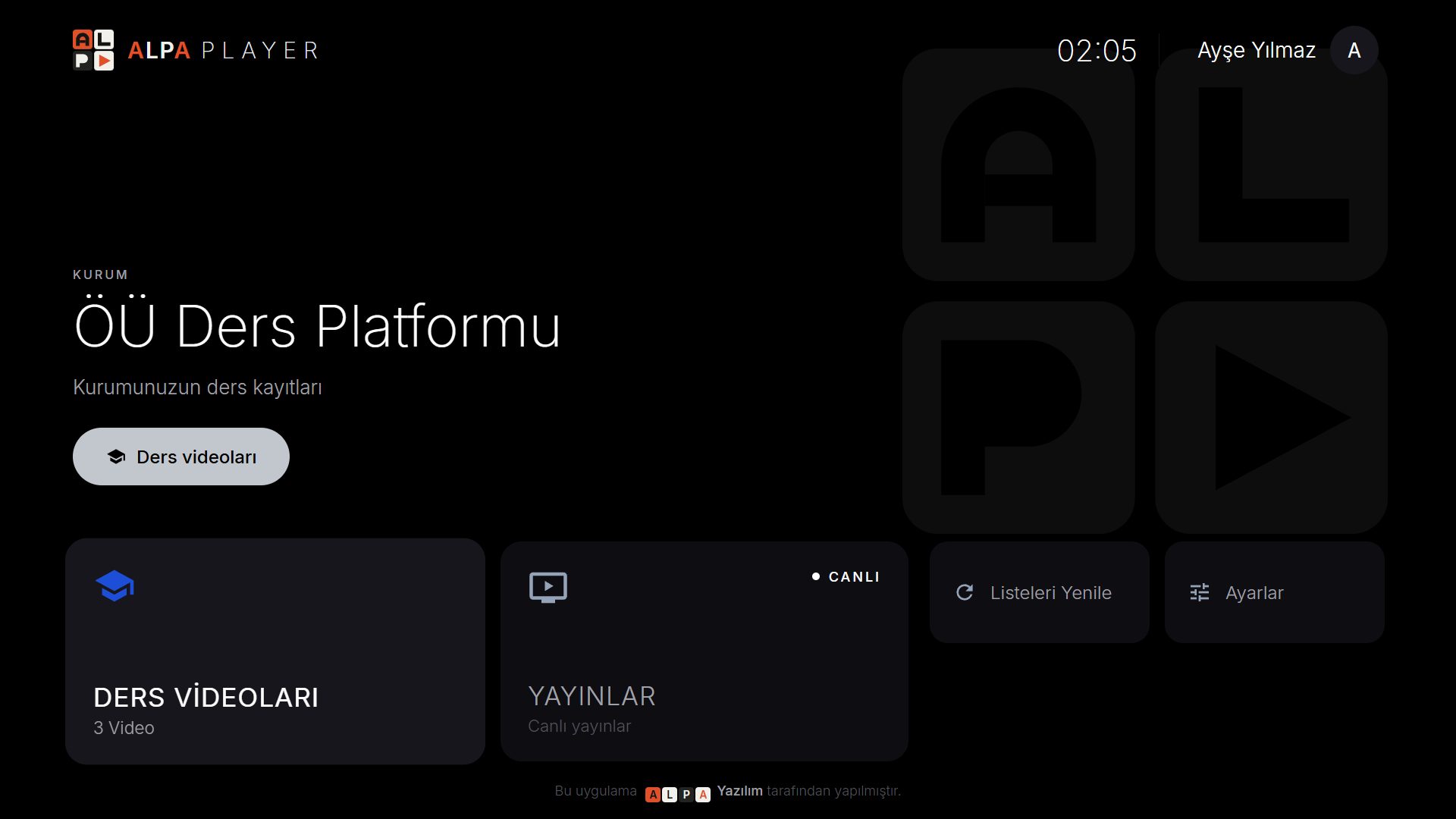
For details, read secure lecture video sharing, video platform for schools, and hotel TV system.
How is your data protected?
Addresses and passwords you add are kept encrypted with AES-256 in your device's secure storage, are never shown on screen, and are never sent to Alpa Yazılım. This information stays on your own device. For the details, read the privacy policy, and for general safety principles see media player privacy and security.
One important safety note: download the app only from official sources, because fake APKs can be used to steal data. The current official download links are in the download section.
Where can you learn more about Alpa Player?
The articles on our blog cover the app and its surrounding topics one by one. The main ones are:
- Getting started: what a media player is, free video player, best media player
- Streaming technology: M3U files, M3U8, HLS
- Devices: Android TV, Fire TV Stick, iPhone and iPad
- How-to: adding an M3U playlist, remote playlist upload
- For organizations: secure lecture videos, school video platform
- Legal use: is IPTV legal, are media players legal
You can browse every article on the blog home page. To try the app yourself, download Alpa Player for free or open the demo on the home page.
Step by step: How to install Alpa Player and add your first source
- From the download section, get the version for your device (Android APK or Windows installer).
- Open the app and go to the Add Source screen.
- Choose a source type: playlist address, single video link, server account, or institution account.
- Add only a source you have the right to use; for a trial you can use open-license sample streams.
- If you do not want to type a long address on a TV, use the remote upload page with the details on the Device ID (MAC) screen.
- Play it, add favorites, and pick up where you left off.
Frequently asked questions
What is Alpa Player?
Alpa Player is a free media player developed by Alpa Yazılım. It is built for Android, Android TV, Samsung, LG and Windows, and it plays sources such as M3U/M3U8 playlists, HLS, MP4, MKV and RTSP. It provides no content; it plays only the sources you add.
Is Alpa Player free?
Yes. Alpa Player and the institution panel are free, with no membership, subscription, or purchase. It is a non-profit project.
Does Alpa Player have channels, movies, or shows?
No. Alpa Player is a player; it has no built-in channels, movies, shows, or lists, and it does not sell content. It plays only the sources you add and have the right to use.
Is Alpa Player an IPTV service?
No. Alpa Player is not a streaming or IPTV service and provides no channels or content. It is a player for the sources a user adds. Using unauthorized streams is illegal in most countries, and responsibility rests with the user.
Which devices does Alpa Player run on?
It is built for Android phones and tablets, Android TV, Google TV and TV boxes, Samsung TVs (Tizen 2020 and later), LG TVs (webOS 2020 and later), and Windows, with Fire TV supported. The Android APK and the Windows installer are available now; store versions and iPhone/iPad are coming soon.
Is my information safe in Alpa Player?
Addresses and passwords you add are encrypted with AES-256 in your device's secure storage, are never shown on screen, and are not sent to Alpa Yazılım. See the privacy policy for details.
Sources
Related articles
 Media player guide
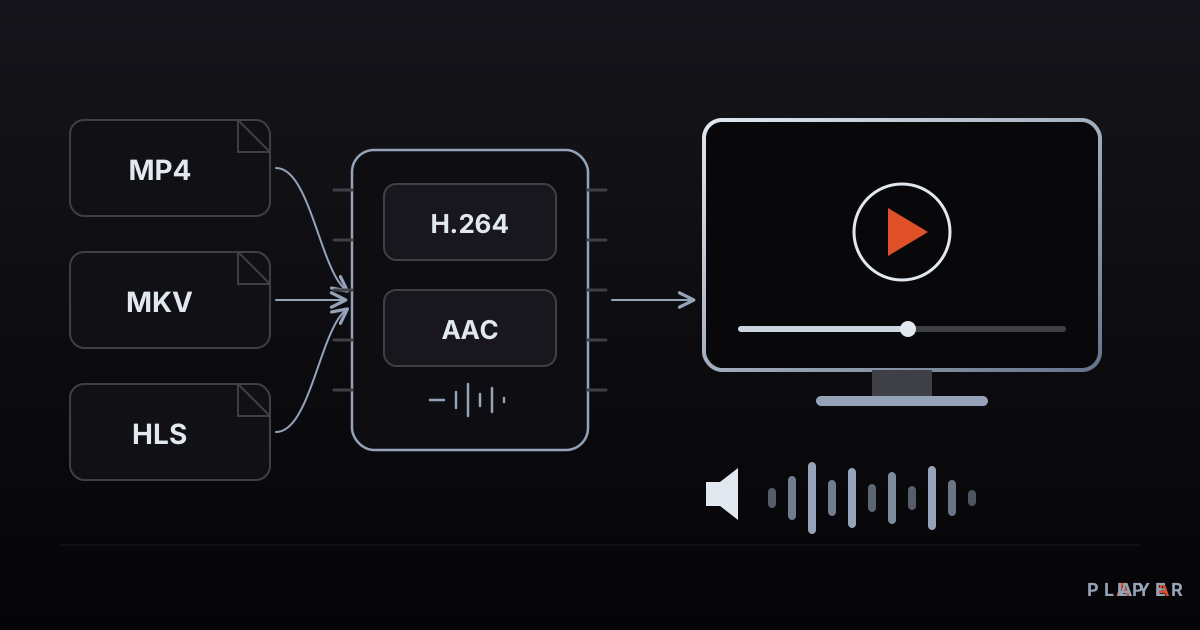
What Is a Media Player? How It Works
What is a media player and how does it turn files and streams into picture and sound? Learn how it works, the main types, and how to choose one.
 Media player guide
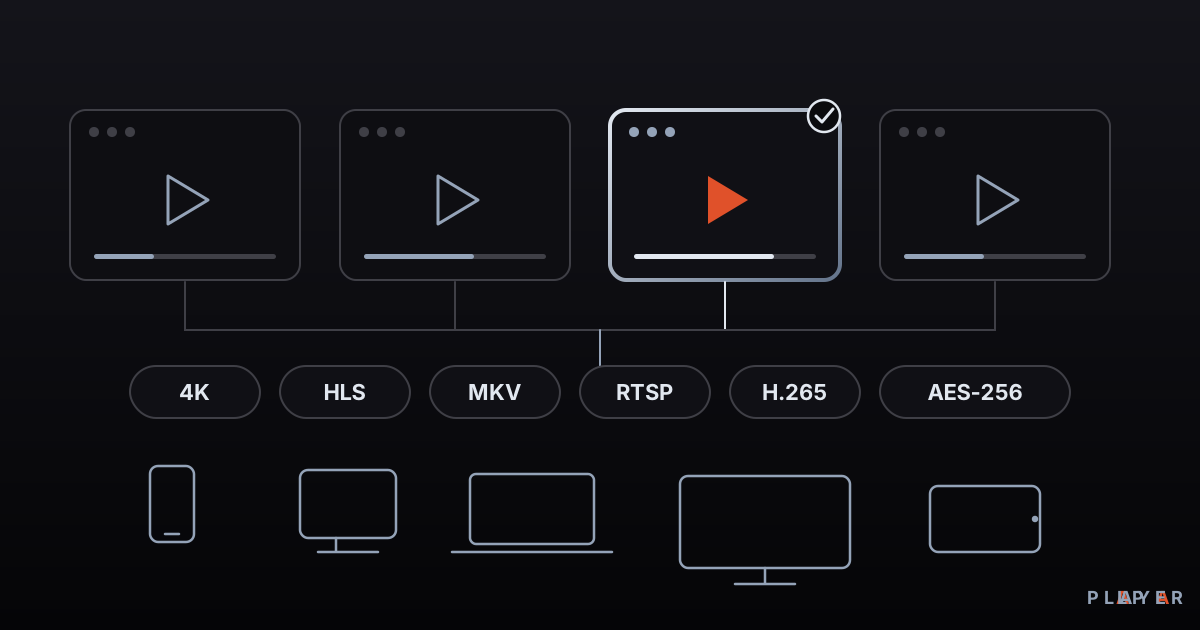
Best Media Player Apps: How to Choose
There is no single best media player. Compare VLC, Kodi, MX Player, Plex and Alpa Player by device, formats, cost and privacy, then pick your fit.
 Media player guide
Free Video Player: What "Free" Really Means
What does a free video player really cost? See how open source, ad-supported and freemium models differ, which hidden costs to expect, and how to choose safely.