
What Is HLS Streaming? Segments, Playlists, and Latency Explained
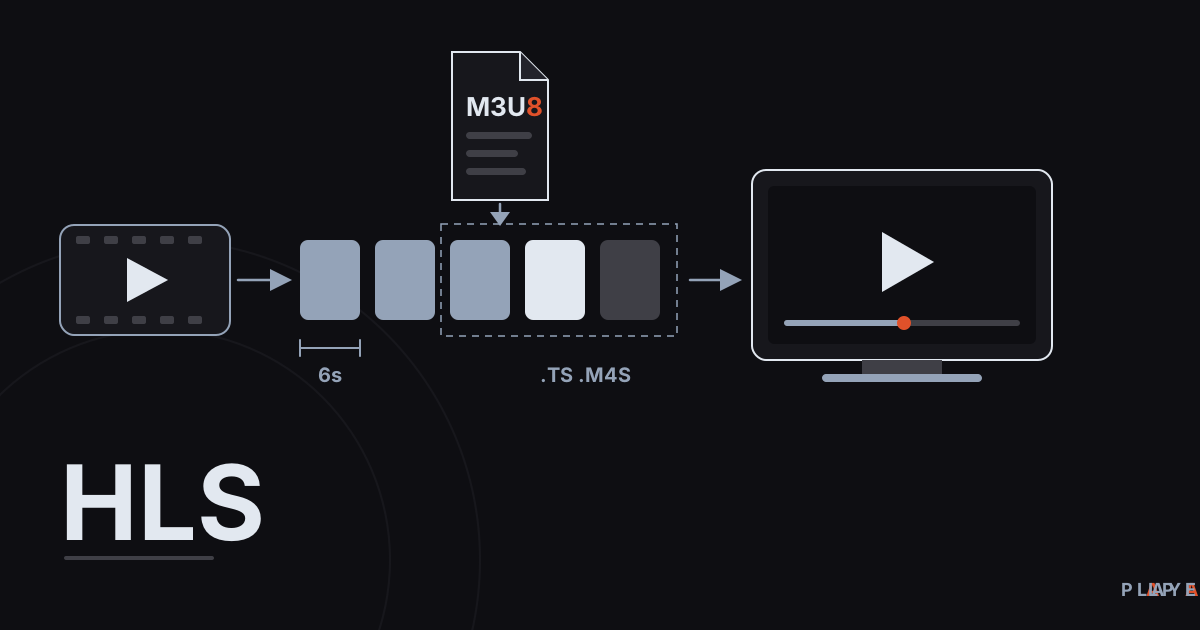
Short answer: HLS (HTTP Live Streaming) is a streaming protocol, created by Apple, that cuts video into small segments and delivers them from ordinary web servers. A player first downloads an .m3u8 playlist, then fetches the listed segments one after another, and can switch quality as the connection changes. The specification is RFC 8216. Alpa Player plays HLS streams.
Key takeaways
- HLS cuts video into segments a few seconds long and delivers them over plain HTTP.
- An .m3u8 playlist lists the segments in order; the player downloads and plays them back to back.
- One piece of content can be offered in several qualities, and the player moves between them as bandwidth changes.
- Because of the segment design, live HLS typically runs tens of seconds behind; shorter segments and Low-Latency HLS narrow the gap.
- HLS is a protocol and is legal to use; whether you may watch a given stream is a separate question.
Most people meet HLS streaming when a stream address ends in ".m3u8" and they wonder what it means. HLS is one of the most widespread ways to deliver live and on-demand video today. This guide explains what HLS is, how it slices video into segments, what the playlists do, and where live-stream delay comes from.
Everything below applies to any player. Alpa Player, a free media player developed by https://alpayazilim.com, plays HLS streams too.
What is HLS streaming?
HLS, short for HTTP Live Streaming, is a streaming protocol developed by Apple that cuts video into small pieces and delivers them from ordinary HTTP servers. Despite "Live" in the name, it is not limited to live broadcasts. Finished videos (video on demand, or VOD) use the same approach.
Apple introduced HLS in 2009. Its specification was published as RFC 8216 in August 2017, and the document describes itself as informational rather than an Internet standard. Even so, it is used everywhere from Apple devices to smart TVs.
The big advantage is that HLS needs no special streaming server. The segments are plain files sitting on a web server or a content delivery network (CDN), and the player fetches them with normal web requests. Firewalls and proxies treat that traffic like any other web traffic.
How does HLS work?
HLS works by encoding video, slicing it into segments, listing those segments in a playlist, and letting the player download them in order. The usual flow looks like this:
- The source video is encoded, typically into several qualities of the same content (low, medium, high).
- Each quality is cut into segments a few seconds long.
- Media playlists list the segments of each quality, and a master playlist lists the qualities. All of these are .m3u8 files.
- The files are uploaded to a web server or CDN.
- The player downloads the master playlist, picks a quality that suits its connection, and reads that quality's media playlist.
- It then downloads and plays the segments in order; for a live stream it keeps reloading the playlist to catch new ones.
According to RFC 8216, segments can be MPEG-2 Transport Stream (.ts) or fragmented MPEG-4 (fMP4, usually .m4s). Which codecs actually play depends on the player and the device; for background, see H.264 vs H.265 vs AV1.
What are segments, master playlists, and media playlists?
HLS rests on three building blocks: the segment, which is a piece of video; the media playlist, which orders segments; and the master playlist, which advertises the available qualities. They are all linked together by .m3u8 addresses.
| Concept | What it does | Example |
|---|---|---|
| Segment | A piece of the video a few seconds long | segment0.ts, segment1.ts |
| Media playlist | Lists one quality's segments in order, with durations | 720p/playlist.m3u8 |
| Master playlist | Advertises the available qualities, bandwidths, and resolutions | index.m3u8 |
| Target duration | The maximum segment length in seconds (EXT-X-TARGETDURATION) | 6 |
Here is a simple example that resembles the media playlist of a running live stream. The absence of #EXT-X-ENDLIST at the end means the stream is ongoing and the server will keep adding segments.
#EXTM3U
#EXT-X-VERSION:3
#EXT-X-TARGETDURATION:6
#EXT-X-MEDIA-SEQUENCE:2680
#EXTINF:6.000,
https://live.example.com/stream/seg2680.ts
#EXTINF:6.000,
https://live.example.com/stream/seg2681.ts
#EXTINF:6.000,
https://live.example.com/stream/seg2682.ts
We walk through a master playlist and each tag in what is M3U8. For the plain list format HLS grew out of, see what is an M3U file.
Why does quality change on its own in HLS?
HLS offers the same content in several qualities, and the player switches between them as bandwidth changes; this is called adaptive bitrate streaming. Each quality in the master playlist carries a BANDWIDTH value. The player measures its download speed, watches its buffer, and picks the highest quality it can sustain.
If the connection slows, the player asks for the next segment at a lower quality, then climbs back up when speed recovers. Switches happen at segment boundaries, so playback continues without stopping. The mechanism is covered in adaptive bitrate streaming, and the speeds each quality needs are tabulated in internet speed for streaming.
Why is HLS latency so high?
Delay in live HLS comes from cutting video into segments and from the player buffering several of them before playing. RFC 8216 says a player should not start playback closer than three target durations to the end of a live playlist, and it notes that a typical target duration is 10 seconds. With long segments, the delay can reach tens of seconds.
| Target duration | Minimum delay from the rule | Note |
|---|---|---|
| 10 seconds | About 30 seconds | The value the RFC calls "typical" |
| 6 seconds | About 18 seconds | Shorter segments mean more requests |
| 2 seconds | About 6 seconds | Server and CDN load goes up |
Real-world delay adds encoding, CDN, and network time on top. Shorter segments cut the delay but raise the request count and server load. Apple answered with Low-Latency HLS, an extension that splits segments into even smaller parts and lets the server hold a playlist request until new data is ready, aiming for a delay of a few seconds. For a match or a concert, being a little behind rarely matters; the gap only hurts when viewers interact live.
Which devices and players support HLS?
HLS plays natively on Apple devices and through player software on nearly every other platform. Almost any modern device has some route to play it.
- Apple devices and Safari: play HLS directly.
- Android: the ExoPlayer (Media3) library supports HLS.
- Other browsers: usually rely on a library such as hls.js.
- Smart TVs: many TV platforms support HLS.
Alpa Player plays HLS streams on Android phones and tablets, Android TV and Google TV, Samsung TV (Tizen 2020 and later), LG TV (webOS 2020 and later), and Windows, along with M3U and M3U8 playlists, MP4, MKV, RTSP, and more. On Android the default engine is built on ExoPlayer (Media3), and a VLC engine or an external player can be chosen instead. Download Alpa Player for free.
The app has no built-in channels, movies, series, or lists, and it is not a streaming service. To try an address safely, start with free test video streams.
How does HLS differ from an MP4 file and other delivery methods?
HLS differs from a plain MP4 download because it delivers video as many segments with quality options rather than as one file. The table compares three common methods.
| Feature | Plain MP4 file | HLS | RTSP |
|---|---|---|---|
| Delivery | One file over HTTP | Many segments over HTTP | Dedicated protocol, continuous stream |
| Quality switching | None | Automatic between segments | Usually none |
| Live streaming | Not suited | Suited | Suited, low delay |
| Delay | None (recorded) | A few to tens of seconds | Usually low |
| Typical use | Downloading one video | General streaming and VOD | IP cameras |
HLS's best-known rival is MPEG-DASH; we compare the two in MPEG-DASH vs HLS. For camera feeds, read what is RTSP.
What should you do when an HLS stream will not play?
When an HLS stream fails, look at the address, the segments, and the network, in that order. Work through these checks:
- Open the address in a text editor or browser and confirm the playlist actually loads.
- Test one of the segment addresses in the playlist; it may have expired or be offline.
- Try another playback engine. On Android, Alpa Player lets you switch; ExoPlayer vs VLC explains the differences.
- If the picture stutters, follow the network steps in how to fix video buffering.
Is HLS legal to use?
HLS is a legal technology; any legal question concerns the content the stream carries. HLS segments can be encrypted with methods such as AES-128, but encryption does not mean you have the right to the content. In most countries, copyright laws make it illegal to publish or watch content without permission or a license. This article is not legal advice.
In Alpa Player, saved addresses and passwords are kept encrypted with AES-256 in the device's secure storage, are not shown on screen, and are not sent to Alpa Yazılım. When a user uploads a list through the website, the user is responsible for it, and uploads are recorded with the IP and MAC address. See the legal notice, and for a broader introduction to players, what is a media player.
Frequently asked questions
What does HLS stand for?
HLS stands for HTTP Live Streaming. Apple developed this streaming protocol, which cuts video into small segments and delivers them over ordinary HTTP. A player reads an .m3u8 playlist that lists the segments in order, then downloads and plays them one by one.
Are HLS and M3U8 the same thing?
No. HLS is a streaming protocol, and M3U8 is the playlist file format it uses. The .m3u8 files in HLS describe a stream's segments and quality options. For details, see what is M3U8.
Why is there a delay in HLS live streams?
Video is cut into segments a few seconds long, and the player buffers several before playing for safety. RFC 8216 says a player should start no closer than three target durations from the end of a live playlist. The longer the segments, the bigger the delay. Low-Latency HLS aims to shrink it.
Does HLS only work on Apple devices?
No. Apple created HLS, but it now plays on Android, Windows, smart TVs, and browsers. Android's ExoPlayer (Media3) supports HLS, and many browsers use libraries such as hls.js. Alpa Player plays HLS streams on the platforms it supports.
Does HLS need a special server?
No. HLS segments and .m3u8 files are ordinary files, so any web server or CDN can deliver them over HTTP or HTTPS. This is one of the main reasons the protocol spread so widely.
How do I watch an HLS stream?
Install a media player that supports HLS and add the stream address. In Alpa Player you add it on the add-source screen, as a playlist address or a single stream link. Only watch sources you have the right to use.
Sources
Related articles
 Streaming technology
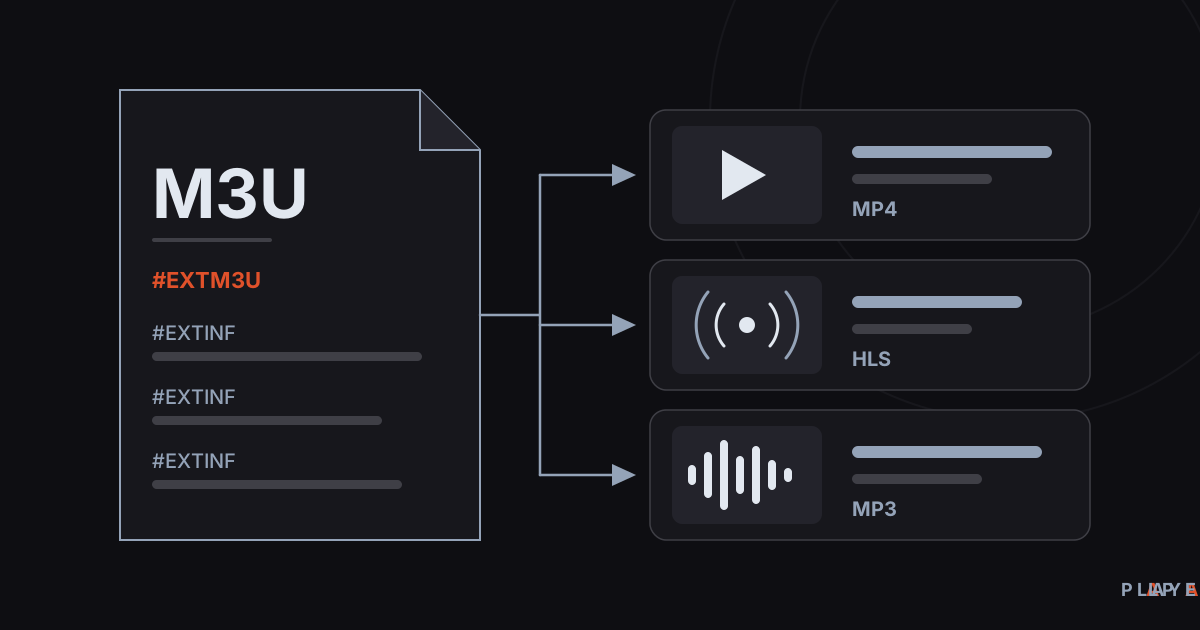
What Is an M3U File? Structure and How to Open It
What is an M3U file? Learn how this plain-text playlist format works, what the #EXTINF lines mean, and how to open an M3U file on any device.
 Streaming technology
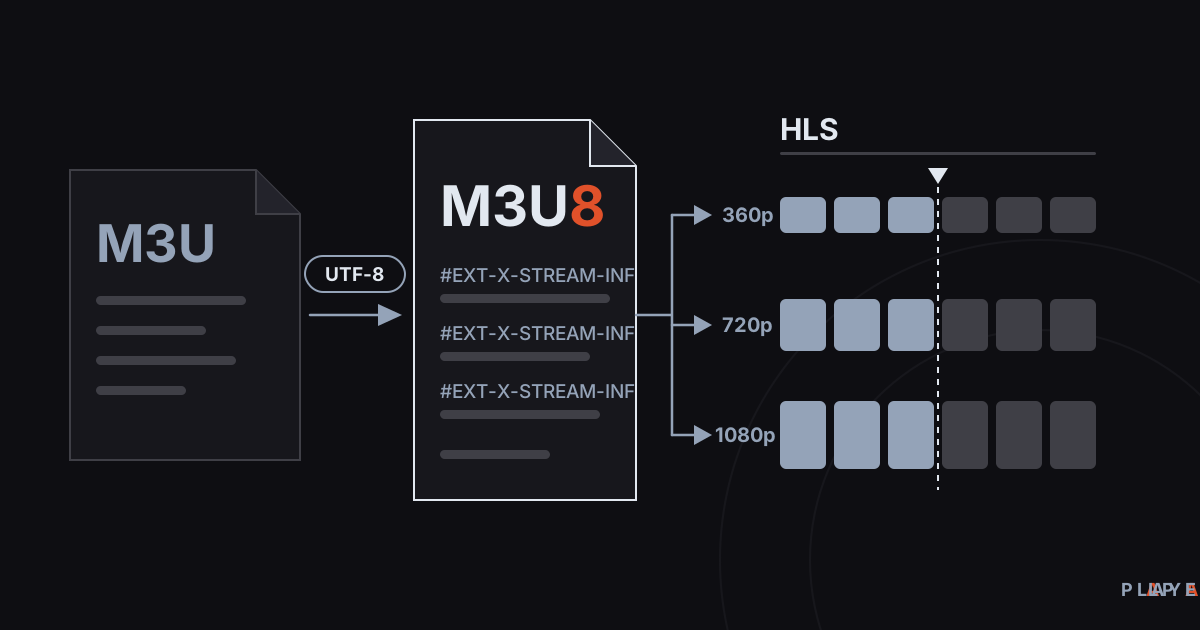
M3U8 vs M3U: Differences and How to Play M3U8
M3U8 vs M3U explained: how the UTF-8 playlist differs from M3U, what role it plays in HLS streaming, and how to play .m3u8 files on any device.
 Streaming technology
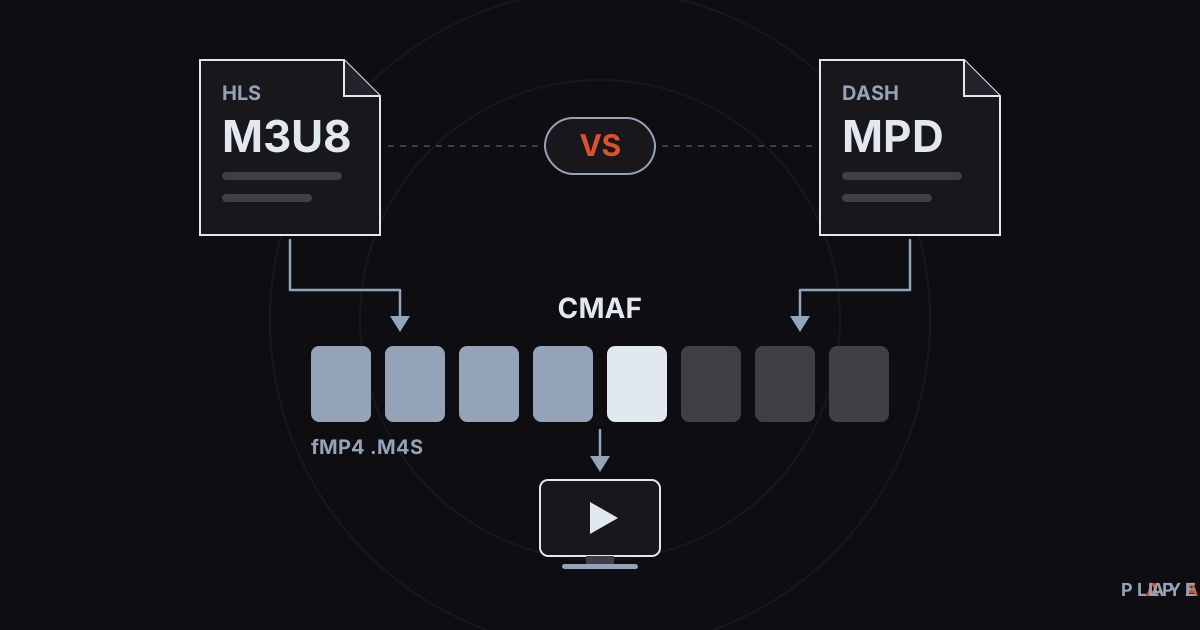
DASH vs HLS: Differences, Compatibility, and CMAF
DASH vs HLS compared: how MPEG-DASH and HLS manifests differ, which devices play each one, and how CMAF lets both share the same video segments.