
Test M3U8 stream: open-license sample videos to try your player
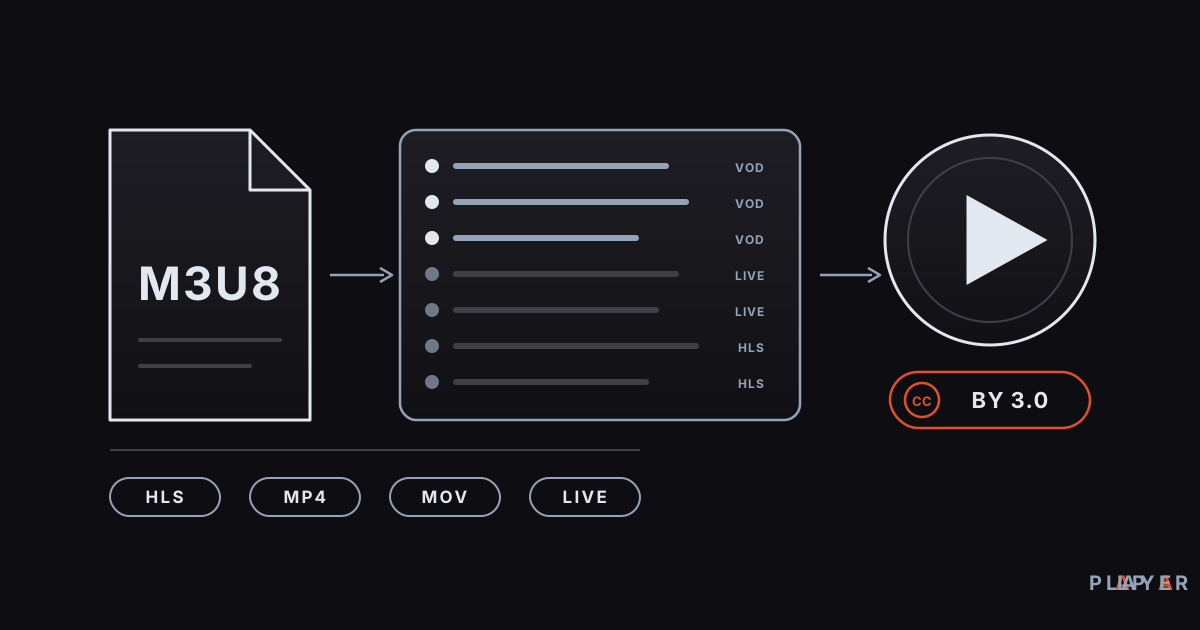
Short answer: A test M3U8 stream is a sample HLS address you can use to check whether a player works. The safe choices are the open-license Blender Foundation films (Big Buck Bunny, Sintel, Tears of Steel) and the public test streams that Mux, Unified Streaming, Akamai and Apple publish. This guide lists seven real addresses, what each one tests, the license notes, and how to open them in Alpa Player.
Key takeaways
- To test a player, use open-license films and sample streams that companies publish for testing, not random addresses from the web.
- Big Buck Bunny, Sintel and Tears of Steel are Blender Foundation films released under Creative Commons CC BY 3.0, which requires credit.
- The seven addresses here cover HLS (M3U8), live streams, progressive MP4, and MOV, so each exercises a different player skill.
- Test addresses live on third-party servers and can change or disappear without notice.
- In Alpa Player you can add them as single video links, or open them with no setup in the browser demo.
When you get a new player or a new TV box, the first question is always "Does it work?" To find out, you need a test M3U8 stream: a sample address published purely for trying things out. This guide collects seven open-license and public examples that are legal and safe to use, explains what each one tests, covers the license and credit rules, and shows how to open them in Alpa Player. The goal is not to recommend content. It is to help you confirm that your player works properly.
What is a test M3U8 stream, and why avoid random addresses?
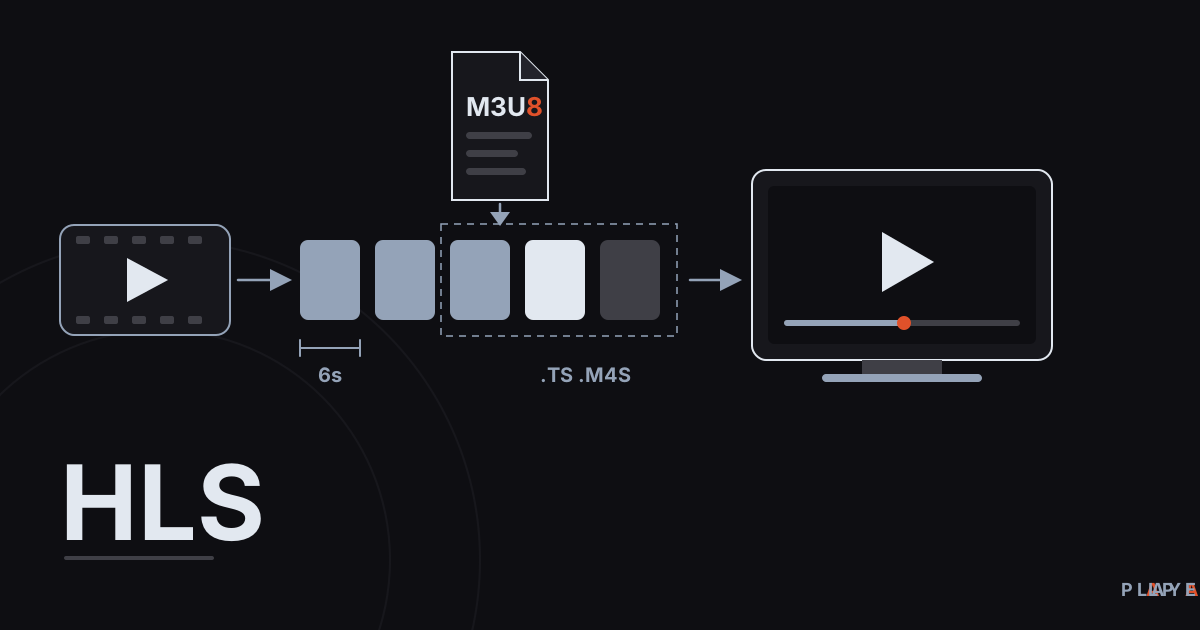
A test M3U8 stream is a sample address that points to the playlist (M3U8) of a video prepared in the HLS format, used to check how a player behaves. If you are not sure what that file is, read what M3U8 is, and for the streaming method behind it see what HLS streaming is.
Trying random addresses you find online is a poor idea for three reasons. First, the license status is unknown, and opening content that was published without permission can create legal trouble for you. Second, unknown sources are a security risk. Third, such addresses die quickly, and you cannot tell whether your player is broken or the address is dead. Open-license and official test streams remove all three problems.
Which open-license and public test streams can you use?
There are seven examples, the same ones used by the Alpa Player browser demo: three open-license Blender films, two live test streams, and two sample streams Apple publishes for developers. The table shows what each one is and what it tests.
| Sample | Format | Source and license | What it tests |
|---|---|---|---|
| Big Buck Bunny | HLS (M3U8) | Blender Foundation film, CC BY 3.0; stream hosted on Mux's test server | Adaptive quality switching, seeking |
| Tears of Steel (720p) | MOV file | Blender Foundation film, CC BY 3.0 | Container support, seeking in a large file |
| Sintel (trailer, 720p) | MP4 file | Blender Foundation film, CC BY 3.0 | A quick, short MP4 check |
| Unified Streaming live test | HLS live | Unified Streaming's demo server | Live stream behavior |
| Akamai live test | HLS live | Akamai's test stream | Master playlist and live playback |
| Apple sample stream (16:9) | HLS, multiple bitrates | Apple's developer example | Bitrate switching, 16:9 picture |
| Apple sample stream (advanced) | HLS, fMP4 segments | Apple's developer example | More advanced HLS features |
The addresses follow as plain text, in the same playlist layout the browser demo uses. They are not links; copy and paste them into your player:
#EXTM3U
#EXTINF:-1 group-title="Open-license films",Big Buck Bunny
https://test-streams.mux.dev/x36xhzz/x36xhzz.m3u8
#EXTINF:-1 group-title="Open-license films",Tears of Steel
https://download.blender.org/demo/movies/ToS/tears_of_steel_720p.mov
#EXTINF:-1 group-title="Open-license films",Sintel (trailer)
https://download.blender.org/durian/trailer/sintel_trailer-720p.mp4
#EXTINF:-1 group-title="Live test streams",Live test stream (Unified Streaming)
https://demo.unified-streaming.com/k8s/live/stable/live.isml/.m3u8
#EXTINF:-1 group-title="Live test streams",Live test stream (Akamai)
https://cph-p2p-msl.akamaized.net/hls/live/2000341/test/master.m3u8
#EXTINF:-1 group-title="Sample streams",Apple sample stream (16:9)
https://devstreaming-cdn.apple.com/videos/streaming/examples/bipbop_16x9/bipbop_16x9_variant.m3u8
#EXTINF:-1 group-title="Sample streams",Apple sample stream (advanced)
https://devstreaming-cdn.apple.com/videos/streaming/examples/img_bipbop_adv_example_fmp4/master.m3u8
These addresses sit on third-party servers. Their owners can change or remove them whenever they like, and this page cannot promise they will keep working. If one fails, use the checks in the troubleshooting section below.
What are the license and credit rules for these videos?
The three Blender films are open movies that the Blender Foundation released under the Creative Commons Attribution 3.0 license (CC BY 3.0), which means you may copy, share and adapt them as long as you give proper credit. Credit means naming the owner and the license: "Big Buck Bunny, Sintel and Tears of Steel, (c) Blender Foundation, CC BY 3.0." The films came out in 2008, 2010 and 2012, in that order. For the full license text, see the Creative Commons CC BY 3.0 page, and for the films themselves, the Blender Studio films page.
The streams from Mux, Unified Streaming, Akamai and Apple are examples those companies keep public so that developers and player makers can test. Their terms of use belong to the companies; play them only for testing and do not redistribute them as content of your own service. This article is not legal advice. For a broader look at open licenses and your own footage, see copyright and personal media.
What do test streams check in a player?
Each sample exercises a different player skill, so trying several beats trying one. Use this checklist to know what to watch for.
- Start-up time: Note how many seconds pass before playback begins.
- Seeking: Drag the bar to the middle; the video should resume quickly.
- Quality switching: On the multi-bitrate HLS samples, quality may change over time. That is normal and shows that adaptive bitrate streaming is working.
- Live behavior: On live samples the progress bar may be limited or missing; having no end is expected.
- Container variety: If MOV, MP4 and M3U8 all open, the player's basic format support is solid.
- Error handling: Enter a deliberately broken address; the player should show a clear error instead of crashing.
An HLS master playlist looks roughly like this (the addresses are examples):
#EXTM3U
#EXT-X-STREAM-INF:BANDWIDTH=1280000,RESOLUTION=640x360
https://example.com/video/360p/index.m3u8
#EXT-X-STREAM-INF:BANDWIDTH=2560000,RESOLUTION=1280x720
https://example.com/video/720p/index.m3u8
Each EXT-X-STREAM-INF line tells the player about one quality option, and the player switches among them depending on your connection speed. The format is defined in RFC 8216.
How do you open a test stream in Alpa Player?
The easiest way to open a test stream in Alpa Player is to add it as a single video link; if you want to try it with no setup at all, use the browser demo. Alpa Player is a free media player developed by Alpa Yazılım. It provides no content and plays only the sources you add.
- In the browser: The Alpa Player web demo runs with these seven samples. Nothing to install, but you cannot add your own address.
- In the app: Download Alpa Player for free, open the Add Source screen, and paste one of the addresses above as a single video or stream link.
- On a TV: Typing a long address with a remote is tedious. On the remote playlist upload page, you enter the MAC address and 6-digit key shown on your TV and upload the address yourself from your phone.
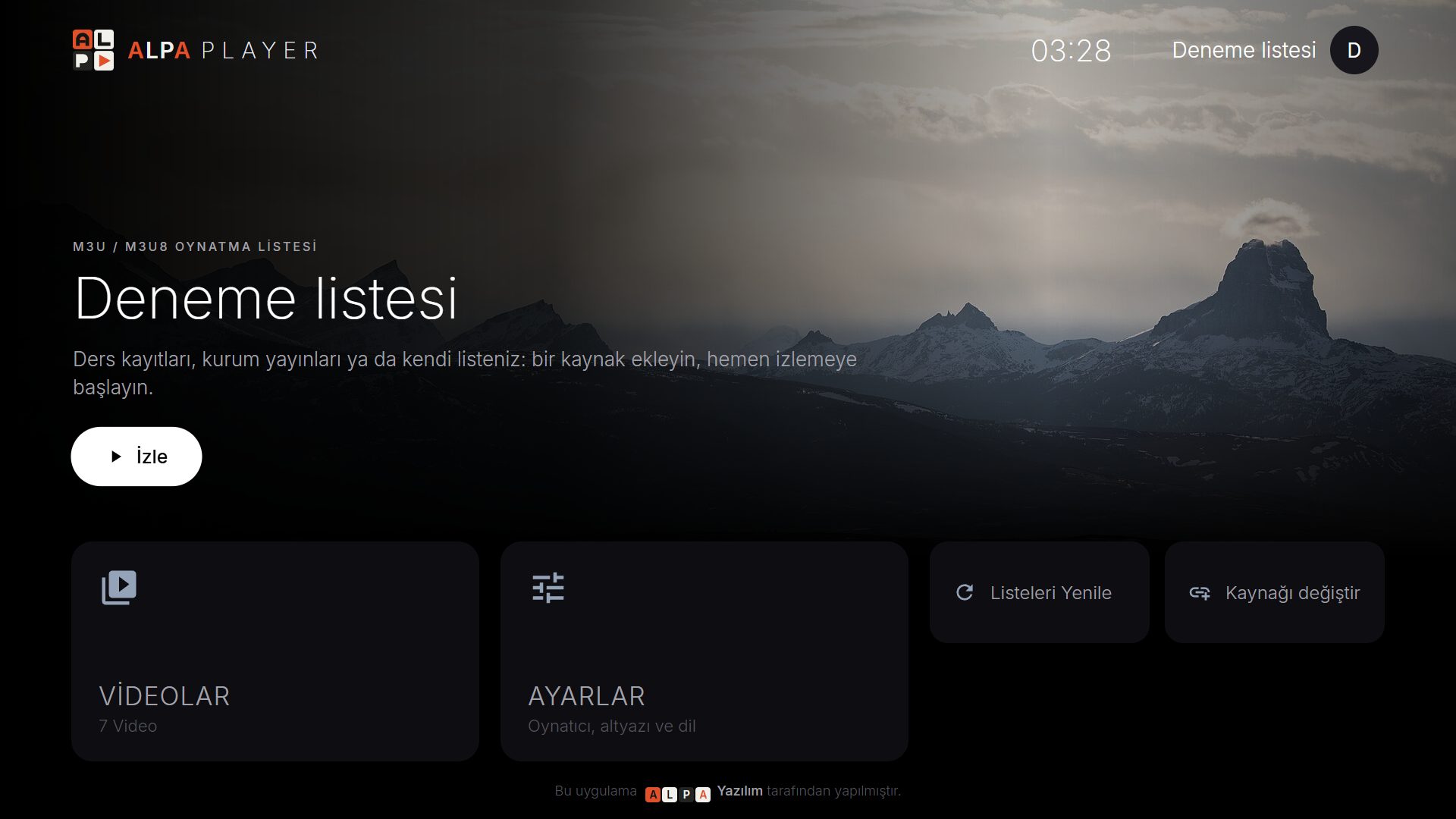
For a step-by-step walkthrough, follow how to add an M3U playlist.
What if a test stream will not play?
If a test address will not play, first check whether the address itself is alive, then check the player and the network. A quick test from the command line looks like this:
curl -I https://test-streams.mux.dev/x36xhzz/x36xhzz.m3u8If the response line shows 200, the server is up; a 404 or a connection error suggests the address has died. Work through this order:
- Try the address in another player or on a different network to see whether the problem is specific to one device.
- Make sure the address starts with
https://and has no stray space at the end. - On Android, try Alpa Player's VLC engine or the external player option; see ExoPlayer vs VLC for the difference.
- If the picture appears but keeps stalling, move on to how to fix video buffering.
If none of the test addresses plays, the cause is most likely your connection; our guide to internet speed for streaming can help.
How do you prepare your own test content?
The safest test content is an HLS package you build from your own footage, because you already hold the rights. With FFmpeg, one command produces HLS output cut into six-second pieces:
ffmpeg -i video.mp4 -c:v libx264 -c:a aac -f hls -hls_time 6 -hls_playlist_type vod index.m3u8Put the resulting index.m3u8 and its segments on your own server, or on a web server inside your home network, and give the address to the player. That way you test not only the player but also your network and server. Use only videos you have the right to use; the copyright article mentioned above covers your own footage.
To sum up: do not hunt for random addresses. Use the open-license films and the examples companies publish themselves, remember the credit line, and keep in mind that addresses can change. If your player opens these seven samples cleanly, its basic format support is in good shape.
Step by step: How to try a test M3U8 stream in your player
- Pick one of the seven addresses above; Big Buck Bunny (HLS) is a good first choice.
- Open the Alpa Player web demo, or paste the address on the Add Source screen of the app as a single video link.
- Start playback and watch the start-up time, seeking and quality switching.
- Try the live samples too; a missing progress bar is expected there.
- For an address that will not open, retry on another network or with another playback engine.
Frequently asked questions
What is a test M3U8 stream?
A test M3U8 stream is a sample address pointing to the playlist of an HLS video, published so you can check how a player behaves. The content is usually an open-license film or an example stream that a company provides for developers. The seven addresses in this guide are also used by the browser demo.
Can I use Big Buck Bunny freely?
Big Buck Bunny is a Blender Foundation film released under the Creative Commons CC BY 3.0 license. You may copy, share and adapt it as long as you give proper credit, meaning the owner and the license. This is not legal advice.
Why does a test address stop working one day?
These addresses live on third-party servers, and their owners can change or remove them without notice. First try the address in another player or on another network. If it opens elsewhere, the problem is on your device or network.
How do I open the test streams in Alpa Player?
Add the address on the Add Source screen as a single video link, or use the browser-based Alpa Player demo with no installation. On a TV, use the remote playlist upload page so you do not have to type long addresses; you do the upload yourself.
Why is there no progress bar in the live test stream?
A live stream has no end, so the progress bar can be limited or missing. That is not a fault. Test seeking and total duration with ready-made files such as Big Buck Bunny, Tears of Steel or Sintel.
Sources
Related articles
 Streaming technology
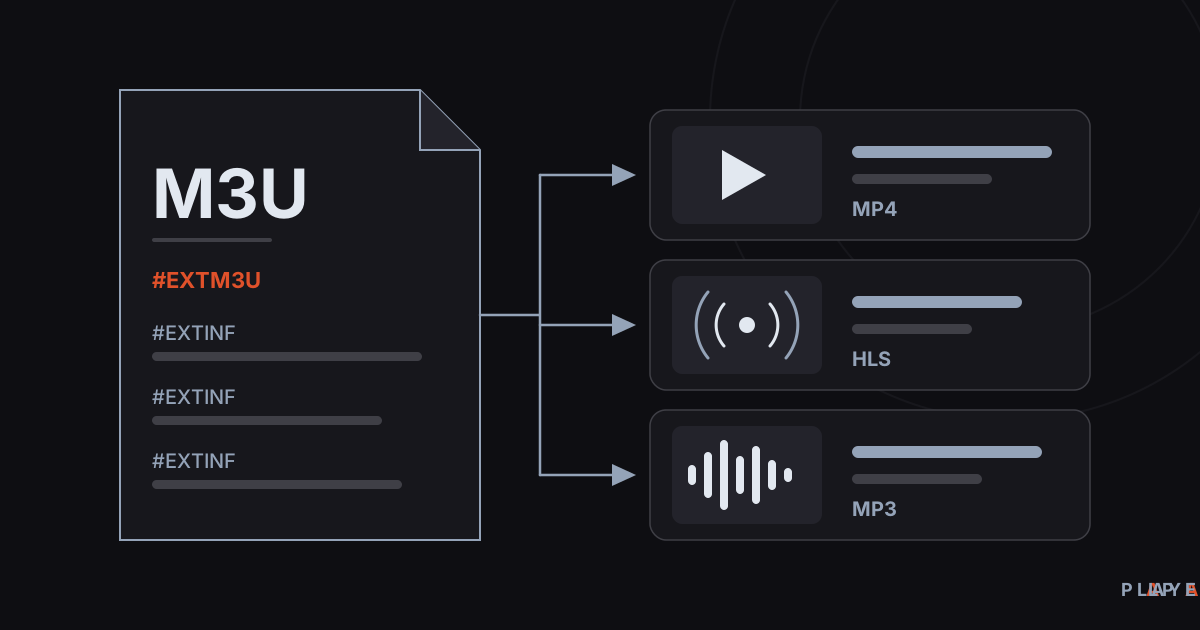
What Is an M3U File? Structure and How to Open It
What is an M3U file? Learn how this plain-text playlist format works, what the #EXTINF lines mean, and how to open an M3U file on any device.
 Streaming technology
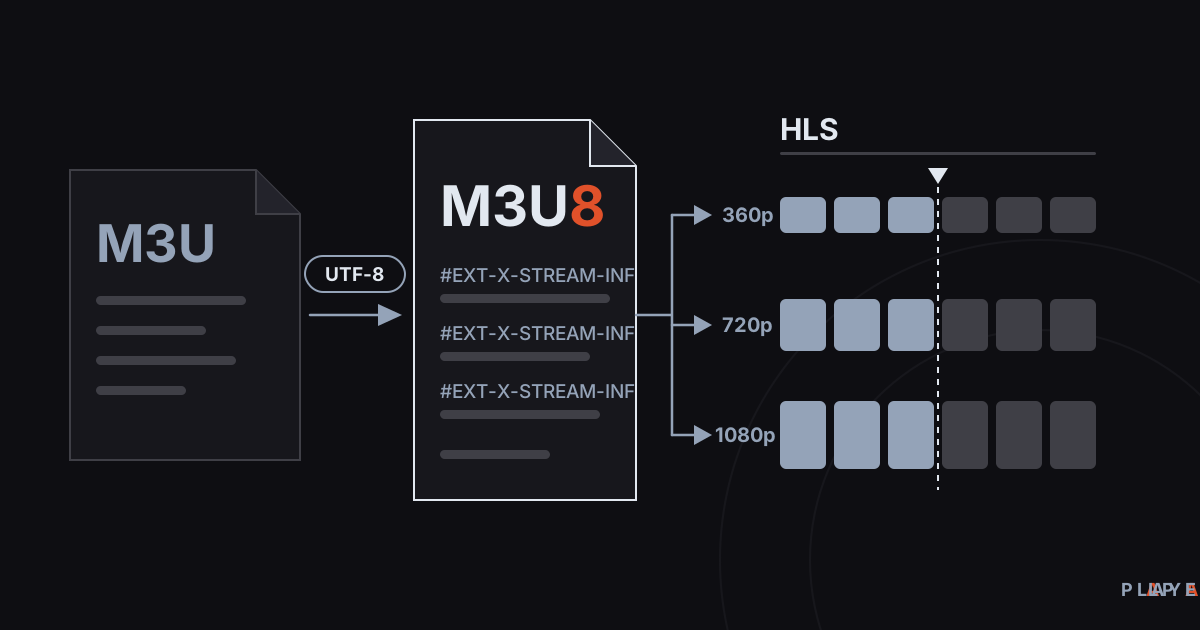
M3U8 vs M3U: Differences and How to Play M3U8
M3U8 vs M3U explained: how the UTF-8 playlist differs from M3U, what role it plays in HLS streaming, and how to play .m3u8 files on any device.
 Streaming technology
HLS Streaming Explained: How HTTP Live Streaming Works
HLS streaming explained in plain language: how HTTP Live Streaming cuts video into segments, what .m3u8 playlists do, and why live streams lag.