 Premium Media Experience
All your videos in one player.
Lesson recordings, institution streams or your own playlist: the same premium experience on your phone, TV and computer. Try it right below, no download needed.
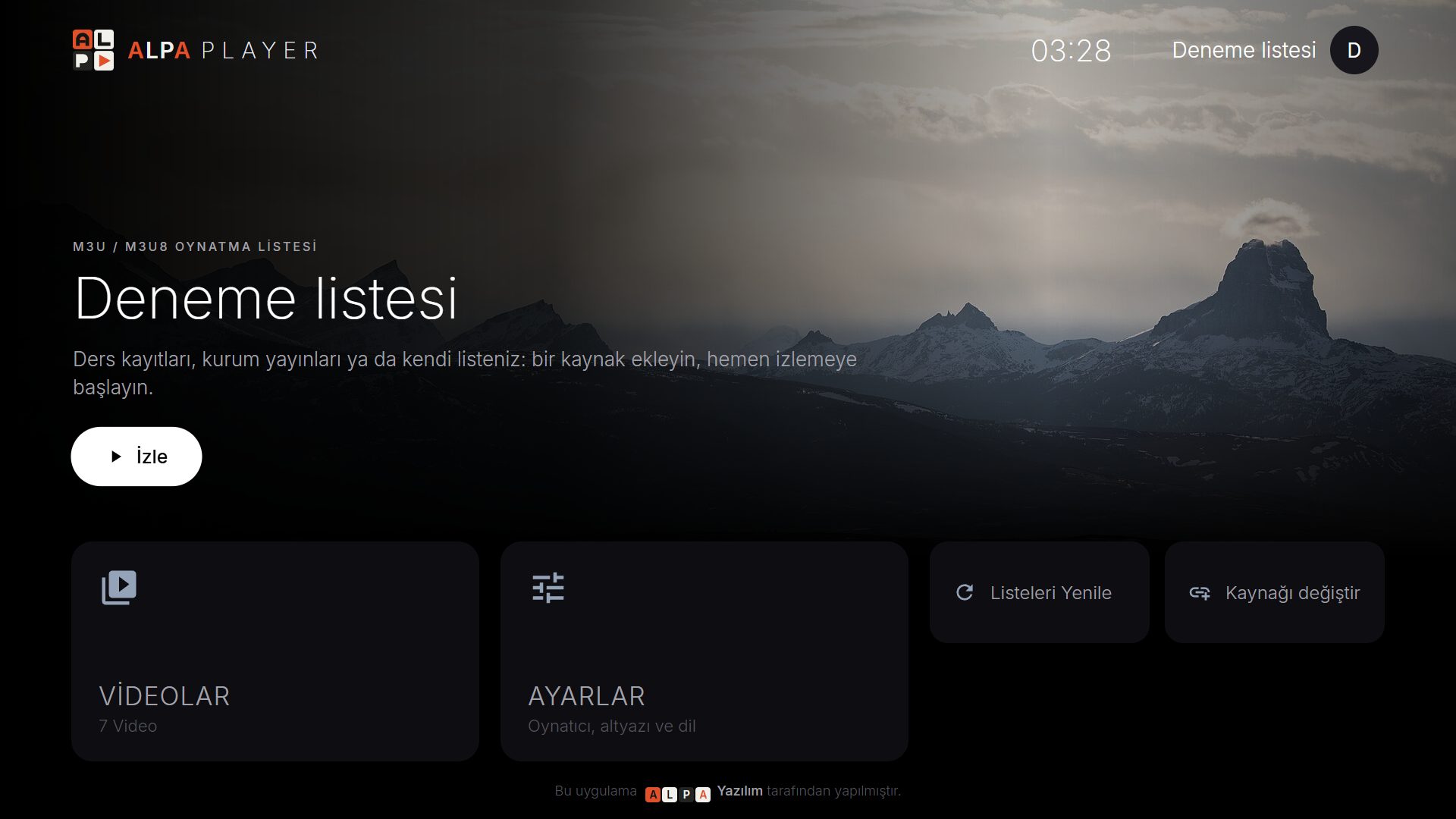
You cannot add your own list in the web demo; download the app to use your own M3U / M3U8 list, server account and institution sign-in. Sample content: Big Buck Bunny, Sintel, Tears of Steel © Blender Foundation, CC BY 3.0 (posters from Wikimedia Commons); the test streams are public sample streams by Mux, Unified Streaming, Akamai and Apple.
Simple, fast and truly premium.
As simple as Apple TV and Netflix, and just as easy with a remote, touch or a mouse.
Plays every format
M3U and M3U8 playlists, HLS streams, MP4, MKV, RTSP and more.
Your own source
A playlist address, a single video link or the account your service provider gave you.
Made for the remote
Smooth navigation with the arrow keys on TV; quick switching between channels, movies and episodes.
Pick up where you left off
Unfinished videos, favourites, recently watched and the programme guide, one tap away.
Your details are safe
Addresses and passwords are kept encrypted with AES-256 in the device’s secure storage and are never shown on screen.
Only your content
Alpa Player contains no ready-made channels or lists; only the source you add is shown.
Alpa Player is not a broadcasting service. It does not sell, provide or host channels, matches, movies, series or any other content. The app is only for playing your own content that you have the right to use; using unauthorised streams is forbidden and the user is responsible for it. Read the full legal notice
Keep your lesson videos with your students only.
- Upload lesson videos — students watch with the institution code, their number and password.
- Short-lived signed links — the video address is never given out; the link expires in 120 seconds and does not open on another device.
- Watermark — the student number moves across the video; screen recording is discouraged.
- Device lock — each student on at most the number of devices you set; reset with one click.
- Your institution’s look — logo, name and colours appear in the app automatically.
- Bulk student import — with Excel or via API from your student system.
- Classroom and conference TVs — register the device in the panel by its MAC ID.
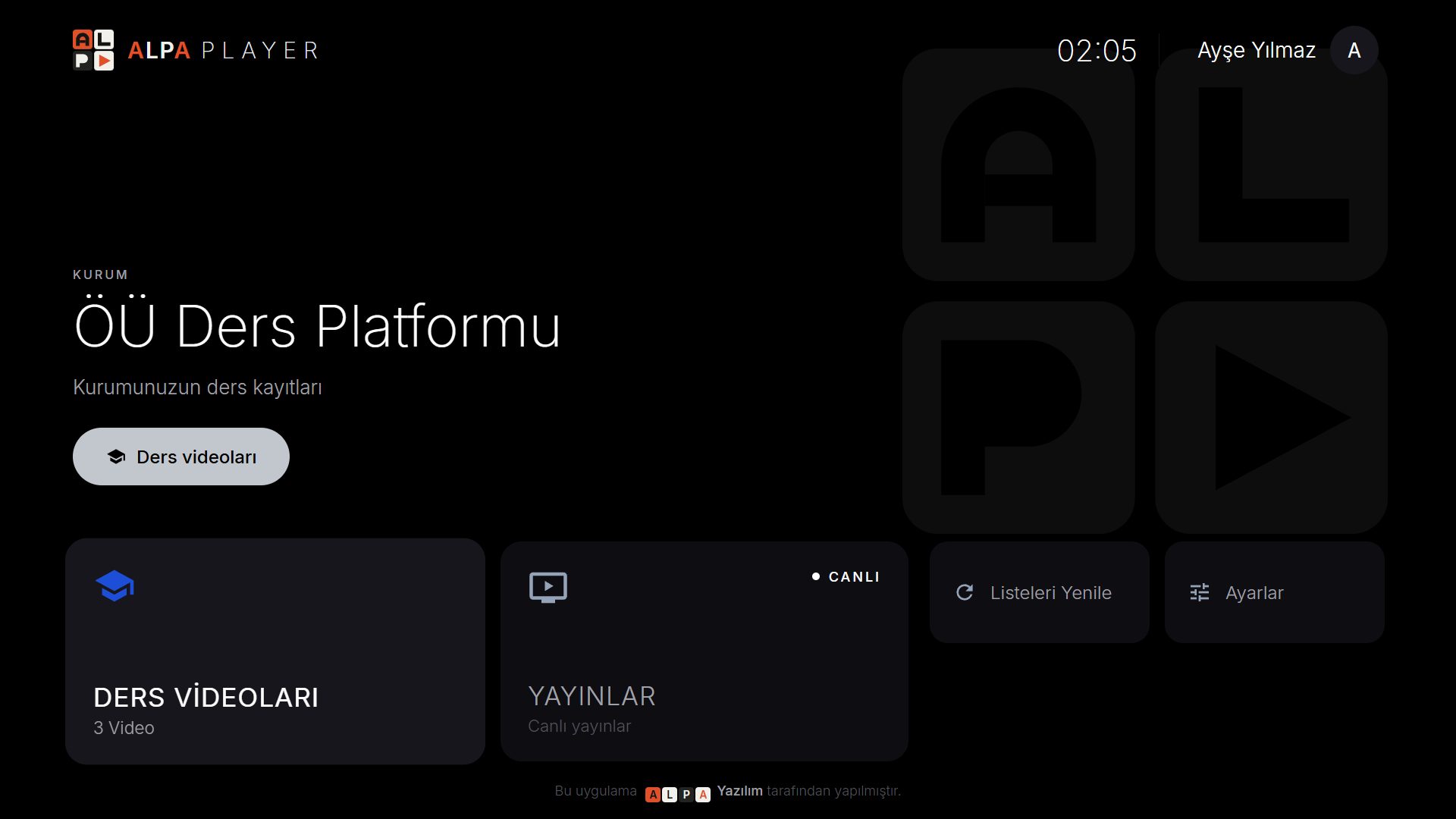
The same care on every screen.
Free for everyone.
Alpa Player is a non-profit project. Both the app and the institution panel are free; there are no memberships, subscriptions or purchases. Schools, hospitals, hotels and municipalities apply for a panel free of charge.
Don’t type your list with the remote.
The app’s Add source → Device ID screen (MAC on TV) shows the MAC address and a 6-digit key. Enter them on your phone or computer and add your server account details or M3U address; the list arrives on your TV. Your address and password are never shown anywhere in the app.
Alpa Player does not provide content. The user is responsible for the uploaded list being legal; every upload is recorded with the IP address and MAC address.
Frequently asked questions
Does Alpa Player include channels or movies?
No. Alpa Player is a player; it contains no ready-made channels, movies, series or lists, and we do not sell content. It only plays sources you add yourself and have the right to use.
Which sources can I add?
An M3U / M3U8 playlist address, a single video or stream link (MP4, M3U8, RTSP…), a server account (username and password) from your service provider, or a student / staff account from your institution.
How does our institution get started?
Fill in the panel application form; once your institution account is opened, you upload lesson videos in the panel and import students with Excel or via API. Students sign in to the app with the institution code, their number and password.
Does it cost anything?
No. Alpa Player and the institution panel are free; there are no purchases or subscriptions.
Where are my details stored?
The addresses and passwords you add are kept encrypted only on your own device, in its secure storage; they are not sent to us. See the Privacy Policy for details.
When is the iPhone and iPad version coming?
The iPhone and iPad app is being prepared and will arrive on the App Store very soon.