
What Is an M3U File? A Plain-English Guide to the Playlist Format
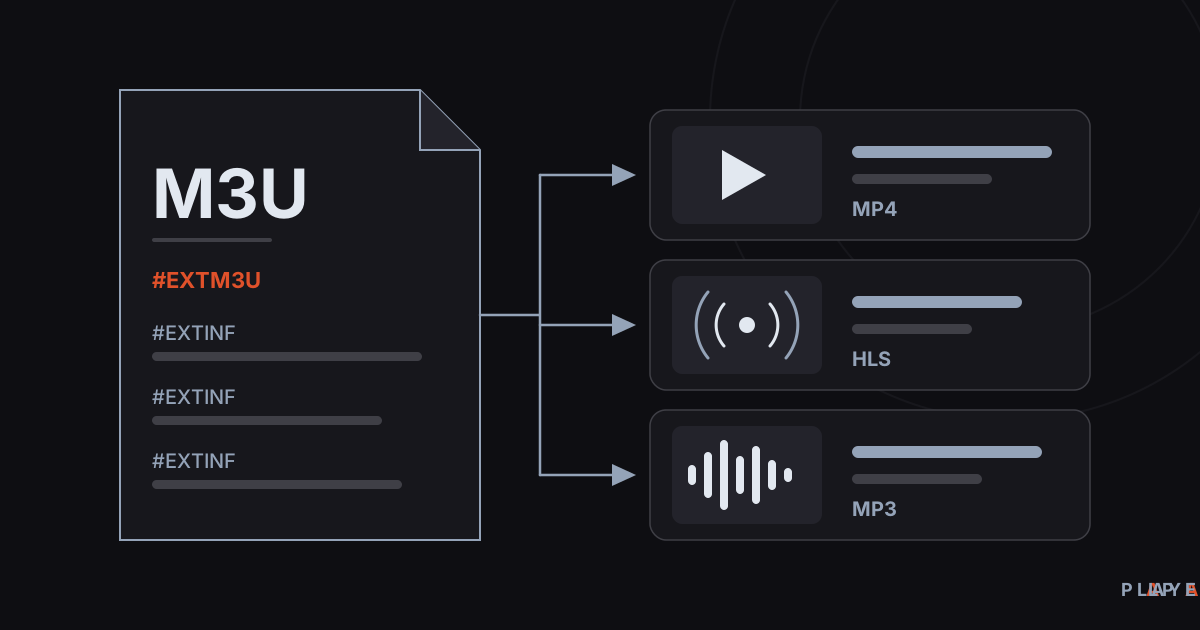
Short answer: An M3U file is a plain-text playlist in which each line holds the location of an audio file, a video file, or a stream. The file contains no media itself; it only tells a player what to open and in which order. The extended version starts with #EXTM3U and adds #EXTINF lines for duration and title. Any media player, including Alpa Player, can open it.
Key takeaways
- An M3U file carries no audio or video; it is a plain-text list of file paths or web addresses.
- Extended M3U begins with #EXTM3U and puts an #EXTINF line before each entry to give its length and title.
- You can read the file in any text editor and play it in any media player that supports playlists.
- If non-English characters look garbled, save the file as UTF-8 and give it the .m3u8 extension.
- M3U is only a format; making sure you have the right to use what a list points to is up to you.
"What is an M3U file?" is the question almost everyone asks the first time a player asks for a playlist. You open the file and find no video and no audio, just lines of text. This guide explains what an M3U file is, what the lines inside it mean, how to open one, and what to check when it refuses to play.
Everything here applies to any player. Alpa Player, a free media player developed by https://alpayazilim.com, plays the same format.
What is an M3U file and what is it for?
M3U is a plain-text playlist format that lists audio files, video files, or stream addresses in the order a player should open them. The file holds no media of its own. Each line simply says "play this, then play that," and the player follows the list.
The name comes from "MP3 URL." The format grew up in the Winamp era as a way to queue music files, then spread to videos, internet streams, and files on remote servers. Today nearly every desktop and mobile player can read it.
M3U was never formally standardized, so it is a convention rather than a strict specification. Apple's HLS streaming technology builds on it, and RFC 8216 says so directly: the HLS playlist format is derived from M3U and inherits the EXTM3U and EXTINF tags from it. We cover that link in what is M3U8.
What is inside an M3U file?
An M3U file is made of tag lines and address lines, and every line carries one piece of information. The sample below shows the extended layout you will meet most often. All addresses are examples and do not point to real sources.
#EXTM3U
#EXTINF:215,Summer Trip Video
https://media.example.com/videos/summer-trip.mp4
#EXTINF:-1 group-title="Sample",Sample Live Stream
https://live.example.com/sample/index.m3u8
#EXTINF:187,Acoustic Session
https://media.example.com/music/acoustic.mp3
The table below explains what each kind of line does.
| Line | Meaning | Required? |
|---|---|---|
#EXTM3U | Marks the file as extended M3U; it sits on the first line. | Yes, in extended files |
#EXTINF:length,title | Gives the length in seconds and the display name of the entry that follows. | No, but recommended |
| Address or file path | The audio, video, or stream to play. | Yes |
Other lines starting with # | Comments or extra tags; a player that does not know them ignores them. | No |
A length of -1 means the duration is unknown or the stream never ends, which is common for live feeds. Extra fields such as group-title are unofficial additions that some players read; not every player treats them the same way.
What is the difference between basic and extended M3U?
Basic M3U contains nothing but addresses, while extended M3U adds titles, lengths, and other details. Both can use the same .m3u extension, so the quickest way to tell them apart is to look at the first line.
| Feature | Basic M3U | Extended M3U |
|---|---|---|
| First line | The first address | #EXTM3U |
| Title and length | None; the player shows the file name | Provided by #EXTINF |
| Extra fields | None | Optional tags that vary by player |
| Character encoding | Not defined, often a legacy code page | Not defined; use .m3u8 for UTF-8 |
How do M3U, M3U8, and other playlist formats differ?
M3U8 is simply M3U saved in UTF-8, which is what the trailing "8" stands for. It has the same structure but safely carries accented and non-Latin characters. The same extension is also used by HLS streaming playlists, so one .m3u8 file may be a plain list or the description of a single stream.
The details of that overlap are in what is M3U8 and how it differs from M3U, and the segment mechanics are in what is HLS streaming. For comparison, these are the playlist formats you are most likely to see:
- M3U: plain text, one entry per line. The simplest and most widespread.
- M3U8: UTF-8 encoded M3U, also used for HLS playlists.
- PLS: an INI-style text format that stores entries under numbered keys.
- XSPF: an open, XML-based playlist format.
How do you open an M3U file?
You can open an M3U file in two ways: with a text editor to read its contents, or with a media player to play what it lists. The first shows you the lines; the second makes the player work through them in order.
To read the contents
Right-click the file, choose "Open with," and pick Notepad or any other text editor. If you only want to look, close it without changing anything.
To play it
On a computer, common players such as VLC open .m3u and .m3u8 files directly. On phones, tablets, and TVs you usually hand the list to a media player app.
Alpa Player plays M3U and M3U8 playlists. It runs on Android phones and tablets, Android TV and Google TV, Samsung TV (Tizen 2020 and later), LG TV (webOS 2020 and later), and Windows. You add the list on the add-source screen as a playlist address; the steps are in how to add an M3U playlist. To skip typing a long address with a TV remote, see uploading a playlist to your TV remotely. For current versions, download Alpa Player for free.
The app ships with no channels, movies, series, or lists, and it is not a streaming service. Having the right to use whatever you add is your responsibility.
What is the difference between local and remote M3U playlists?
Local playlists point to file paths on your own computer, while remote playlists point to addresses on the internet. Which kind you use decides whether the list can work on other devices.
- Local path: something like
C:\Music\song.mp3or a relative path such as../music/song.mp3. Move the file and the entry breaks; on another device it will not work at all. - Remote address: something like
https://media.example.com/video.mp4. It works from any device as long as the server is reachable. - Server-generated list: some servers build the list on request, so the address may not end in .m3u. What matters is a plain-text response.
How do you create your own M3U file?
Creating your own M3U file takes a text editor and a few minutes. The steps suit a list of your own videos or any sources you are entitled to use.
- Open a plain-text editor such as Notepad. Avoid word processors, which add hidden formatting.
- Type
#EXTM3Uon the first line. - For each entry, add an
#EXTINFline and put the address on the line right below it. - Use "Save as," choose UTF-8 encoding, and give the file the
.m3u8extension. - Open the file in a player and check that every entry plays.
To try a player on something openly licensed, see free test video streams and the in-browser demo.
Why won't my M3U file open or play?
When an M3U file fails, the cause is usually the file format or one of the addresses inside it. The table lists the most common culprits.
| Symptom | Likely cause | What to do |
|---|---|---|
| No entries appear | The file is empty, the first line is damaged, or a web page was saved by mistake | Open it in a text editor; the first line should be #EXTM3U |
| Accented letters look broken | Wrong character encoding | Save as UTF-8 and use .m3u8 |
| The list opens but entries will not play | The address expired, the server is down, or the path moved | Try the address in a browser or another player |
| Only some entries play | The format or codec is not supported on the device | Switch the playback engine; see ExoPlayer vs VLC |
| Playback keeps stalling | Network speed or Wi-Fi trouble | Follow the steps in how to fix video buffering |
On Android, Alpa Player uses an ExoPlayer (Media3) based engine by default, with a VLC engine and an external player option as alternatives. A source that struggles in one engine sometimes plays fine in another, so switching is a quick experiment.
What should you know about legal use and safety?
M3U is just a file format and using it is legal; any legal question comes from the content a list points to. In most countries, copyright laws make it illegal to publish or watch content without permission or a license. This article is not legal advice.
- List only content you filmed yourself, bought, or that is published under an open license.
- If an address contains a username, password, or key, do not share the list with anyone.
- Do not add lists from sources you do not know; unfamiliar addresses carry security risk.
In Alpa Player, saved addresses and passwords are kept encrypted with AES-256 in the device's secure storage, are never shown on screen, and are not sent to Alpa Yazılım. When a user uploads a list through the website, the user is responsible for it, and each upload is recorded with the IP and MAC address. See the legal notice and are media player apps legal for more.
What should you remember about M3U files?
An M3U file is a simple list that carries no media and only says where to look. That simplicity is why it works almost everywhere, and why it fails quietly when an address is dead or the encoding is wrong. If a file will not open, check the first line, then the encoding, then the addresses. Still choosing a player? Start with what is a media player.
Step by step: How to create your own M3U file
- Open a plain-text editor such as Notepad and type #EXTM3U on the first line.
- Add an #EXTINF line for each entry and put the entry's address on the line below it.
- Save the file with UTF-8 encoding and the .m3u8 extension.
- Open the file in a media player and check that every entry plays.
Frequently asked questions
Does an M3U file contain video?
No. An M3U file is a plain-text list with no audio or video data inside. Each line points to a file path or web address where the media lives, and the player opens those locations one after another. That is why M3U files are tiny compared with the videos they point to.
Can an M3U file be harmful?
The file itself is plain text and cannot run code. The addresses inside it, however, can lead to servers you know nothing about, so adding a list from an unknown source means connecting to unknown content. Only use lists from sources you trust and have the right to use.
Are M3U and M3U8 the same thing?
They share the same structure; the difference is encoding. M3U8 is M3U saved in UTF-8, so it carries accented and non-Latin characters reliably. HLS streams also use the .m3u8 extension for their playlists. For the full picture, read what is M3U8.
Can I edit an M3U file in Notepad?
Yes. M3U is plain text, so Notepad, VS Code, or any text editor works. Save with UTF-8 encoding, and use the .m3u8 extension if the file has accented characters. Avoid word processors such as Word, which add formatting that breaks the file.
What does -1 mean in an #EXTINF line?
A value of -1 in the length field says the duration is unknown or the stream runs continuously, which is common with live feeds. The player simply opens the entry. For a normal video you can write the real length in seconds instead.
Why do accented characters look broken in my playlist?
Usually the encoding does not match: the file was saved with an old code page while the player expects UTF-8. Re-save it as UTF-8 in a text editor and rename it to .m3u8. If the characters are still wrong, open the file in a second player to see whether the list or the player is at fault.
Sources
Related articles
 Streaming technology
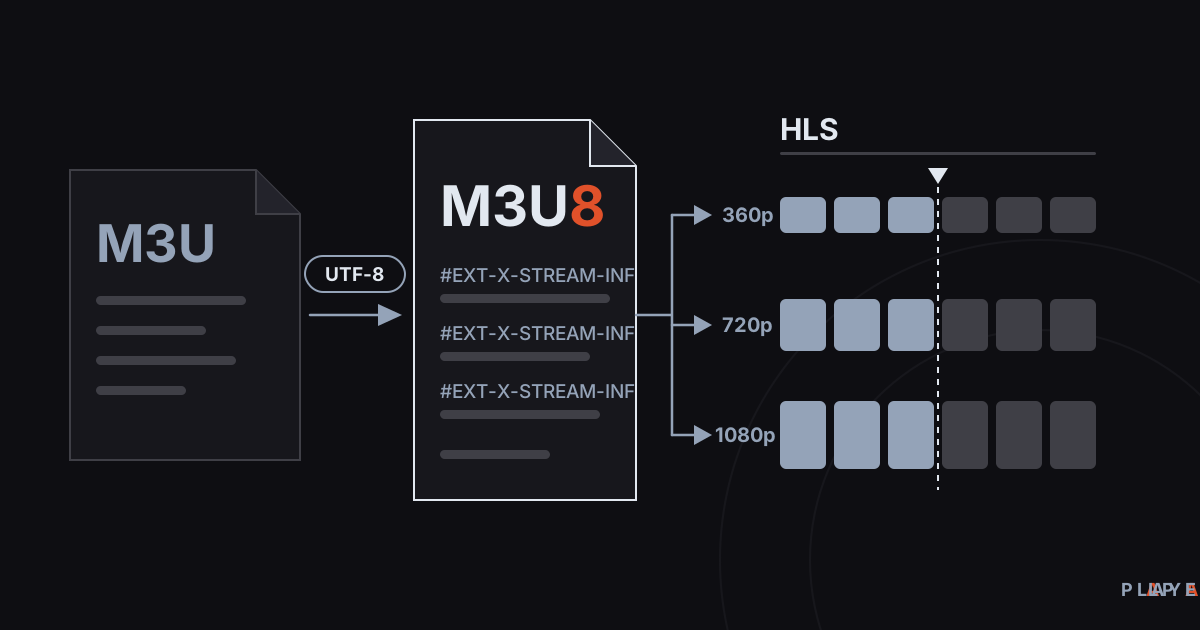
M3U8 vs M3U: Differences and How to Play M3U8
M3U8 vs M3U explained: how the UTF-8 playlist differs from M3U, what role it plays in HLS streaming, and how to play .m3u8 files on any device.
 Streaming technology
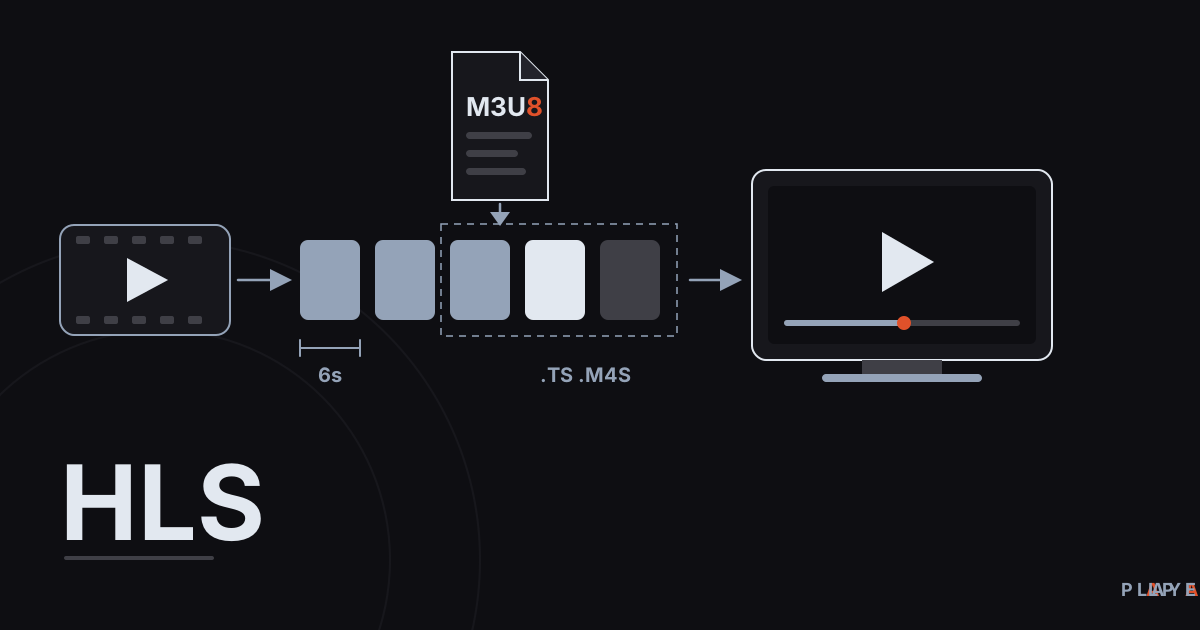
HLS Streaming Explained: How HTTP Live Streaming Works
HLS streaming explained in plain language: how HTTP Live Streaming cuts video into segments, what .m3u8 playlists do, and why live streams lag.
 Streaming technology
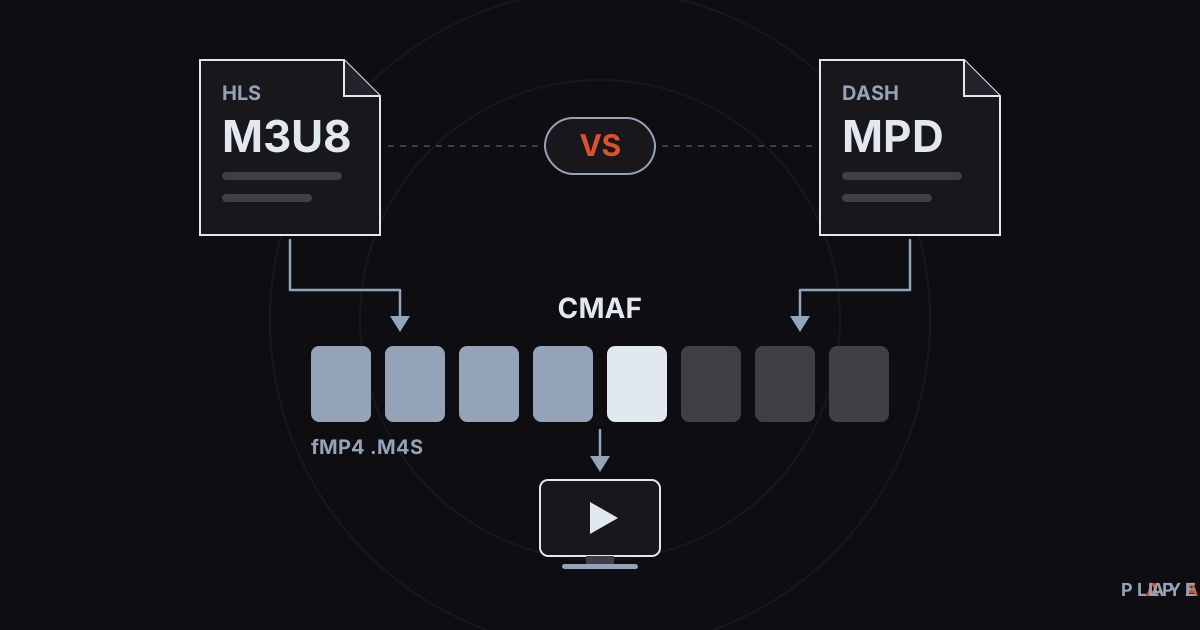
DASH vs HLS: Differences, Compatibility, and CMAF
DASH vs HLS compared: how MPEG-DASH and HLS manifests differ, which devices play each one, and how CMAF lets both share the same video segments.