
What Is RTSP? How to Play an IP Camera Stream Safely
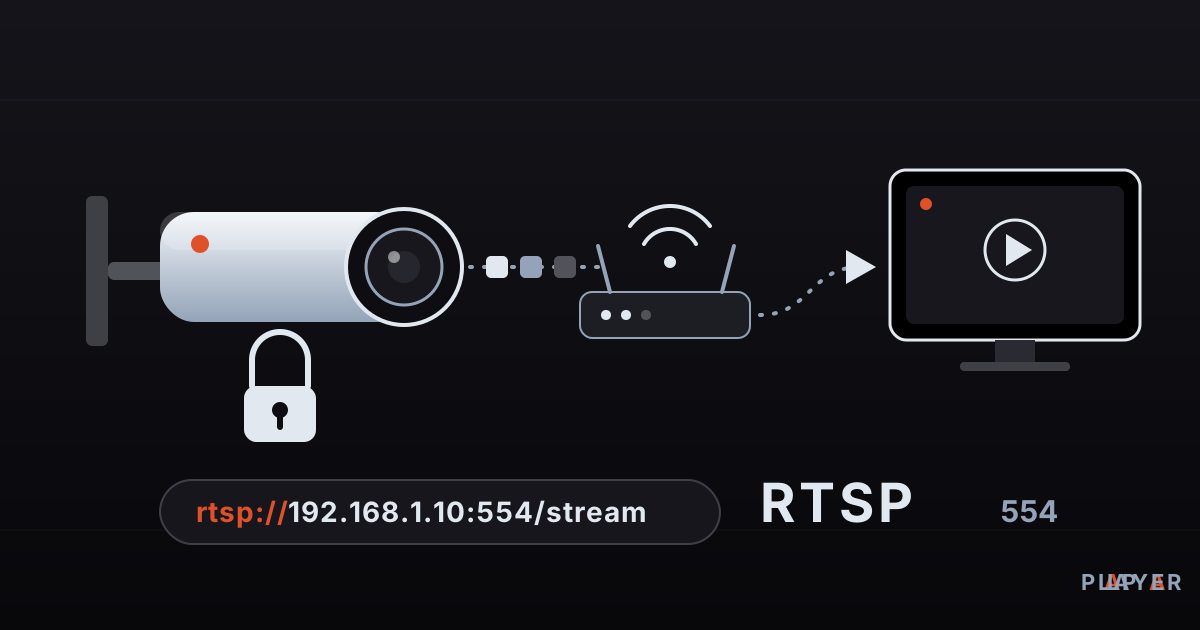
Short answer: RTSP (Real-Time Streaming Protocol) is a network protocol that controls live video streams from IP cameras and media servers. Its addresses start with rtsp:// and usually use port 554. To watch a camera, paste its address into a stream player that supports RTSP. Always change the camera's default password before connecting it to your network.
Key takeaways
- RTSP is a control protocol for live streams; the video itself is usually carried by a separate protocol called RTP.
- An RTSP address looks like rtsp://USER:PASSWORD@IP:554/path, and the path differs from one manufacturer to the next.
- Private addresses such as 192.168.x.x only work inside your own network; use a VPN instead of exposing the camera to the internet.
- Change the camera's factory password on day one, because default credentials are printed in public manuals.
- If a stream will not open, check the address, the path, special characters in the password, whether you are on the same network, and codec support.
If you have ever set up a security camera, you have probably seen a line that begins with rtsp:// and wondered what it means. RTSP is the protocol most IP cameras use to hand out live video, and a good stream player can open it directly. This guide explains what RTSP is, how its addresses are built, how to play a camera feed on your phone, PC or TV, what to do when it fails, and how to keep your cameras from becoming someone else's entertainment.
What is RTSP?
RTSP, short for Real-Time Streaming Protocol, is a network protocol that lets a player send commands such as play, pause and stop to a streaming server or camera. The first version was published in 1998 as RFC 2326. A revised, incompatible version, often called RTSP 2.0, followed in 2016 as RFC 7826. In practice, most IP cameras still speak version 1.0. A broader overview is available in the Wikipedia article on RTSP.
An important detail: RTSP does not usually carry the picture itself. Think of a TV remote, which changes channels but does not transmit the show. RTSP works the same way, while the audio and video typically travel over RTP, the Real-time Transport Protocol.
How does RTSP work?
RTSP works with plain-text, HTTP-style requests: the player asks the camera a few questions in a fixed order, and then the camera starts sending video. These are the main commands:
| Command | What it does |
|---|---|
| OPTIONS | Asks which commands the server supports |
| DESCRIBE | Requests details of the stream; the server answers with video and audio information in SDP format |
| SETUP | Chooses how the media will travel (UDP or TCP) |
| PLAY | Starts the stream |
| PAUSE | Pauses the stream |
| TEARDOWN | Ends the session |
The picture then flows by one of two routes. UDP keeps latency low but can lose packets on a weak wireless link. TCP never loses data, at the cost of a little extra delay. If a camera feed breaks up over Wi-Fi, switching to TCP is one of the most common fixes.
What does an RTSP URL look like?
An RTSP URL resembles a web address but starts with rtsp:// and often includes a username and password. The general shape is:
rtsp://USER:PASSWORD@192.168.1.10:554/stream| Part | Example | Meaning |
|---|---|---|
| Scheme | rtsp:// | The protocol; the encrypted variant is written rtsps:// |
| Credentials | USER:PASSWORD@ | The camera's username and password, if required |
| Host | 192.168.1.10 | The camera's address on your network |
| Port | 554 | The standard RTSP port; often optional |
| Path | /stream | Which stream you want; varies by manufacturer |
There is no universal path. Some models name the main stream /stream1 and the secondary one /stream2; others use a longer path with a channel number. The exact address is in the camera manual or its web interface. If your password contains characters such as @, : or /, they must be percent-encoded inside the URL; an @ becomes %40.
One more real-world point. Addresses like 192.168.x.x and 10.x.x.x are private: they work only from inside the same network. A phone on mobile data cannot reach them. It also helps to reserve a fixed address for the camera in your router so the URL does not change next week.
RTSP vs HLS: which one is for what?
RTSP is built for low-latency viewing of a single source, while HLS is built for browsers and large audiences. Cameras speak RTSP; websites and TV services speak HLS. Here is the contrast:
| Aspect | RTSP | HLS |
|---|---|---|
| How it works | Live session with continuous stream | Short file segments over HTTP |
| Typical delay | Usually low | Usually several seconds |
| Plays in a web browser | Not directly | Widely supported |
| Typical use | IP cameras, surveillance systems | Live broadcasts, video platforms |
| Scaling | A few viewers | Many viewers via a CDN |
We explain the HTTP side in our HLS guide. Because browsers cannot play RTSP directly, websites that show a camera feed usually convert the RTSP stream to HLS or a similar format behind the scenes.
How do you play an RTSP stream on a player?
To play an RTSP stream, give the camera's RTSP address to a player that supports the protocol. First test the address on a computer. In VLC, open Media, then Open Network Stream, and paste the URL. With FFmpeg, this command connects over TCP:
ffplay -rtsp_transport tcp "rtsp://USER:PASSWORD@192.168.1.10:554/stream"If it plays, enter the same address into the player app on your TV or phone. Many cameras offer a main stream (high resolution) and a sub-stream (low resolution). On a slow TV box or a weak Wi-Fi link, the sub-stream often plays more smoothly. Camera video is normally H.264 or H.265; see our codec comparison for how they differ.
Why won't an RTSP stream open?
When an RTSP stream will not open, the cause is almost always the address, the network or codec support. This table works as a quick checklist.
| Symptom | Likely cause | Fix |
|---|---|---|
| Cannot connect, timeout | Different network, changed IP, blocked port | Join the same network; check the camera IP and port 554 |
| 401 unauthorized | Wrong username or password, special characters | Verify credentials; percent-encode special characters |
| 404 not found | Wrong path | Look up the correct path in the manual |
| Frozen or garbled picture | UDP packet loss, weak Wi-Fi | Use TCP if possible; move to a wired connection |
| Sound but no picture | Player cannot decode the codec (such as H.265) | Switch the camera to H.264 or try another engine |
| Second device cannot connect | Camera limits simultaneous connections | Close other viewers; use the sub-stream |
For general stuttering problems beyond cameras, see our list of fixes for video buffering.
How do you keep an IP camera stream secure?
The first rule of camera security is to change the factory password. Many IP cameras ship with an easy-to-guess username and password such as "admin", and those defaults are printed in public manuals, so an attacker does not even need to guess. Here is what to do:
- Change the default password on day one. Use a long, unique password, and change the default username too.
- Never forward port 554 to the internet. Port forwarding can make your camera visible to anyone, and exposed cameras can be found by automated scanners. For remote viewing, use a VPN.
- Put cameras on a separate network. A guest network or a VLAN keeps them apart from your computers and phones.
- Turn off UPnP. This router feature can open ports for the camera without telling you.
- Update the firmware. Manufacturers close security holes through updates.
- Remember that the password is sent in the clear. With basic authentication, the credentials in the URL can be read easily on the network path. Avoid untrusted networks, or use rtsps:// or a VPN.
Our article on media player privacy and security covers what to check on the player side.
How does Alpa Player play RTSP streams?
Alpa Player is a free media player developed by Alpa Yazılım. It plays RTSP and HLS streams, M3U and M3U8 playlists, MP4 and MKV files and more. You add your camera's RTSP address as a single stream link from the Kaynak Ekle (Add Source) screen; the process is similar to the one described in our guide to adding a source. Addresses and passwords you add are stored in the device's secure storage with AES-256 encryption, are not shown on screen and are not sent to Alpa Yazılım. Because RTSP addresses often contain a password, that is a useful detail.
On Android, the default engine is based on ExoPlayer (Media3), with a VLC engine and an external-player option. Download Alpa Player for free for Android, Android TV, Samsung TV, LG TV, Fire TV and Windows; store versions are still being released. See our playback engine comparison for choosing between engines.
What about privacy and the law when streaming cameras?
Connect only to cameras you own or are authorized to watch. Accessing someone else's camera without permission is a crime in most countries. Even with your own camera, footage that shows neighbors' windows, shared spaces or employees can fall under privacy and data-protection rules. This article is not legal advice, so check the rules where you live. Alpa Player provides no content and plays only sources you have the right to use; see the legal notice for details.
Step by step: How to play an IP camera RTSP stream
- In the camera's web interface, confirm that RTSP is enabled and that the default password has been changed.
- Find the camera's RTSP address in its manual; the format is rtsp://USER:PASSWORD@192.168.1.10:554/stream.
- Test the address on a computer first, using VLC's Open Network Stream.
- If it works, add the same address as a single stream link in your player app.
- If the picture stutters, try the sub-stream, TCP transport or a wired connection.
Frequently asked questions
What is RTSP used for?
RTSP is used to start, pause and stop a live or recorded stream from a camera or media server. You find it in IP cameras, network video recorders (NVRs) and some media servers. The audio and video usually travel over RTP, while RTSP manages the session.
Which port does RTSP use?
The standard RTSP port is 554. Most IP cameras use it by default, so you can often leave the port out of the address. Some cameras use a different port, in which case you add it after the IP address with a colon. For safety, never expose this port to the internet.
How do I find my camera's RTSP URL?
It depends on the manufacturer. Check the camera manual, the maker's support site or the stream settings in the camera's web interface. Many cameras also support the ONVIF standard, and ONVIF-compatible tools can display the stream address automatically. Testing the URL in VLC first reveals wrong paths or passwords quickly.
Can I watch an RTSP stream in a web browser?
Not directly, because browsers do not play RTSP. Websites that show camera feeds convert the RTSP stream into HLS or WebRTC behind the scenes. To watch RTSP itself, use an app or player that supports it, such as VLC.
Why should I change my camera's default password?
Factory passwords are listed in public manuals and are the first thing attackers try. If you leave them in place, your camera can become viewable by anyone on your network, and sometimes by anyone on the internet. A long, unique password makes unauthorized access far harder.
Which is better, RTSP or HLS?
They solve different problems. RTSP usually offers lower delay, which is why cameras use it. HLS runs over HTTP, so it works in browsers and scales to large audiences, but its delay is often several seconds. For watching your own camera at home, RTSP is usually the better fit.
Sources
Related articles
 Formats & codecs
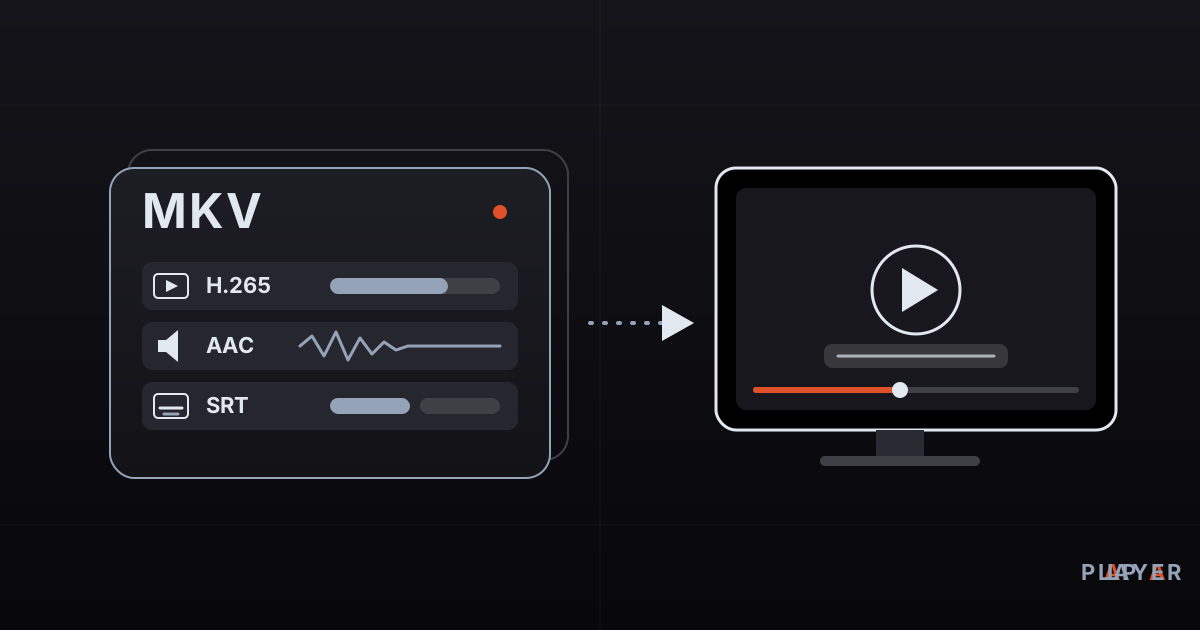
How to Open MKV Files on TV, Phone and PC
How to open MKV files on Windows, Mac, phones and smart TVs. Learn what Matroska is, why playback fails, and how to fix missing sound or video.
 Formats & codecs
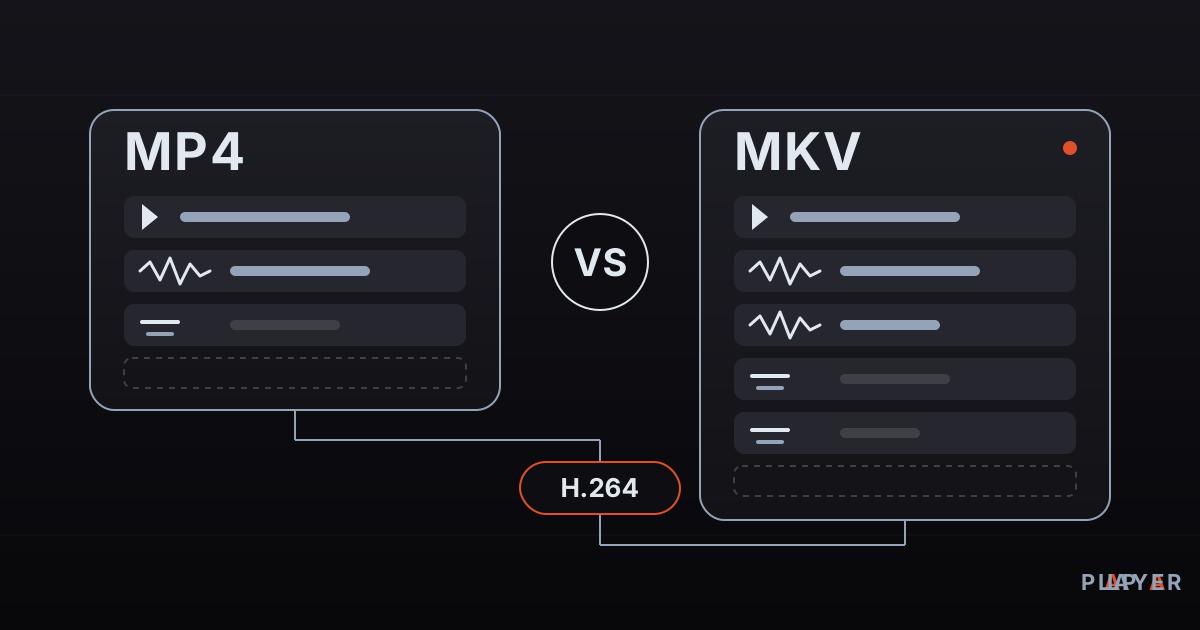
MP4 vs MKV: Differences and Which to Choose
MP4 vs MKV compared: container features, device compatibility, subtitles, audio tracks and quality. Find out which format fits your phone, TV or archive.
 Formats & codecs
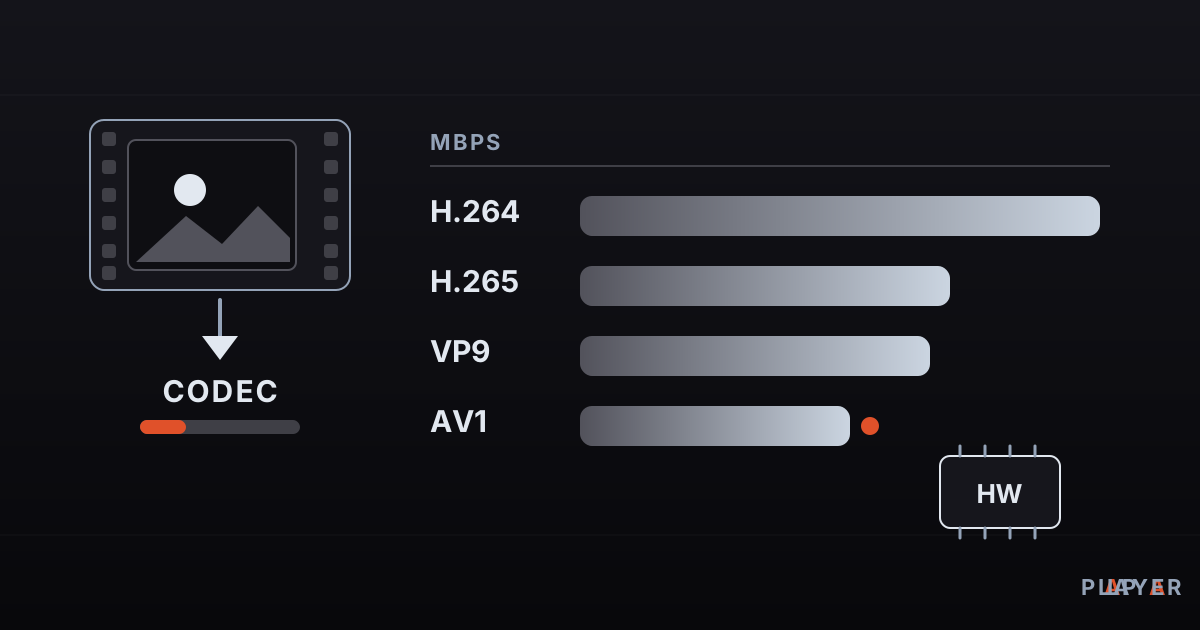
H264 vs H265 vs AV1: Video Codecs Compared
H264 vs H265 vs AV1 compared: what a video codec is, where VP9 fits, and how efficiency, device support and hardware decoding decide which codec to use.