
MP4 vs MKV: What Is the Difference and Which Format Should You Use?
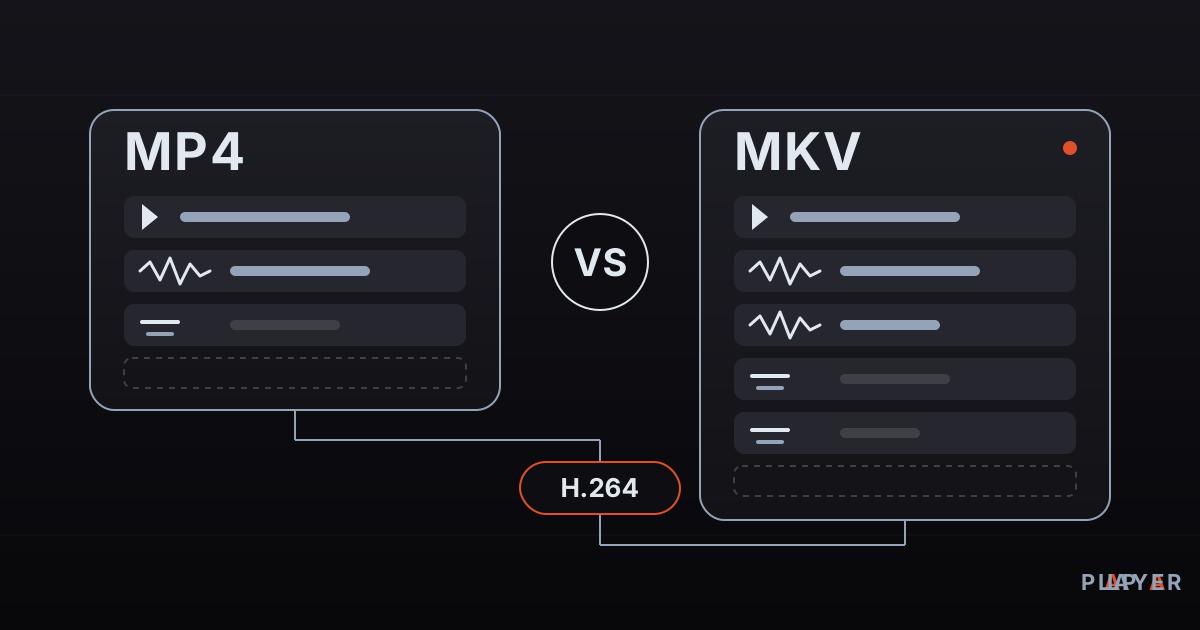
Short answer: The difference between MP4 and MKV is the container, not the picture quality; both can carry the same H.264 or H.265 video. MP4 offers the widest compatibility with phones, TVs, browsers and Apple devices. MKV is more flexible, with multiple audio tracks, rich subtitles and chapters, but some devices cannot open it. Use MP4 to share, MKV to archive.
Key takeaways
- MP4 and MKV are containers; picture quality depends on the video codec and bitrate inside, not on the container.
- MP4 has the broadest support across phones, browsers, Apple devices and smart TVs, which makes it the default for sharing and the web.
- MKV is more flexible: many audio tracks, rich subtitle formats such as ASS and PGS, chapters and embedded fonts.
- Switching between the two without re-encoding (a remux) causes no quality loss as long as the codecs fit both containers.
- When a device refuses one of them, the real cause is usually a codec inside the file, not the container itself.
MP4 vs MKV is one of the most common questions people ask about video files, usually right after a movie plays on one device and refuses to open on another. The short version is that the two formats differ far less in quality than in compatibility and features. This article explains what a container is, compares MP4 and MKV side by side, and gives you a simple rule for choosing between them.
What is the difference between a container and a codec?
A container is the package that holds video, audio and subtitles together in one file, while a codec is the method used to compress and decompress each of those parts. Think of a suitcase packed with vacuum bags: the suitcase is the container, the vacuum-sealed bags are what the codecs produce. You can put different bags in the same suitcase, and the same bag can travel in another suitcase.
| Concept | Job | Examples |
|---|---|---|
| Container | Bundles the parts into one file | MP4, MKV, WebM, AVI, MOV |
| Video codec | Compresses the picture | H.264, H.265 (HEVC), VP9, AV1 |
| Audio codec | Compresses the sound | AAC, AC-3, MP3, Opus, DTS |
| Protocol | Carries a stream over a network | HTTP, HLS, RTSP |
Once you see this split, a popular myth disappears: that MKV looks better than MP4, or the reverse. We cover the codecs themselves in our video codec comparison.
What is MP4?
MP4 is a container defined in MPEG-4 Part 14 (ISO/IEC 14496-14), derived from Apple's QuickTime file structure. Its usual extension is .mp4, and audio-only files use .m4a. It can carry video codecs such as H.264, H.265 and AV1, and audio codecs such as AAC, AC-3, MP3 and Opus.
The real strength of MP4 is that it is everywhere. Phone cameras, social platforms, browsers, Apple devices and the built-in players of smart TVs all handle it with the fewest surprises. For more background, see the MP4 file format article.
What is MKV?
MKV is the extension of Matroska, an open and royalty-free container that can hold almost any kind of video, audio and subtitle stream in one file. Multiple audio languages, many subtitle formats, chapter markers and even the fonts used by styled subtitles all fit inside. Our guide on how to open MKV files walks through the format in depth, and the Matroska website hosts the specification.
Its weak spot is compatibility. Browsers do not treat MKV as an official web format, Apple's apps do not open it, and the built-in players of some TVs trip over the audio or video codec stored inside.
MP4 vs MKV: side-by-side comparison
MP4 and MKV differ in flexibility and compatibility rather than in quality. The table below puts the important points next to each other.
| Feature | MP4 | MKV |
|---|---|---|
| Standard | ISO/IEC 14496-14 (MPEG-4 Part 14) | Open Matroska standard (IETF RFC 9559) |
| Extensions | .mp4, .m4v, .m4a | .mkv, .mka, .mks |
| Supported codecs | Common ones (H.264, H.265, AV1, AAC, AC-3, Opus) | Almost all, including DTS and TrueHD |
| Multiple audio tracks | Possible, player support varies | Native and widespread |
| Subtitles | Simple text subtitles (mov_text) | SRT, ASS/SSA, PGS, VobSub, WebVTT |
| Chapters and attachments | Limited | Rich, with embedded fonts |
| Phones and tablets | Nearly everywhere | Mostly on Android; not directly on iOS |
| Web browsers | Yes | No official support |
| Smart TV via USB | Widest compatibility | Often, depends on model and codec |
| Video editors | Broad support | Limited |
| If a recording is cut short | File may be damaged | Usually mostly recoverable |
| Licensing | ISO standard; codec patents are separate | Open, royalty-free format |
The "cut short" row matters in practice. MP4 normally writes its index when a recording ends, so a crash or power loss can leave an unplayable file. MKV writes as it goes and tolerates interruptions better, which is why many screen-recording tools suggest recording to MKV and converting to MP4 afterward.
Is MP4 or MKV better quality?
Neither is better, because quality comes from the video codec, bitrate and resolution, not from the container. The same H.264 stream is bit-for-bit identical whether it sits in an MP4 or an MKV. The container also adds only a tiny overhead to file size.
The impression that MKV "looks better" usually has another source: MKV files are often high-bitrate, 10-bit releases, while MP4 files are frequently compressed for easy sharing. To learn what really drives image quality, read our post on bitrate, resolution and frame rate.
When should you use MP4 and when MKV?
Choose by where the video will be played and which extras you need. Here is a practical cheat sheet.
| You want to | Use | Why |
|---|---|---|
| Send via a messaging app | MP4 (H.264 + AAC) | Every phone opens it |
| Put it on a website | MP4 | All browsers play it |
| Watch on iPhone, iPad or Mac | MP4 | Apple apps do not open MKV |
| Hand an older TV a USB stick | MP4 | Safest for built-in players |
| Keep several languages and subtitles | MKV | All tracks stay in one file |
| Use styled (ASS) or PGS subtitles | MKV | MP4 cannot carry them |
| Record the screen or a stream | MKV, then MP4 | A crash will not destroy the recording |
| Edit the video | MP4 or MOV | Editors prefer them |
Subtitles deserve their own explanation; our article on subtitle formats covers what each one can do.
How do MP4 and MKV behave for streaming?
For video delivered over the internet, the MP4 family leads, while MKV shines in local libraries. If an MP4 keeps its index at the end of the file, a browser cannot start playing until the whole file is downloaded; the usual fix is the "faststart" option, which moves the index to the front. Large streaming services go further and cut video into short segments, as in HLS, where segments can be fragmented MP4 (fMP4). The playlist side of that story is in our M3U8 explainer. MKV is not the usual choice for adaptive streaming.
How do you convert between MP4 and MKV?
If the codecs are valid in both containers, converting is a remux: no recompression, a few seconds of work and no quality change. With the free FFmpeg tool:
ffmpeg -i video.mkv -c copy -movflags +faststart video.mp4
ffmpeg -i video.mp4 -c copy video.mkv
The first command moves an MKV into MP4 and puts the index up front for the web; the second goes the other way. ASS or PGS subtitles in an MKV do not carry over to MP4, so if FFmpeg complains, add -sn to leave subtitles out. If the target device cannot decode the audio, convert only the sound with -c:v copy -c:a aac. Convert only videos you own or have the right to use.
How does Alpa Player handle MP4 and MKV?
Alpa Player is a free media player developed by Alpa Yazılım. It plays MP4 and MKV files as well as M3U and M3U8 playlists, HLS streams and RTSP streams. On Android the default engine is based on ExoPlayer (Media3), with a VLC engine and an external-player option, so if one engine struggles with a file you can try another. Our playback engine comparison explains the options.
Alpa Player runs on Android, Android TV, Samsung TV, LG TV, Fire TV and Windows. You can download Alpa Player for free; store versions are still in the release process, and the download section shows the current status. Alpa Player supplies no content, so play only videos you own or have the right to watch.
Frequently asked questions
Is MP4 or MKV better quality?
Neither one. Quality is set by the video codec, bitrate and resolution inside the file, not by the container. The same H.264 video is identical in MP4 and in MKV. When MKV files look better, it is usually because they were encoded at a higher bitrate.
Does converting MKV to MP4 reduce quality?
Not if the video and audio are not re-encoded. This process, called remuxing, moves the streams into a new container unchanged. In FFmpeg the -c copy flag does it. Quality drops only if you re-encode with a different codec or a lower bitrate.
Which format makes smaller files?
File size depends mainly on the video codec and bitrate. With identical streams, MP4 and MKV files come out within a small margin of each other, because container overhead is a tiny part of the total. To shrink a file, change the codec, for example from H.264 to H.265, rather than the container.
Which is more compatible with smart TVs?
MP4, especially with H.264 video and AAC audio, is the safest choice for built-in TV players. MKV opens on many TVs but can fail because of the audio codec (such as DTS) or a high video profile. Check the supported formats table in your TV manual to be sure.
What is WebM and how does it relate to MKV?
WebM is a container designed for the web and built on a subset of Matroska. It allows only VP8, VP9 and AV1 video with Vorbis and Opus audio, and browsers support it. Every WebM file is a kind of Matroska file, but not every MKV file is valid WebM.
Can MP4 hold multiple audio tracks and chapters?
Yes. MP4 can carry chapter data and several audio tracks, so these are not MKV-only features. The difference is that MKV handles them more flexibly and more players support them well. Not every player shows MP4 chapters or a second audio track.
Sources
Related articles
 Formats & codecs
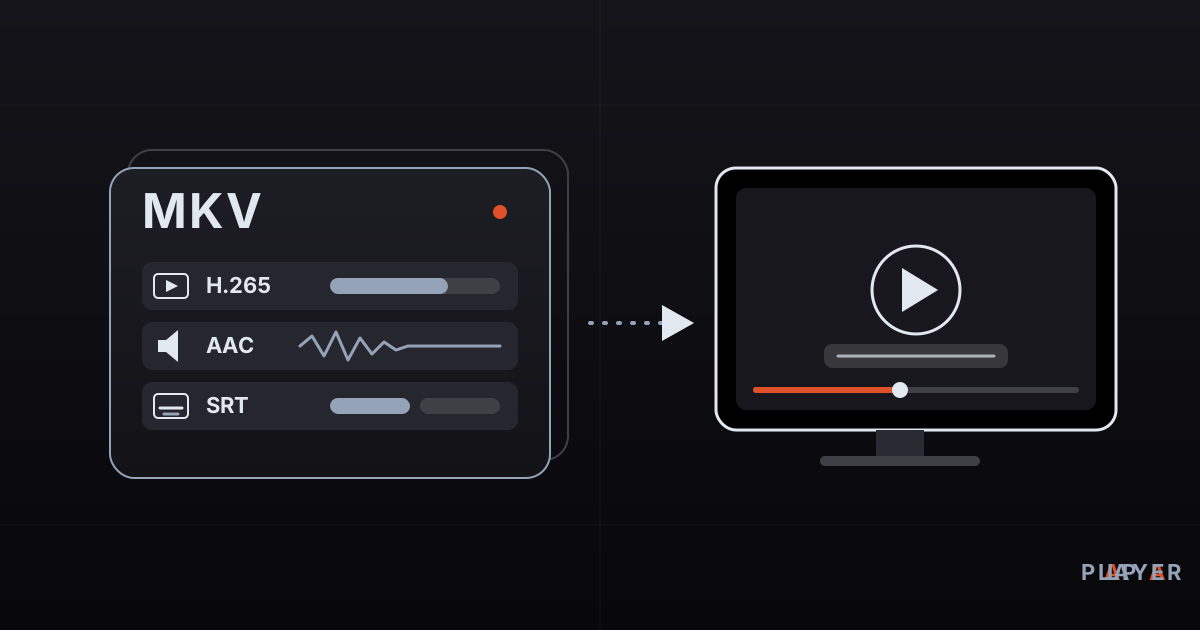
How to Open MKV Files on TV, Phone and PC
How to open MKV files on Windows, Mac, phones and smart TVs. Learn what Matroska is, why playback fails, and how to fix missing sound or video.
 Formats & codecs
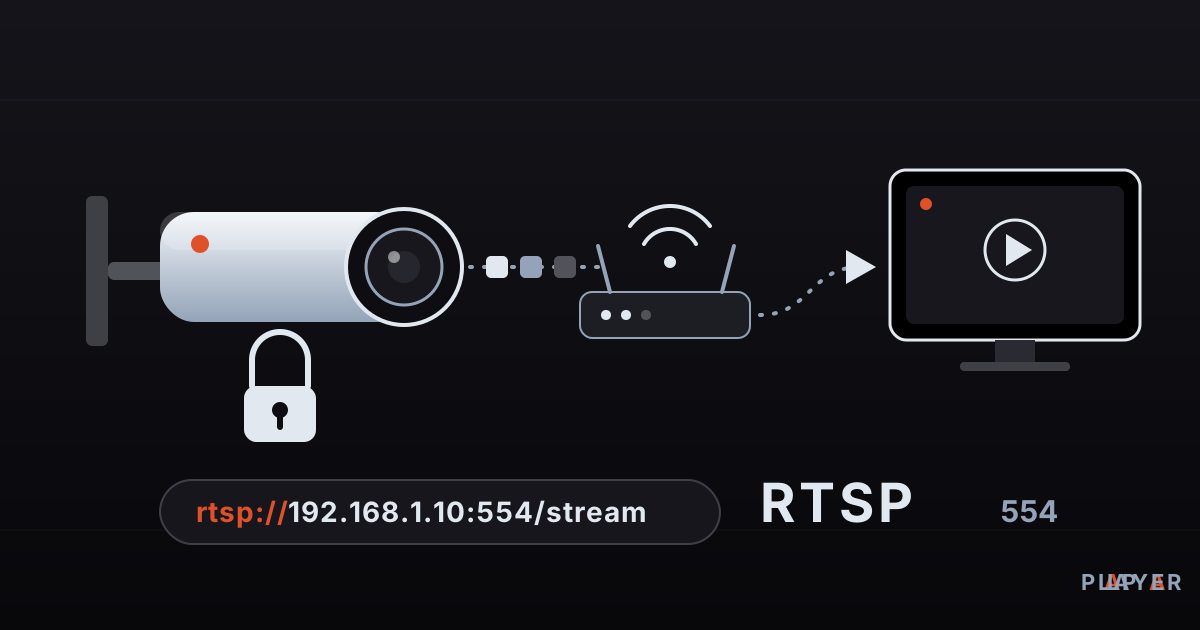
RTSP Stream Player Guide: Watch IP Camera Feeds
What is RTSP and how do you play an IP camera stream? Learn rtsp:// addresses, port 554, stream player setup, troubleshooting and why default passwords must go.
 Formats & codecs
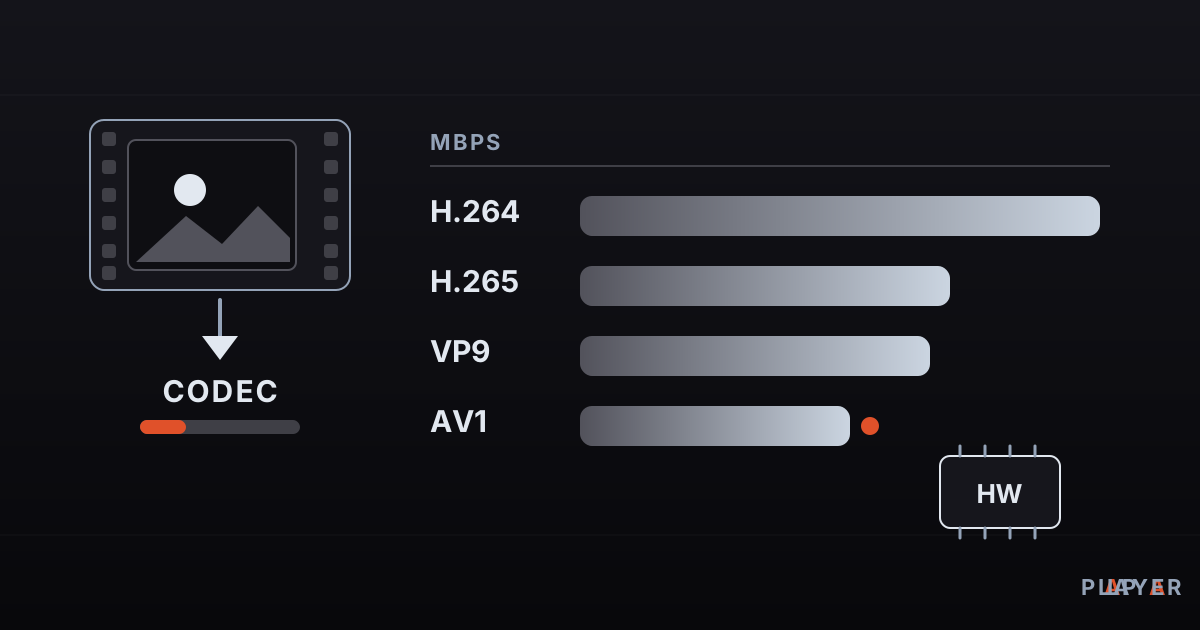
H264 vs H265 vs AV1: Video Codecs Compared
H264 vs H265 vs AV1 compared: what a video codec is, where VP9 fits, and how efficiency, device support and hardware decoding decide which codec to use.