
Subtitle Formats Explained: SRT, WebVTT, ASS and Embedded Subtitles
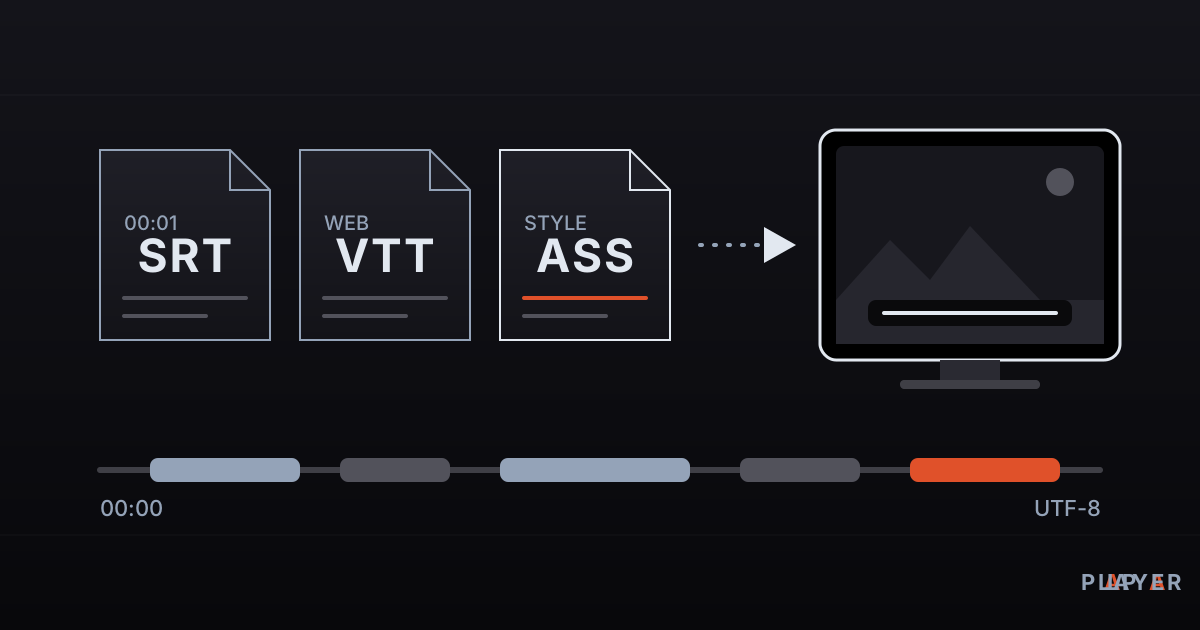
Short answer: Subtitle formats are file types that store spoken text together with timing. SRT is the simplest and most common, WebVTT is built for the web and HLS, and ASS/SSA adds rich styling such as fonts, colors and positioning. Subtitles can be a separate file or embedded in a container such as MKV. If accented characters look broken, save the file as UTF-8.
Key takeaways
- SRT is plain text plus timestamps and is the most common format; WebVTT serves web video, and ASS/SSA serves advanced styling.
- Subtitles can be external files or embedded tracks inside a container such as MKV; burned-in subtitles cannot be turned off.
- Image-based subtitles such as PGS and VobSub are pictures rather than text, so they cannot be edited without OCR.
- Garbled accented or non-Latin characters are almost always a character encoding mismatch, and saving the file as UTF-8 usually fixes it.
- Out-of-sync subtitles are either a constant offset or a frame rate mismatch, and each needs a different fix.
Subtitle formats can feel like alphabet soup: .srt, .vtt, .ass, .sup. Yet the differences explain nearly every common problem, such as a subtitle file that shows in one player and not another, accented letters that turn into strange symbols, or lines that drift out of sync. This guide covers the most widely used subtitle formats, the difference between external and embedded subtitles, and the fixes for the problems people hit most often.
What are subtitle formats?
A subtitle format is a file layout that stores spoken text along with the time each line should appear and disappear. Most formats are plain text files you can open in a text editor. A few, such as PGS and VobSub, are not text at all but a series of small pictures prepared scene by scene.
Two distinctions help. First, subtitles assume the viewer can hear the audio but does not understand the language, so they translate; captions (including closed captions and SDH) also describe speakers and sound effects for viewers who cannot hear. Second, subtitles can be soft or hard. Soft subtitles live in a separate file or an embedded track and can be switched on and off. Hard subtitles (hardsubs) are burned into the picture and cannot be removed.
What is the SRT subtitle format?
SRT is a plain-text subtitle format named after the SubRip program, and today it is the most widely supported format of all. Each block holds a sequence number, a time range and one or two lines of text, separated from the next block by a blank line. Milliseconds are written after a comma.
1
00:00:01,000 --> 00:00:03,500
Good morning, the weather is lovely today.

2
00:00:04,000 --> 00:00:06,000
<i>It really is.</i>
The strength of SRT is its simplicity: almost every player, TV and editor understands it. The weaknesses are that it has no official standard and very limited styling (bold, italic and sometimes color). It also does not declare which character encoding it uses, which is the root of most garbled-text problems. The SubRip article has more background.
What is WebVTT?
WebVTT (Web Video Text Tracks) is the subtitle format defined by the W3C for web video; its files end in .vtt and begin with the line WEBVTT. It looks like SRT, but milliseconds use a period, the hours part is optional, and it supports cue positioning, alignment, speaker voices and CSS styling. The full definition is in the W3C WebVTT specification, which requires files to be UTF-8.
WEBVTT

00:01.000 --> 00:03.500
Good morning, the weather is lovely today.

00:04.000 --> 00:06.000 align:start
<v Anna>It really is.</v>
In an HTML5 page, browsers show subtitles in a video element only as WebVTT; they do not read SRT directly. This line adds an English track:
<track kind="subtitles" src="subtitles.vtt" srclang="en" label="English">WebVTT also appears in streaming: HLS streams can carry subtitles as short WebVTT segments. Our article on what HLS is explains the wider picture.
What are ASS and SSA subtitles?
SSA (SubStation Alpha) and its successor ASS (Advanced SubStation Alpha) are text-based formats with rich styling: fonts, colors, borders, exact positions, rotation and animation. A file is divided into sections such as [Script Info], [V4+ Styles] and [Events]; you define a style once and each line refers to it. You meet them mostly in anime fan translations. Timestamps use hundredths of a second.
[Events]
Format: Layer, Start, End, Style, Name, MarginL, MarginR, MarginV, Effect, Text
Dialogue: 0,0:00:01.00,0:00:03.50,Default,,0,0,0,,Good morning, the weather is lovely today.
Dialogue: 0,0:00:04.00,0:00:06.00,Default,,0,0,0,,{\i1}It really is.{\i0}
The catch with ASS is uneven support. Not every player renders all of its features; some show only the raw text and ignore the styles. If a file uses custom fonts, those fonts must be attached inside the MKV or installed on the device. See the SubStation Alpha article for more.
Subtitle formats compared
Subtitle formats fall into three families: simple text (SRT), web-oriented text (WebVTT, TTML), and rich or image-based formats (ASS, PGS, VobSub).
| Format | Extension | Type | Styling | Typical use |
|---|---|---|---|---|
| SubRip (SRT) | .srt | Text | Very limited | The most common external subtitle |
| WebVTT | .vtt | Text | Medium: position, alignment, CSS | Web video, HLS |
| ASS / SSA | .ass, .ssa | Text | Rich: fonts, colors, animation | Styled subtitles, MKV |
| MicroDVD | .sub | Text (frame-number based) | Limited | Old archives |
| TTML / IMSC | .ttml, .xml | Text (XML) | Rich | Streaming services, professional delivery |
| mov_text | Inside MP4 | Text | Basic | Embedded MP4 subtitles |
| PGS | .sup | Image | Fixed (it is a picture) | Blu-ray |
| VobSub | .idx + .sub | Image | Fixed (it is a picture) | DVD |
| Closed captions (CEA-608/708) | Inside the broadcast stream | Text | Limited | Broadcast television |
What is the difference between embedded and external subtitles?
External subtitles are separate files; embedded subtitles are tracks inside the video container. External files are easy to swap: edit the file and give it the same base name as the video in the same folder (movie.mkv with movie.srt, or movie.en.srt with a language code). Many players look for that naming pattern. Embedded subtitles never get lost when you move the file, and one file can carry many languages.
The container matters. MKV can carry almost any subtitle type, including SRT, ASS, PGS and VobSub. MP4 mostly supports only basic text subtitles (mov_text), so ASS styling and PGS pictures do not carry over unchanged. That difference is a real part of the choice described in MP4 vs MKV, and practical MKV troubles are covered in how to open MKV files.
Why do accented characters break in subtitles?
Accented or non-Latin characters break when a subtitle file is saved in one character encoding and the player reads it in another. An SRT file declares no encoding. Older files were saved in legacy code pages, such as Windows-1252 for Western Europe, Windows-1251 for Cyrillic or Windows-1254 for Turkish, while modern files use UTF-8. When the player guesses wrong, the text is garbled. There are two typical looks:
- Wrong single-byte guess for legacy text. Turkish text saved in the Turkish code page but read as Western European shows þ, ð and ý in place of the Turkish letters with cedilla, breve and no dot.
- UTF-8 read as a single-byte encoding. A simple "é" appears as "é", and other accented letters turn into clusters such as "ü" or "ç".
The fix is to re-save the file as UTF-8. In Windows Notepad, open the file, choose File, then Save As, and pick UTF-8 under Encoding. The free Subtitle Edit program also lets you choose an encoding when saving. On the command line, you can convert a file if you know its original encoding:
iconv -f WINDOWS-1252 -t UTF-8 old.srt > new.srtSome older players detect UTF-8 only when the file starts with a byte order mark (BOM). If the text is still wrong, try saving as "UTF-8 with BOM". WebVTT, on the other hand, must always be UTF-8.
What if subtitles are out of sync?
Subtitles drift in two different ways, and each has its own fix. If every line is early or late by the same amount, you have a constant offset: shift all lines forward or backward by that time. If the subtitles match at the start but slowly separate toward the end, the subtitle was timed for a different frame rate (for example 23.976 versus 25 frames per second), and you must stretch the timestamps proportionally. Free tools such as Subtitle Edit and Aegisub do both. If the audio itself seems off, the causes in our post on audio and video sync problems may also apply.
How do you convert subtitle formats?
Converting between text-based subtitle formats is easy, and the free FFmpeg tool handles it in a line or two:
ffmpeg -i subtitles.srt subtitles.vtt
ffmpeg -i movie.mkv -map 0:s:0 subtitles.srt
ffmpeg -i movie.mp4 -i subtitles.srt -c copy -c:s mov_text movie_subtitled.mp4
The first command turns SRT into WebVTT. The second extracts the first subtitle track from an MKV as SRT. The third adds an SRT file to an MP4 as an embedded track. Two limits apply: converting ASS to SRT discards styling and effects, and image-based subtitles such as PGS and VobSub can become text only through OCR (optical character recognition); Subtitle Edit can do that too.
What about subtitles and Alpa Player?
Alpa Player is a free media player developed by Alpa Yazılım. It plays M3U and M3U8 playlists, HLS streams, MP4 and MKV files, RTSP streams and more. Subtitle support varies from one player and engine to another, and this guide does not describe any particular player's subtitle features. Check the settings of the player you use to see which subtitle types it displays. For other criteria worth weighing, our video player features checklist can help.
Download Alpa Player for free for Android, Android TV, Samsung TV, LG TV, Fire TV and Windows; store versions are still being released. Alpa Player supplies no content, and subtitle files can be copyrighted works too, so use only subtitles you have the right to use.
Frequently asked questions
What is the most common subtitle format?
SRT (SubRip) is the most common subtitle format. It is plain text made of a sequence number, a time range and the text, and almost every player, TV and editing program understands it. Its weaknesses are limited styling and no declared character encoding.
What is the difference between SRT and VTT?
Both are text-based. A VTT (WebVTT) file starts with a WEBVTT line, writes milliseconds with a period, supports positioning and alignment, and must be UTF-8. SRT uses numbered blocks, writes milliseconds with a comma and has limited styling. Browsers show only VTT in HTML5 video.
Why do special characters look wrong in my subtitles?
The file was saved in one character encoding and the player is reading it in another. If you see strange symbols or clusters such as "é", the encoding does not match. Re-saving the file as UTF-8 in Notepad or Subtitle Edit usually solves it.
Can I extract embedded subtitles from a video?
You can extract text-based embedded subtitles (SRT, ASS, mov_text) to a separate file with FFmpeg. For example, ffmpeg -i movie.mkv -map 0:s:0 subtitles.srt saves the first subtitle track as SRT. Image-based subtitles (PGS, VobSub) must be converted to text with OCR first.
Why are my subtitles out of sync with the video?
There are two likely causes. If every line is equally early or late, there is a constant offset, which you fix by shifting the times. If the gap grows toward the end, the subtitle was made for a different frame rate, so the timestamps need stretching. Subtitle Edit can do both.
Does the subtitle file need the same name as the video?
For players that load external subtitles automatically, usually yes: keep the file in the same folder with the same base name, such as movie.mkv and movie.srt, or movie.en.srt. Players that do not search automatically let you pick the file from a menu. Behavior differs between players.
Sources
Related articles
 Formats & codecs
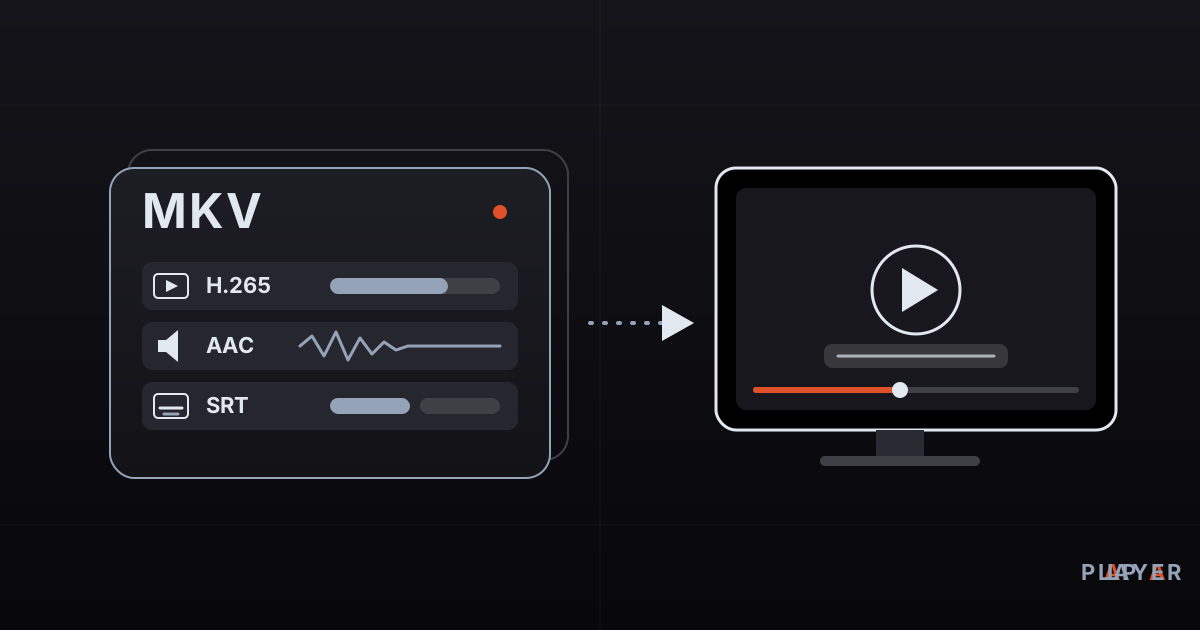
How to Open MKV Files on TV, Phone and PC
How to open MKV files on Windows, Mac, phones and smart TVs. Learn what Matroska is, why playback fails, and how to fix missing sound or video.
 Formats & codecs
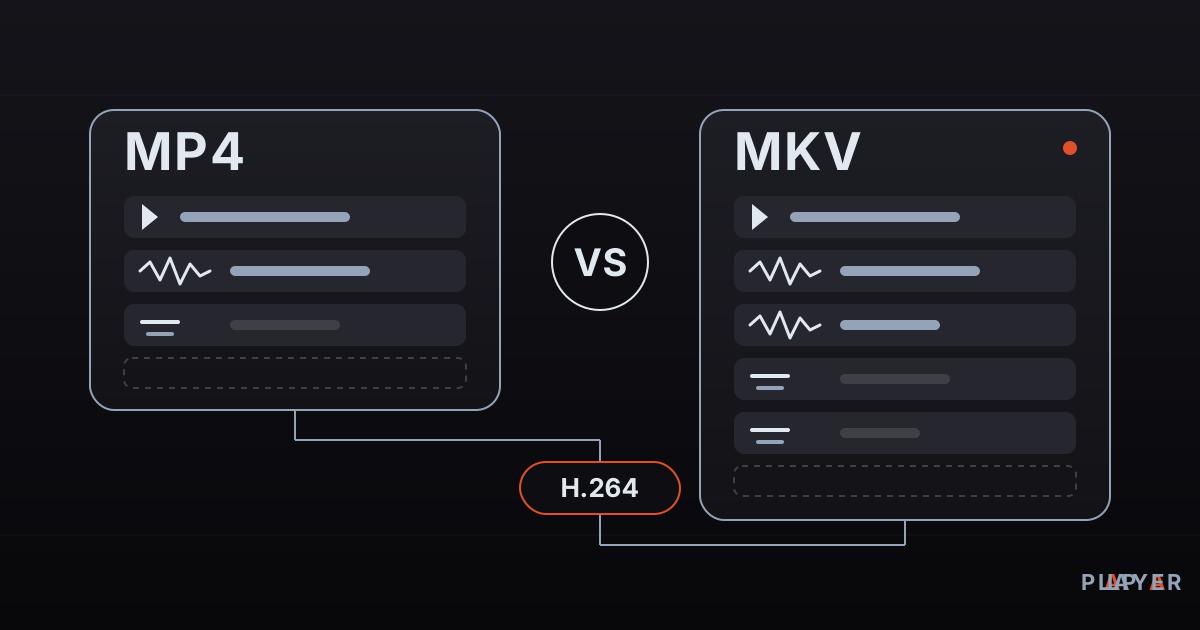
MP4 vs MKV: Differences and Which to Choose
MP4 vs MKV compared: container features, device compatibility, subtitles, audio tracks and quality. Find out which format fits your phone, TV or archive.
 Formats & codecs
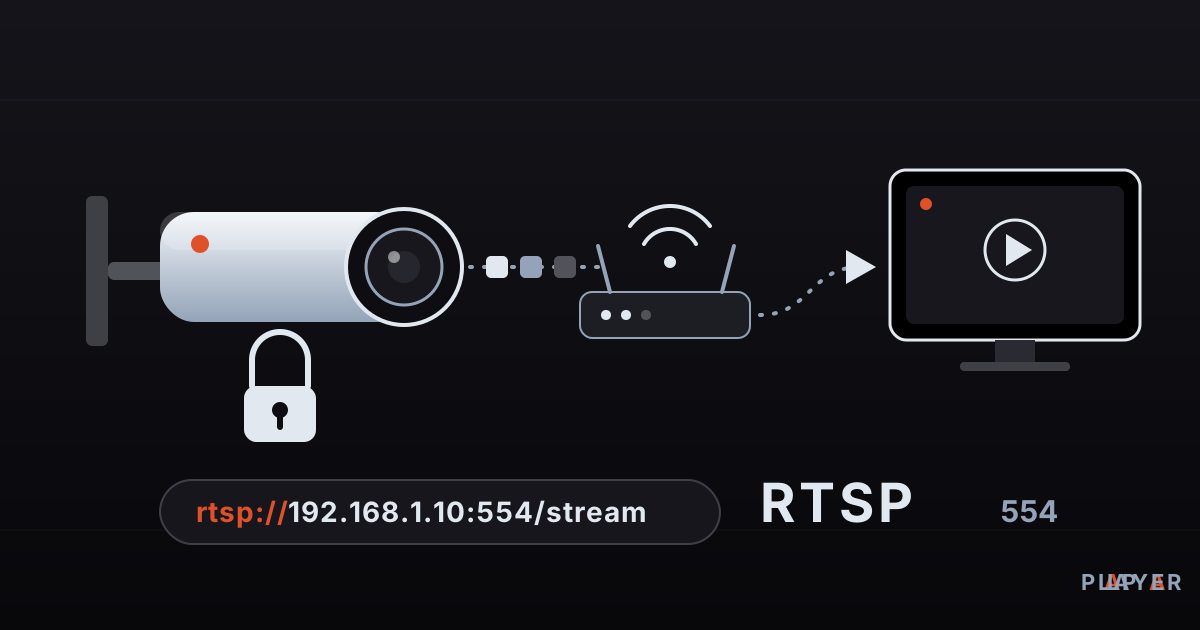
RTSP Stream Player Guide: Watch IP Camera Feeds
What is RTSP and how do you play an IP camera stream? Learn rtsp:// addresses, port 554, stream player setup, troubleshooting and why default passwords must go.