
Bitrate vs resolution: the four things that decide video quality
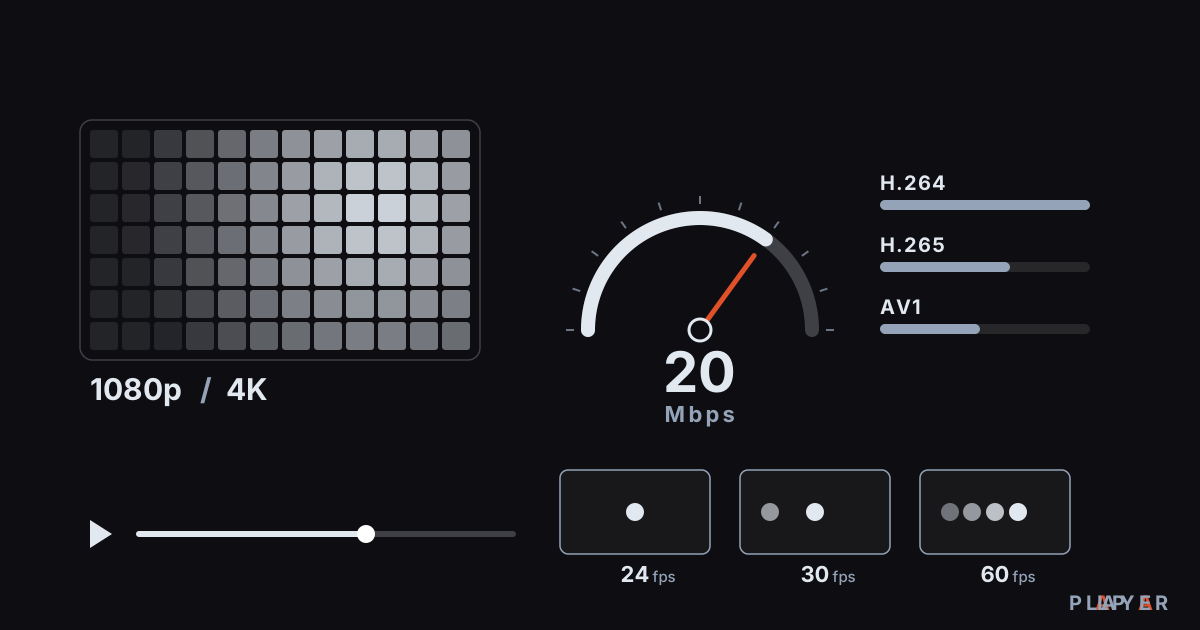
Short answer: No single number decides video quality. Resolution sets how many pixels each frame has, bitrate sets how much data each second gets, frame rate sets how smooth motion looks, and the codec sets how efficiently that data is used. A high resolution with too little bitrate looks soft and blocky, so a good picture needs all four in balance.
Key takeaways
- Resolution tells you how many pixels a frame holds, while bitrate tells you how much data those pixels get every second.
- High resolution with too little bitrate looks blocky and soft, so a bigger number does not always mean a better picture.
- Doubling the frame rate usually raises the bitrate you need by roughly 30 to 50 percent, not by 100 percent.
- Newer codecs such as H.265 and AV1 can deliver similar quality at a lower bitrate than older ones.
- File size in megabytes is roughly bitrate (Mbps) times duration (seconds) divided by 8.
Bitrate vs resolution is the comparison most people make when they ask why one video looks better than another, but neither number tells the whole story. A file labeled 4K can look soft, while a 720p stream can look surprisingly sharp. The reason is that quality comes from resolution, bitrate, frame rate and codec working together.
This article explains each term in plain language, shows how they relate in tables, and walks through how to estimate file size. At the end you will find a few notes about Alpa Player, a free media player developed by Alpa Yazılım.
What are bitrate, resolution and frame rate?
Bitrate is the amount of data used for each second of video, resolution is the number of pixels in each frame, and frame rate is how many frames appear per second. Together they decide how good the picture looks and how much storage or bandwidth it takes.
- Bitrate: Measured in kbps or Mbps; 1 Mbps is one million bits per second. The higher it is, the less aggressively the video is compressed and the more fine detail survives.
- Resolution: The width and height of a frame in pixels. Full HD is 1920 by 1080. It sets the maximum amount of detail a frame can hold.
- Frame rate (fps): Frames shown per second. Cinema uses 24, many TV broadcasts use 25 or 30, and sports and games use 50 or 60.
- Codec: The method that compresses and decompresses video. An efficient codec delivers the same quality with fewer bits.
Think of resolution as the size of a bucket and bitrate as how much water you pour in. A huge bucket filled with a trickle looks full at the surface but has no depth. In video, that shows up as erased detail and visible blocks.
How many pixels does each resolution have?
Pixel counts grow quickly with resolution, and 4K has four times as many pixels as Full HD. The table below compares the common ones.
| Name | Size | Approx. megapixels | Compared with Full HD |
|---|---|---|---|
| 480p (SD) | 854 x 480 | 0.41 | About 0.2x |
| 720p (HD) | 1280 x 720 | 0.92 | About 0.44x |
| 1080p (Full HD) | 1920 x 1080 | 2.07 | 1x |
| 1440p (QHD) | 2560 x 1440 | 3.69 | About 1.8x |
| 2160p (4K UHD) | 3840 x 2160 | 8.29 | 4x |
| 4320p (8K) | 7680 x 4320 | 33.18 | 16x |
Screen size and seating distance matter too. On a mid-size TV viewed from a few meters away, the gap between well-compressed Full HD and 4K can be less obvious than the gap in bitrate or HDR. For the full picture on 4K, see our 4K HDR playback guide.
How many Mbps does each resolution need?
The bitrate you need rises with resolution, but it varies a lot with the codec and the content. The ranges below are widely used approximations for 30 fps SDR video, not hard rules.
| Resolution | With H.264, roughly | With H.265 (HEVC), roughly |
|---|---|---|
| 480p | 1 to 2.5 Mbps | 0.7 to 1.5 Mbps |
| 720p | 2.5 to 5 Mbps | 1.5 to 3.5 Mbps |
| 1080p | 5 to 10 Mbps | 3 to 6 Mbps |
| 1440p | 10 to 16 Mbps | 6 to 10 Mbps |
| 4K | 20 to 45 Mbps | 12 to 25 Mbps |
To judge whether a video has enough bitrate, calculate bits per pixel: divide the bitrate by width times height times frame rate. A 1080p30 video at 6 Mbps works out to about 0.097 bits per pixel. A 4K30 video at 20 Mbps gives about 0.080. So the 4K version spends less data per pixel, and with the same codec it could look blockier than the Full HD one. That is why 4K is usually paired with a more efficient codec such as HEVC or AV1.
How does frame rate affect quality and bitrate?
Frame rate controls how smooth motion looks, and more frames mean more data, though the increase is rarely proportional. Compression exploits similarity between consecutive frames, so a 60 fps video often needs only about 1.3 to 1.5 times the bitrate of its 30 fps version to look equally good. This varies with the content.
| Frame rate | Typical use | Note |
|---|---|---|
| 24 fps | Cinema films | The familiar "film look" |
| 25 fps | TV broadcasts in Europe and many other regions | Matches 50 Hz TV systems |
| 30 fps (29.97) | Online video, some broadcasts | General purpose |
| 50 to 60 fps | Sports, games, fast motion | Smooth, but needs more bitrate |
A high frame rate smooths motion, but the benefit disappears if the bitrate is too low. Showing 24 fps films on a 60 Hz output is its own topic: when the output rate and the content rate do not match, a slight judder can appear.
How does the codec change the bitrate you need?
The codec directly sets the bitrate needed for a given quality, and newer codecs are more efficient than older ones. As a general rule, H.265 (HEVC) can deliver similar quality to H.264 at roughly 30 to 50 percent lower bitrate, and AV1 can go further in some cases. These ratios depend on the content and the encoder settings.
There is a trade-off: newer codecs take more processing power to decode, and older devices may not decode them in hardware. A file that saves bitrate can therefore stutter on a weak TV box. We compare the codecs in detail in our H.264, H.265 and AV1 guide, and you can read why the container (MP4 or MKV) does not change quality in MP4 vs MKV.
What does too little bitrate look like?
When bitrate is too low, the picture shows compression artifacts, and recognizing them helps you find the source of the problem.
- Blocking: Visible squares in flat areas and during fast motion.
- Banding: Stair-step color bands in smooth gradients such as skies.
- Softness: Fine detail such as hair and fabric texture gets smeared away.
- Noise in dark scenes: Shadow detail disappears and a blocky pattern replaces it.
If you see these, hunting for a higher-bitrate version usually helps more than raising the resolution. Streaming services can also change bitrate automatically to match your connection; we explain how in our guide to adaptive bitrate streaming.
What should you choose when bandwidth or storage is limited?
With a limited bitrate, a lower but clean resolution usually looks better than a higher resolution that is starved of data. Watching 720p at 3 Mbps often looks more comfortable than 1080p at the same rate.
For storage, estimate file size as bitrate (Mbps) times duration (seconds) divided by 8, which gives megabytes. A video at 5 Mbps takes about 2,250 MB, or 2.25 GB, per hour. A two-hour 4K movie at 20 Mbps is about 18 GB. Audio adds a small share: stereo is usually 128 to 256 kbps and 5.1 surround roughly 384 to 640 kbps.
For streaming over the internet, see how much internet speed you need. If the bitrate is higher than your connection can carry, playback pauses to load; fixes are in our video buffering guide.
How can you find a video's bitrate and resolution?
Free tools are enough to read a file's resolution, frame rate and bitrate, and often you do not need extra software at all. On Windows, right-click the file, open Properties, and check the Details tab: for many file types it shows frame width and height, data rate and frame rate. For more depth, a free tool such as MediaInfo, or the media information window in VLC, also lists the codec, bit depth and audio streams.
How does Alpa Player fit into video quality?
Alpa Player is a free media player developed by Alpa Yazılım that plays sources such as MP4, MKV, HLS, M3U and M3U8. The quality you see depends mostly on the source's resolution, bitrate and codec, since no player can bring back real detail that is not in the source. You can download Alpa Player for free for Android, Android TV, Samsung and LG TVs, and Windows.
On Android, if a high-bitrate file stutters, you can switch the playback engine in Alpa Player: the default ExoPlayer-based engine, a VLC engine, or an external player. The app ships with no channels, movies or playlists, and you are responsible for having the right to use any source you play.
Step by step: How to find a video's bitrate and resolution
- On Windows, right-click the video file, open Properties, switch to the Details tab, and read the frame width, frame height, data rate and frame rate.
- For more detail, open the file in a free tool such as MediaInfo to see the codec, bit depth and audio streams.
- Divide the bitrate by width times height times frame rate to get bits per pixel.
- Compare the result with the tables in this article and look for a higher-bitrate version if it is very low.
Frequently asked questions
Is a higher bitrate always better quality?
No. Past a certain point, extra bitrate gives no visible improvement and only makes the file bigger. The value you need depends on the codec, the resolution and the content: a calm scene can look clean at a low bitrate, while fast action needs more.
Is 4K always better than 1080p?
No. A 4K video compressed with too little bitrate can look blocky and soft, and a 1080p source can be upscaled and sold as 4K without gaining any detail. The real benefit needs footage that was captured or mastered in 4K and a sufficient bitrate.
What is the difference between Mbps and MB/s?
Mbps means megabits per second and MB/s means megabytes per second, and one byte is eight bits. A 100 Mbps connection can move at most about 12.5 MB per second in theory. Internet plans are usually quoted in Mbps, while download managers often show MB/s.
How much more bitrate does 60 fps need than 30 fps?
In most cases roughly 30 to 50 percent more, not double. Compression reuses similarities between consecutive frames, so the added frames cost relatively little data. The exact ratio depends on how much motion the video contains and on the codec.
Does Alpa Player improve video quality?
Quality is set mostly by the source file or stream, and a player cannot bring back real detail that is missing from it. Alpa Player plays sources such as MP4, MKV and HLS, and what you see depends on the source's bitrate, resolution and your TV. On Android you can switch the playback engine if playback stutters.
Sources
Related articles
 Quality & network
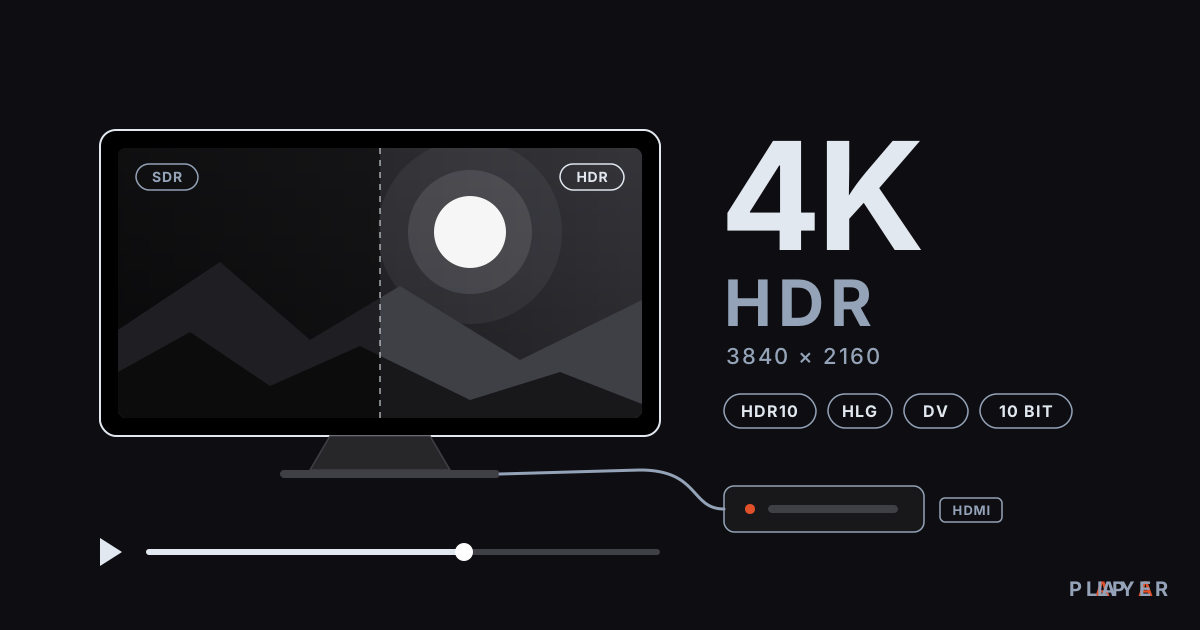
4K HDR Playback: What You Need and How to Set It Up
4K HDR playback needs the right TV, HDMI cable, codec support and bandwidth. Learn how HDR10, Dolby Vision and HLG differ and fix washed-out colors.
 Quality & network
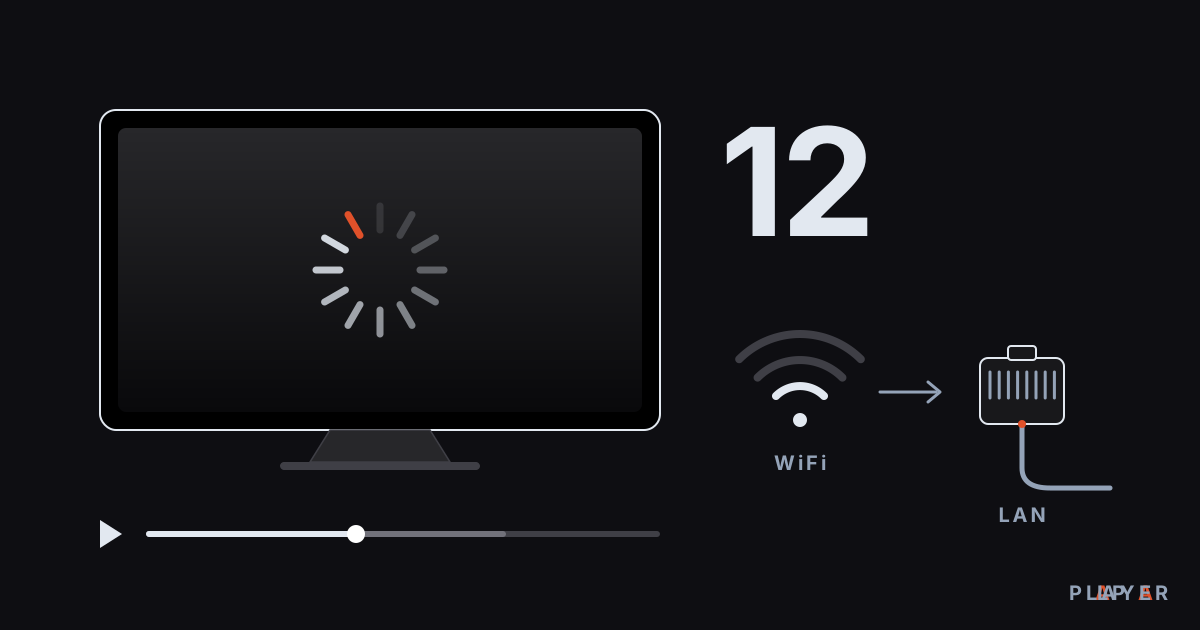
Fix Video Buffering: 12 Solutions That Work
Fix video buffering on your TV, phone or PC with 12 practical solutions covering network, WiFi, device, source and playback engine. Alpa Player tips included.
 Quality & network
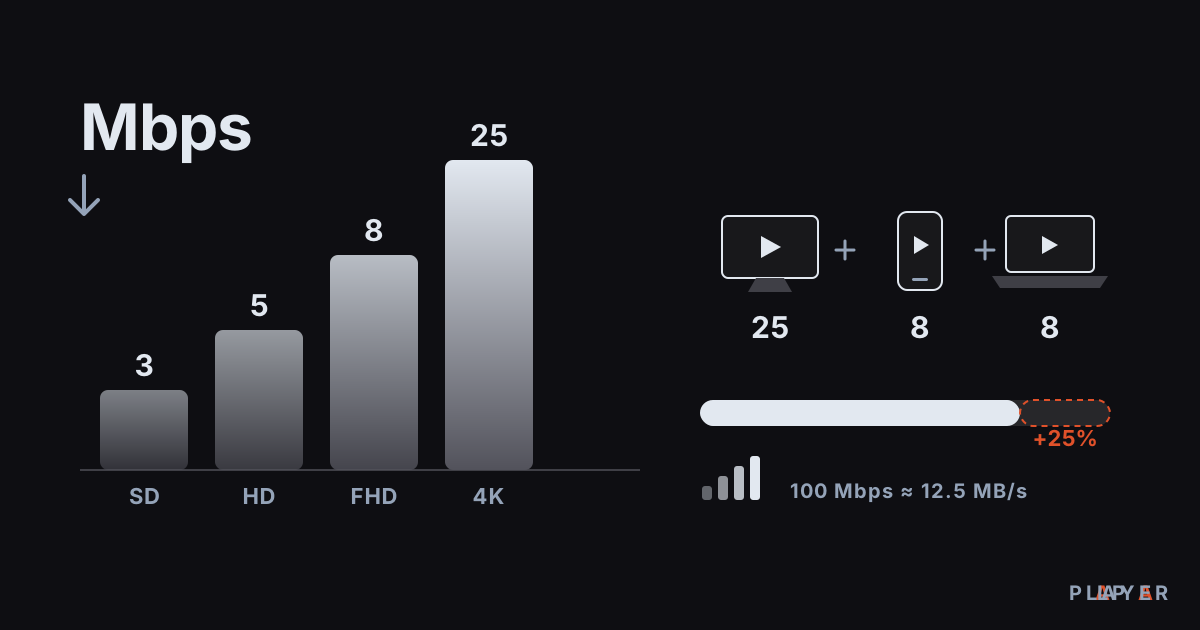
Internet Speed for Streaming: How Many Mbps You Need
How much internet speed for streaming do you need? See Mbps for SD, HD and 4K, how to test your speed and how to size a home with many devices.