
Looking for a VLC alternative? A fair comparison and TV-first options
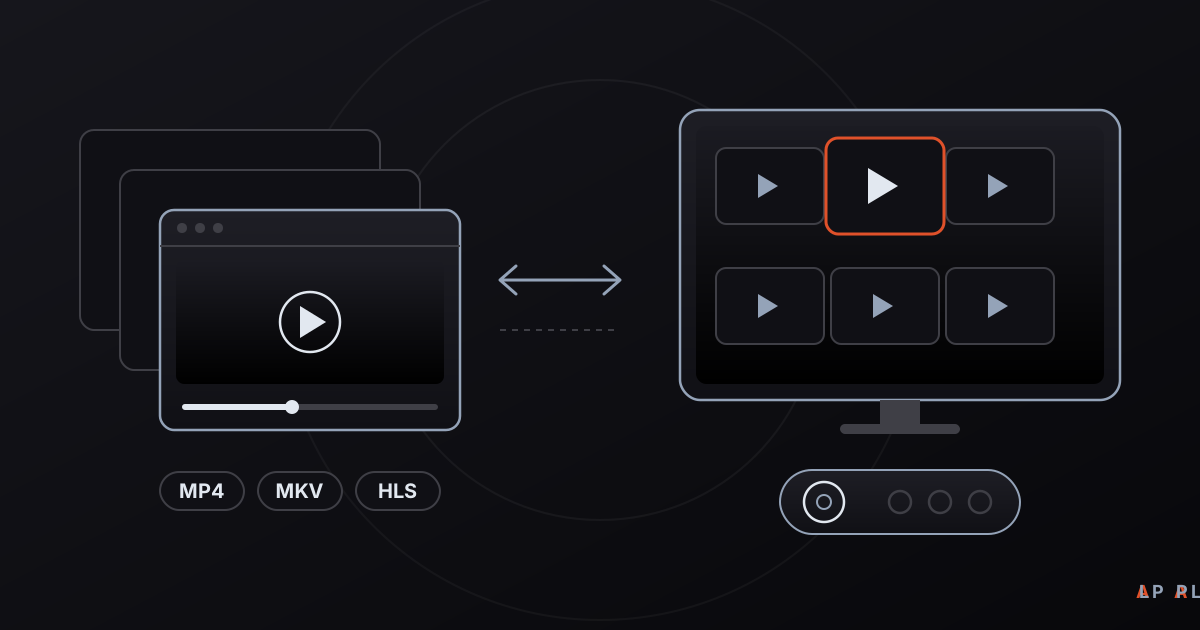
Short answer: VLC is a free, open-source player from the VideoLAN project that opens nearly any format, so people usually look for a VLC alternative because of the interface, not quality. On a desktop, mpv, MPC-BE or Kodi may suit you better; on a television, a TV-first player such as Alpa Player, a free media player from Alpa Yazılım, is easier to drive with a remote.
Key takeaways
- VLC is a free, open-source and very capable player; looking for an alternative means your needs differ, not that VLC is poor.
- For desktops, mpv, MPC-BE and Kodi are common picks; for TVs and living rooms, remote-first players such as Alpa Player stand out.
- Alpa Player offers an optional VLC engine on Android, so the two approaches do not exclude each other.
- Test any player with your own files and your own device for a few minutes before switching.
- Download every player only from its developer's official website or an official store.
People who look for a VLC alternative are usually not running from a flaw. They are reacting to a change in what they need. VLC media player is a free, open-source, cross-platform player built by the non-profit VideoLAN project, and it has earned its reputation as one of the sturdiest all-purpose players around. This article is not here to knock it. It is a candid map for anyone who needs a different interface, a different device or a different workflow.
First we look at what makes VLC strong, then at the common reasons to look elsewhere, then at desktop and TV options side by side. Near the end we explain where Alpa Player, a free media player developed by Alpa Yazılım, may fit better.
Why is VLC so widely used and loved?
VLC is popular because it plays a huge range of audio and video formats, plus DVDs, audio CDs and several network streaming protocols, without extra plugins. It runs on Windows, macOS and Linux, and there are Android and iOS versions; the Android version can also be used on Android TV. It shows no ads, asks for no account and publishes its source code.
It does more than play, too: tools for converting files and streaming media are part of the package. So for many people, "VLC is enough" is a fair statement. Why, then, do others go looking?
What are the common reasons to look for a VLC alternative?
When people search for a VLC alternative, they usually mean one of four needs: a different interface, comfortable TV use, library organization or a better fit for a specific platform. None of these is a VLC failure; they are the natural limits of any all-purpose tool.
- Interface: VLC's desktop interface is designed for a mouse and keyboard and has many menus. People who want something cleaner and more visual look at other options.
- Television use: Sitting on a couch with a remote, you want big, readable controls and few steps. This is the "ten-foot interface" approach to TV design.
- Library: If you want thousands of files organized with posters and descriptions, media-center software is the natural fit.
- Special needs: Very fine-grained video processing, scripting support or an ultra-light install are niche but real reasons.
Which VLC alternatives exist on desktop and TV?
The names that come up most are mpv, MPC-BE, PotPlayer, Kodi, Jellyfin and Plex, IINA on macOS, and Alpa Player on televisions. The table summarizes each by the same criteria. Licensing and pricing can change, so check each project's current page before deciding.
| Player | Platforms | Cost / license | Strength | Best for |
|---|---|---|---|---|
| VLC | Windows, macOS, Linux, Android, iOS | Free, open source | Very broad format support, conversion and streaming tools | People who want everything in one place |
| mpv | Windows, macOS, Linux | Free, open source | Minimal interface, fine tuning through a config file | Technical users |
| MPC-BE | Windows | Free, open source | Lightweight, classic Windows interface | Fans of a simple Windows player |
| PotPlayer | Windows | Free (closed source) | Many settings | People who like to tweak |
| Kodi | Windows, macOS, Linux, Android | Free, open source | Media-center interface, library management | Home theater builders |
| Jellyfin / Plex | Server plus many client apps | Jellyfin is free and open source; Plex has free and paid tiers | Serving your own collection to every device | Owners of large personal libraries |
| IINA | macOS | Free, open source | Modern, Mac-native interface | Mac users |
| Alpa Player | Android, Android TV / Google TV / TV boxes, Samsung (Tizen 2020+), LG (webOS 2020+), Windows | Free | Remote-friendly TV interface; playlist, link and account sources | People who watch on a TV in the living room |
For current details, visit each project's own site, such as mpv, Kodi and Jellyfin. For broader selection criteria, see our guide to the best media player apps.
When is VLC still the smartest choice?
VLC remains one of the smartest choices when you want a single program to handle everything. Opening an unfamiliar file quickly, converting a video to another format, playing a DVD or serving a stream to another device across your network can all be done with one install. And because it is free, open source and actively developed for many years, its track record speaks for itself.
For most people the best approach is therefore not "VLC or something else" but the right tool for each job. Keeping VLC on your computer and using a different interface on your television is perfectly normal.
When does a TV-first interface fit better?
If you watch on a television with a remote, an interface designed for TV is noticeably more comfortable than a desktop one. Desktop players are built around small buttons, right-click menus and keyboard shortcuts, while a remote offers only arrow keys, an OK button and Back.
A TV-first player is designed around those limits:
- Large elements you can read from across the room, with few steps.
- Smooth arrow-key navigation, with one clear focus point on every screen.
- Ways to add sources that minimize typing.
- Shortcuts such as resume, favorites and recently watched that work without a mouse.
Typing long addresses with a remote is a chore. That is why, in Alpa Player, the Add Source → Device ID screen (shown as MAC on a TV) displays a MAC address and a 6-digit key. You enter them from a phone or computer on the remote playlist upload page and add the source yourself. The address and password are never shown in the app.
What is Alpa Player, and how does it differ from VLC?
Alpa Player is a free media player developed by Alpa Yazılım. It has no sign-up, subscription or purchase, and it is a non-profit project. It runs on Android phones and tablets, on Android TV, Google TV and TV boxes, on Samsung TVs (Tizen 2020 and later), on LG TVs (webOS 2020 and later) and on Windows. An iPhone and iPad version is coming soon.
One way to put the difference: VLC is a Swiss Army knife that opens everything, while Alpa Player concentrates on a narrower job, which is watching streams that come from playlists, links and accounts comfortably on a TV and a phone.
- Source types: a playlist address (M3U/M3U8), a single video or stream link, a server account issued by your service provider, an organization account.
- What it plays: M3U and M3U8 playlists, HLS, MP4, MKV, RTSP and more.
- Engines: on Android the default is an ExoPlayer (Media3) based engine, with a VLC engine and an external player as options. You do not have to give up VLC's strengths to use it.
- Security: addresses and passwords are stored encrypted with AES-256 in the device's secure storage, never shown on screen and never sent to Alpa Yazılım.
- No content: there are no built-in channels, movies, series or playlists. It is not a streaming service and plays only sources you have the right to use.
To be honest about it, the app does not try to be a converter, a streaming server or a library manager. If that is what you need, VLC, Kodi or Jellyfin fit better. You can download Alpa Player for free and compare it against your own needs. The Android APK and the Windows installer are available from alpaplayer.com today, and the Google Play, Samsung, LG and Amazon store versions are coming soon.
Which player should you choose?
The right choice depends on where and how you watch. This table is a rough guide for common situations.
| Scenario | Options to consider |
|---|---|
| Quickly opening any file on a computer | VLC, mpv, MPC-BE |
| Organizing a large film and series collection | Kodi, Jellyfin, Plex |
| Converting files or starting a stream | VLC |
| A clean player on a Mac | IINA, VLC |
| Watching playlists and links on a TV with a remote | Alpa Player |
| Watching school or organization content | Alpa Player, which supports organization sign-in |
What should you watch out for when switching players?
Before switching, a few minutes with your own files gives you a certainty that no comparison table can. There is also a safety rule: download every player only from its developer's official site or an official store. Fake installers that borrow the names of popular players are common, and we cover the topic in whether media players are safe and private.
To try Alpa Player first, the browser-based web demo works with openly licensed sample videos and does not let you add your own playlist. If you are curious about the difference between playback engines, read ExoPlayer versus VLC.
Frequently asked questions
Is there a free alternative to VLC?
Yes, several. On a desktop, mpv, MPC-BE and Kodi are free, and IINA is available on macOS. For televisions, Alpa Player is free with no sign-up, subscription or purchase. The right pick depends on what you watch and which device you watch it on.
Which player should I use on a TV instead of VLC?
If you want a clean interface that is easy to drive with a remote, you can try Alpa Player. If you want to organize your own collection, a media center such as Kodi or Jellyfin fits better. The Android version of VLC can also be used on Android TV, so trying both and comparing is the best approach.
Is VLC safe?
VLC is an open-source project and is safe when downloaded from its official site. The risk comes from fake installers that use the VLC name. Download it only from videolan.org or an official store, and apply the same rule to Alpa Player and every other player.
Does Alpa Player replace VLC?
They have different goals. VLC is an all-purpose player that opens almost everything, while Alpa Player focuses on watching streams from playlists, links and accounts comfortably on a TV. On Android, Alpa Player also offers an optional VLC engine, so the two are not mutually exclusive.
Which devices does Alpa Player run on?
It runs on Android phones and tablets, on Android TV, Google TV and TV boxes, on Samsung TVs (Tizen 2020 and later), on LG TVs (webOS 2020 and later) and on Windows. Fire TV is supported. The iPhone and iPad version and the store versions are coming soon.
Sources
Related articles
 Device guides
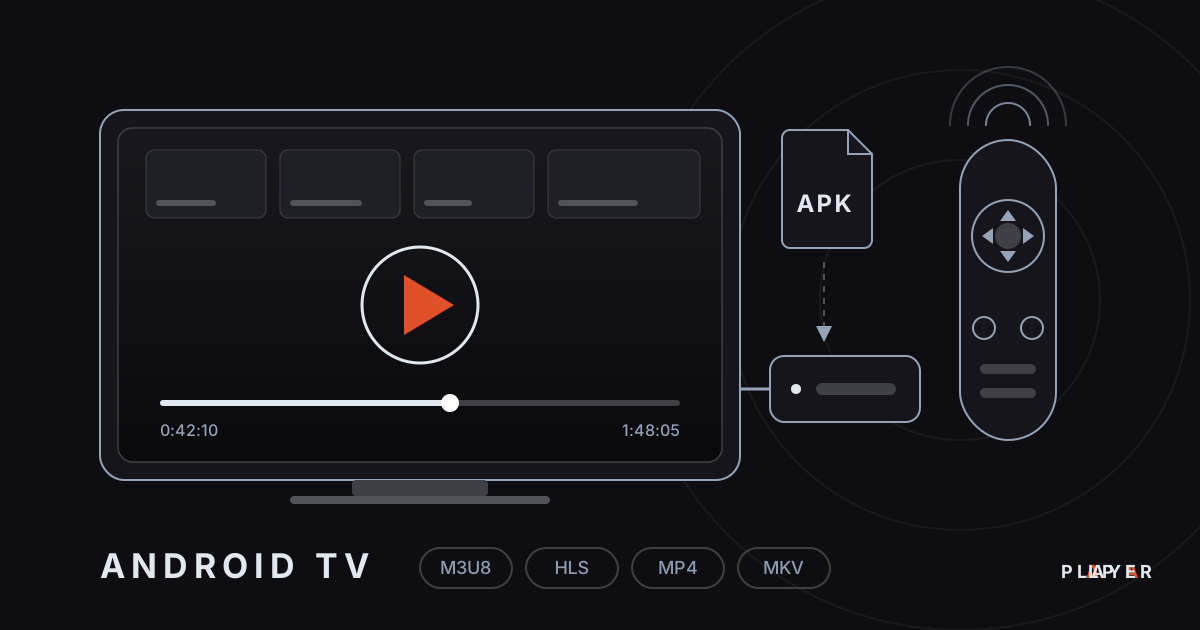
Media Player for Android TV: How to Choose
Looking for a media player for Android TV? See what to look for, compare popular options and set up Alpa Player, a free app built for the remote.
 Device guides
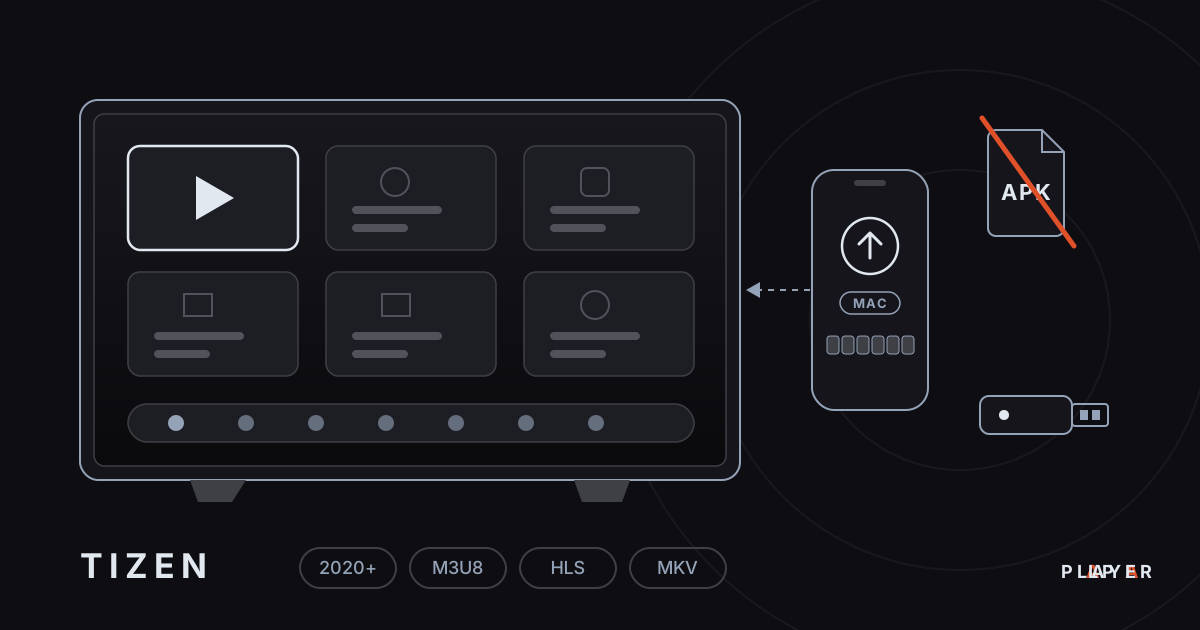
Samsung Smart TV Media Player: Options for 2026
Need a Samsung smart TV media player? Learn how Tizen apps work, which models Alpa Player supports and how to watch your own videos today.
 Device guides
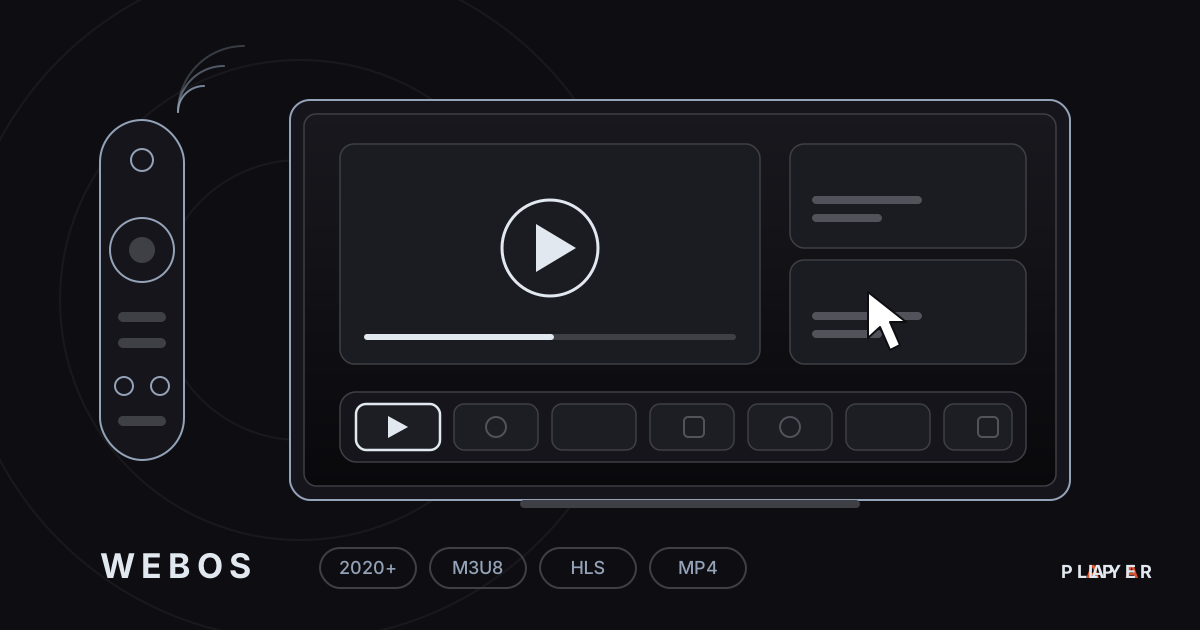
LG webOS Media Player: Compatibility and Setup
Looking for an LG webOS media player? See which models work, how the LG store route differs from APKs, and how to load a playlist without typing.