
Free Video Player: Is It Really Free, and What Are the Hidden Costs?
Short answer: A free video player is a player that does not charge for installation and basic use, but "free" is not one single model. Some are open source, some are ad-supported, and some keep key features behind a paid upgrade. Alpa Player, developed by Alpa Yazılım, is a free media player with no account, subscription or purchase.
Key takeaways
- "Free" is not one model: open source, ad-supported, freemium and trial players promise different things.
- Hidden costs usually come from ads, locked features, data collection and untrustworthy download sources, not from an invoice.
- Download a free player from the developer, an official store or the official site, and check that it is still being updated.
- A free player does not mean free content; making sure what you play is lawful is your responsibility.
- Alpa Player has no account, subscription or purchase, and the project is non-profit.
Search for a free video player and you will find dozens of options, every one of them calling itself free. Yet the word does not mean the same thing everywhere. Some players really cost nothing, some earn money from ads, and some give you the basics for nothing and charge for the good parts. This guide explains the common models, the hidden costs worth watching for, and a simple way to pick a safe option. If you are new to the topic, start with what a media player is.
What does a free video player actually mean?
A free video player is software that does not charge you to install it and use its core functions, but that says nothing about how the developer pays the bills. A player can be free in several ways. The table sums up six common models.
| Model | How it works | What it means for you | Watch for |
|---|---|---|---|
| Open source | The source code is public; development is usually community- and donation-driven | Free to use, and the code can be inspected | Interface and support depend on the community |
| Free and non-profit | The developer publishes it without expecting revenue | No account or purchase needed | Does not necessarily mean the code is open |
| Ad-supported | Revenue comes from advertising | You pay with attention by seeing ads | An ad-free version may cost money |
| Freemium | Basic features are free, advanced ones are paid | May stay free if the basics are enough | A feature you need may sit in the paid tier |
| Trial | Free for a limited time or number of uses | Asks for payment when the trial ends | "Free" may only be temporary |
| Subscription | Requires regular payment | Not free at all | May be framed as a free first month |
The models overlap. An open source project may accept donations, and a freemium app may also show ads. The most reliable move is to look for the answer to "how do you make money?" on the app's store page or website.
Is free the same as open source?
No. Free describes the price, while open source describes whether the code can be inspected, changed and shared. Most open source software is free of charge, but plenty of free apps keep their code closed.
The difference has a practical side. When the code is open, independent security researchers can review it. When it is closed, your trust rests on the developer's reputation and transparency. Either way, where you download from and how often the app is updated matter more. We go deeper in media player privacy and security.
What are the hidden costs of free video players?
The hidden costs of free players usually show up as your attention, your data and your trust rather than money. Keep an eye on these.
- Ads: Ads during playback or in menus can spoil the experience, and the ad-free version may cost money.
- Locked features: A feature you rely on may exist only in the paid plan.
- In-app purchases: The app installs for free, then keeps nudging you toward payments.
- Data collection: Some free apps collect usage data. Do not accept a privacy policy you have not read.
- Bundled software: Unofficial download sites sometimes wrap installers with offers for extra programs you did not ask for.
- Neglect: A player that has not been updated in years may fail on newer codecs and carry security holes.
- Fake packages: Modified APKs and installers that borrow a popular app's name are a real threat.
None of this means free players are bad. It means choosing deliberately. For fake-package risks and a safe install routine, see how to install an APK on Android TV.
How do you choose a safe free video player?
You can choose a safe free player by asking six questions, each of which takes only a few minutes to answer.
- Who makes it? Are the developer's name, contact details and website clearly stated?
- How does it make money? Ads, donations, paid upgrades? Be careful if you cannot find an answer.
- Where am I downloading from? Stay with the official store or the developer's own site.
- Which permissions does it ask for? Question why a player would need your contacts or location.
- Is it maintained? A recent release date and change notes show a living project.
- How are passwords stored? If you can add a server account or playlist address, find out whether those details are stored encrypted.
For a wider set of criteria, read how to choose the best media player, and for a feature-by-feature review use the video player features checklist.
Which free video players are well known?
There are many free options and each has a different focus. The table below reflects publicly known facts. Details change over time, so check the official pages.
| Player | Model | Platforms | Focus |
|---|---|---|---|
| VLC | Free, open source | Windows, macOS, Linux, Android, iOS and more | General-purpose, broad format support |
| mpv | Free, open source | Desktop systems | Minimal interface, customization through config files |
| Kodi | Free, open source | Windows, macOS, Linux, Android and more | Media center with add-ons |
| Built-in Windows player | Comes with Windows | Windows | Basic playback with no install |
| Alpa Player | Free; no account, subscription or purchase | Android, Android TV, Google TV, Samsung, LG, Windows | Remote-friendly TV use, remote playlist upload |
If you are on Windows, our free media player for Windows guide goes further, and if you are looking beyond VLC, see VLC alternatives.
How do you install and use a free player safely?
Using a free player safely comes down to a few habits that continue after installation. Security does not end at the download.
- Verify the source. Download only from the developer's own site or an official store, and do not blindly click the first ad in a search result.
- Grant unknown-source permission temporarily. If you install an Android app from outside a store, turn that permission on just for the install and switch it off afterward.
- Keep device scanning on. Built-in checks such as Google Play Protect on Android can flag suspicious apps.
- Follow updates. New versions bring bug and security fixes, so do not stay on an old build.
- Do not reuse passwords. If you add a server account to a player, never use that password anywhere else.
These habits apply to every app you install, not only free players. With free software, though, it is wise to be a little more careful, because there may be no commercial customer relationship standing behind the product.
Is Alpa Player really free, and what does it cover?
Alpa Player is a free media player developed by Alpa Yazılım. There is no account, subscription or purchase, and the project is non-profit. You do not need to sign up or pay anything to download and use it.
- Platforms: Android phones and tablets; Android TV, Google TV and TV boxes; Samsung TV (Tizen 2020 and later); LG TV (webOS 2020 and later); Windows. The iPhone and iPad version and the Amazon Appstore version are coming soon.
- Downloads: The Android APK and Windows installer can be downloaded straight from the official site. Google Play, Samsung, LG and Amazon store versions are in the publishing process. For the current status, see download Alpa Player for free.
- Security: Addresses and passwords you add are stored encrypted with AES-256 in the device's secure storage, never shown on screen, and never sent to Alpa Yazılım.
- Interface: Clean in the spirit of Apple TV and Netflix, and equally easy with a remote, touch or a mouse.
A free player still needs something to play, and you bring your own: Alpa Player has no ready-made channels, movies, shows or lists, and it is not a streaming service. For remote playlist upload, you enter the MAC address and 6-digit key shown in the app on the upload page. Each upload is logged with the IP and MAC address, and the uploader is responsible for it.
Does a free player mean free content?
No. A free player gives you a playback tool at no charge; it does not give you anything to play. The player and the content are separate things, and making sure the content is lawful is the responsibility of the person who plays it.
So be wary of packages that look like free players but promise ready-made content. They can carry legal risk and put your security in danger. We explain both in are media player apps legal and the risks of pirate streaming. Videos you shot yourself, content you purchased, and openly licensed samples are always a safe place to start. This article is not legal advice.
Frequently asked questions
Are free video players safe?
Safety depends on the developer and the download source, not on the price. A regularly updated player from an official store or the developer's own site is generally safe. Modified packages from unknown sites and unexpected extra-software offers are the risky ones.
Do free video players show ads?
Some do and some do not. Ad-supported models are common, and an ad-free experience is sometimes a paid version. Check an app's store page and user reviews for its ad situation. With Alpa Player, there is no account, subscription or purchase.
Why is a free player free? What is the catch?
The developer may earn from ads, donations, paid upgrades or another product, and some projects are non-profit. A non-profit project that expects no revenue can be released without accounts, subscriptions or purchases.
What is the best free video player?
There is no single answer. A general-purpose player suits a desktop, a media center suits library organization, and a remote-first app suits a TV. Our guide to choosing the best media player compares the criteria in detail.
Is Alpa Player really free?
Yes. Alpa Player is a free media player developed by Alpa Yazılım. There is no account, subscription or purchase, and the project is non-profit. The app contains no content, so you add a lawful source that you have the right to use.
Where should I download a free player from?
Start with the developer's official site or an official app store. Alpa Player's Android APK and Windows installer are available from the official site, while store versions are in the publishing process. Avoid third-party sites that reuse the same name.
Sources
Related articles
 Media player guide
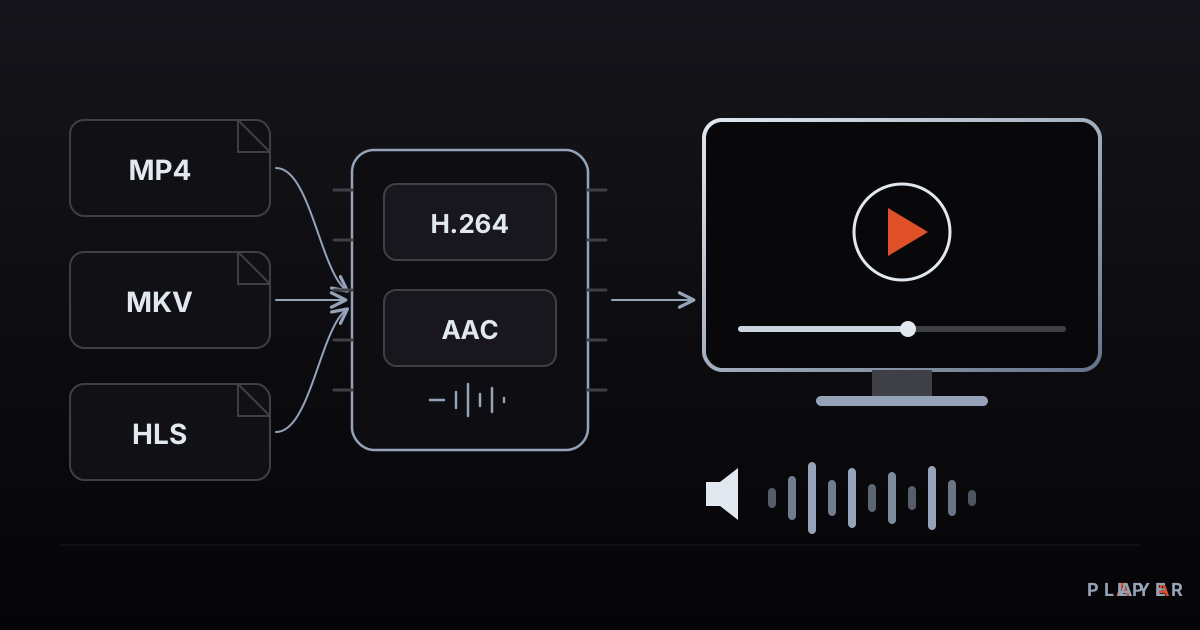
What Is a Media Player? How It Works
What is a media player and how does it turn files and streams into picture and sound? Learn how it works, the main types, and how to choose one.
 Media player guide
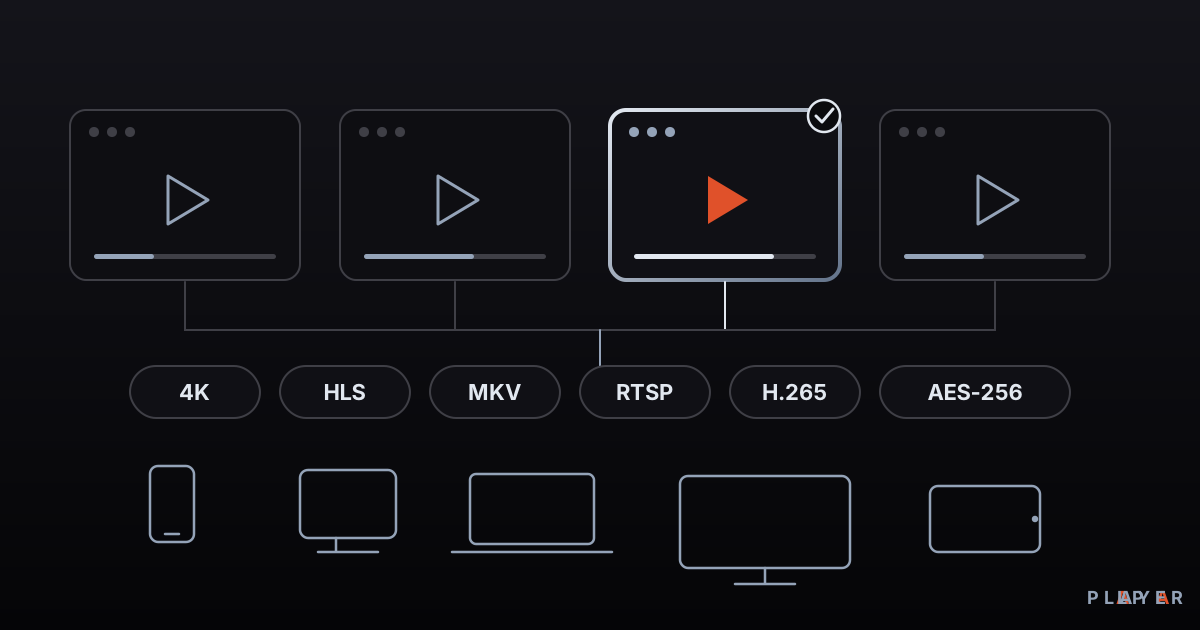
Best Media Player Apps: How to Choose
There is no single best media player. Compare VLC, Kodi, MX Player, Plex and Alpa Player by device, formats, cost and privacy, then pick your fit.
 Media player guide
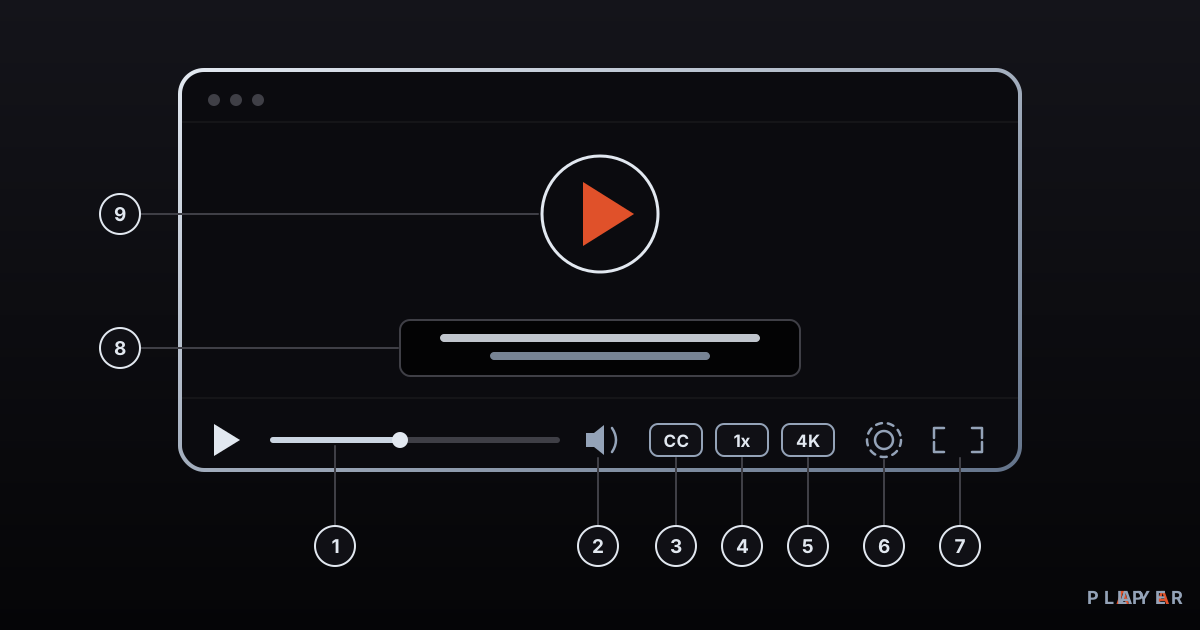
Video Player Features: A 12-Point Checklist
Which video player features matter? This 12-point checklist covers formats, subtitles, streaming, remote-friendly design and security so you can choose well.