
How to pick the right video player for your Android phone or tablet
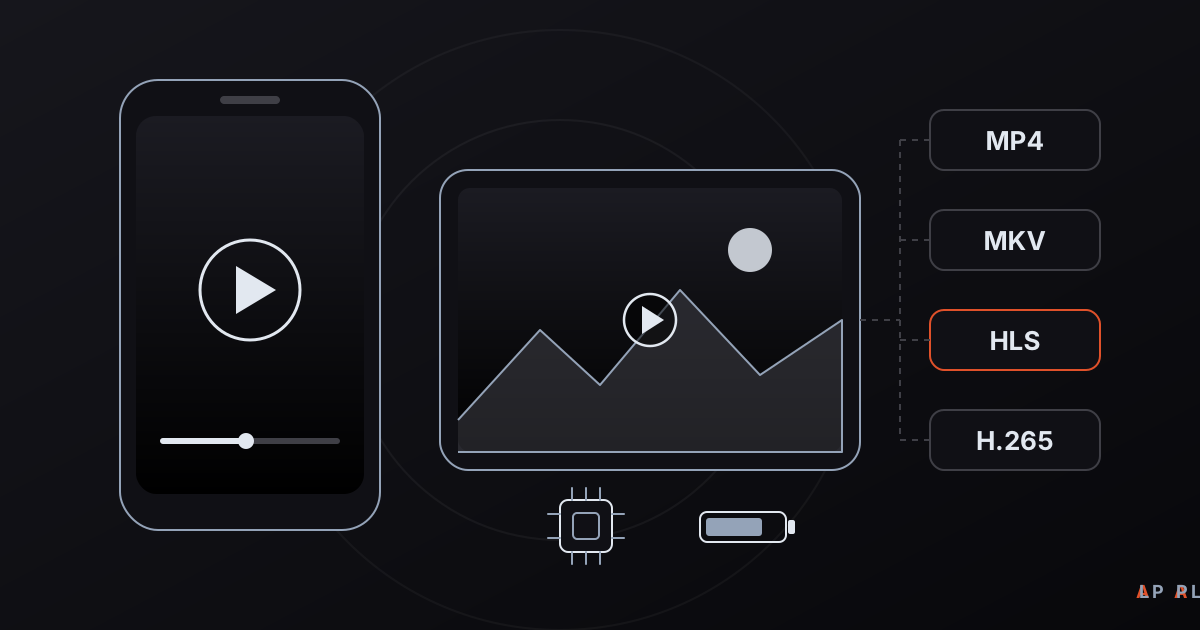
Short answer: A good video player for Android opens the formats you actually use (MP4, MKV, HLS and so on), relies on hardware decoding to save battery, asks only for the permissions it needs, and comes from a trustworthy source. Check formats first, then permissions, battery behavior and the interface. Alpa Player, a free media player from Alpa Yazılım, plays M3U and M3U8 playlists, HLS streams, MP4, MKV and RTSP sources on Android.
Key takeaways
- Decide which formats and sources you play first: MP4 opens almost everywhere, while MKV and HLS support is worth checking in each app.
- Hardware decoding saves battery and keeps the phone cooler; software decoding is the fallback for formats the chip does not handle.
- On Android 13 and later, apps ask for access to videos rather than to all your files, so be wary of a player that asks for more.
- Install apps from an official store or the developer's own website, never from third-party APK mirrors.
- Alpa Player is free; its Android APK is available from alpaplayer.com now, and the Google Play version is coming soon.
A video player for Android is an app that opens the videos stored on your phone or tablet, plus streams that arrive over the network. Every Android device ships with a built-in video app, but it usually handles only the most common formats. Hand it an MKV file, an HLS stream or a playlist and it may fall short. This guide walks through the criteria that matter when you choose a replacement: format support, hardware decoding, battery, permissions and safety.
We are not going to crown one winner. Everyone's files, devices and habits differ, so the goal is to give you a way to judge any player yourself. Near the end we also explain, plainly, where Alpa Player fits. It is a free media player developed by Alpa Yazılım.
What should you look for in a video player for Android?
Six criteria cover most of the decision: supported formats, hardware decoding, permissions, interface, update habits and where you download the app. The table below shows why each one matters and how to check it quickly.
| Criterion | Why it matters | How to check |
|---|---|---|
| Format support | A file that will not open is the most common reason people switch players. | Read the store listing's format list, then try your own MKV file and an HLS link. |
| Hardware decoding | Handing decoding to the video chip decides battery life and heat. | Look for a hardware decoding option in the settings. |
| Permissions | Unneeded permissions are a privacy risk. | Read the permission list before installing; you can restrict it later in system settings. |
| Interface | Gestures for volume and brightness, one-handed use and similar details shape daily comfort. | Use it for a few minutes. |
| Update habits | Security and compatibility fixes arrive through regular updates. | Check the last update date in the store. |
| Download source | Fake or modified APK files are the biggest risk. | Use only an official store or the developer's own site. |
You can add a seventh row for pricing model and ads. Those change over time, so read the app's current store page before you commit.
Which video formats play smoothly on Android?
The format that plays most reliably on Android is an MP4 file with H.264 video and AAC audio; everything else depends on your hardware and on the player. Two terms help here. A container is the file type (MP4, MKV), and a codec is the way the video is compressed (H.264, H.265). When a file refuses to open, the cause is usually the codec inside, not the container. Our article on MP4 versus MKV goes deeper into containers.
| Format | What it is | General situation on Android |
|---|---|---|
| MP4 (H.264) | The most common container and codec pair | Hardware-decoded on practically every device. |
| H.265 (HEVC) | A codec that gives smaller files at similar quality | Hardware-decoded on most current phones; older devices may stutter. |
| MKV | A container that can hold several audio and subtitle tracks | The container is rarely the problem; the video and audio codecs inside decide. |
| WebM (VP8/VP9) | An open format built for the web | Supported at the platform level. |
| AV1 | A newer, efficient codec | Hardware decoding is mostly found on newer chips. |
| HLS (.m3u8) | A network stream split into small segments | The player must support HLS. |
| RTSP | The protocol used by IP cameras and similar sources | Not every general-purpose player includes it. |
Picture but no sound
This almost always comes down to the audio codec. Some devices cannot decode formats such as AC-3 or DTS on their own. If the player can decode them in software you will hear sound; if not, the video plays in silence. Before assuming the file is broken, try another playback engine. Our comparison of H.264, H.265 and AV1 is a good primer on codecs.
Network streams and playlists
Not everything you watch is a file on the phone. Streams from your own server, or from a link you have the right to use, usually arrive as HLS. Read what M3U8 is to see what those playlist files contain and why they are so common.
How does hardware decoding affect battery life?
Hardware decoding means the phone's dedicated video chip unpacks the video instead of the general-purpose processor, and it usually draws far less power. With software decoding the same work lands on the main processor, so the device warms up, the battery drains faster and high-resolution clips can drop frames.
That is why a well-built player tries hardware decoding first and falls back to software only for formats the chip cannot handle. In daily use, these habits matter most:
- Leave hardware decoding on. Turn it off only if one specific file shows corrupted frames or a green screen.
- Lower the screen brightness. During video playback the display drains more than anything else.
- Skip needlessly high resolution. On a six-inch display the gap between 4K and 1080p is hard to see, but the battery difference is real.
- Prefer Wi-Fi for streams. A weak mobile signal keeps the modem working hard and costs extra battery.
If a stream stutters, the player is not always to blame. The network, the source and the device all play a part, and our guide to fixing video buffering lists what to try, in order.
What permissions should a video player ask for?
A video player has to read your files, but the scope of that access should be narrow. Scoped storage, introduced in Android 10, and the granular media permissions added in Android 13 let apps reach only photos, videos or audio instead of all storage. A player that wants "access to all files" should therefore have a strong reason.
Here is a short routine to follow before and after installing:
- Read the permissions and data safety section on the store listing.
- Prefer apps that do not ask for contacts, location or microphone, which have nothing to do with playing video.
- Remember that you can revoke any permission later under Apps in Android settings.
- If you type passwords or links into the app, find out how it stores them.
Our article asking whether media players are safe and private expands this checklist.
Where should you download an APK from?
The safest way to install a player is from an official app store or the developer's own website. Third-party APK mirrors often serve repackaged, outdated or tampered versions, and those can carry adware, trackers or malicious code. A copy signed with a different key also cannot be updated by the official release later.
If you do have to install outside a store, Android's "install unknown apps" permission should be granted only to the single app you are using at that moment, such as a browser or file manager, and switched off again afterwards. We cover each step in how to install an APK on Android TV; the same principles apply on phones.
Where does Alpa Player fit on Android?
Alpa Player is a free media player developed by Alpa Yazılım that runs on Android phones and tablets, on Android TV and TV boxes, and on Windows. There is no sign-up, subscription or purchase, and it is a non-profit project. Today you can download the Android APK directly from alpaplayer.com; the Google Play version is in the release process and coming soon. The current status is always on the download section.
What it does and does not do, in short:
- What it plays: M3U and M3U8 playlists, HLS streams, MP4, MKV, RTSP and more.
- Source types: a playlist address, a single video or stream link, a server account issued by your service provider, and an organization account.
- Playback engine: on Android the default is an ExoPlayer (Media3) based engine, and you can switch to a VLC engine or an external player. If a stream struggles on one engine, trying another is possible.
- Convenience: resume where you left off, favorites and recently watched items.
- Security: the addresses and passwords you add are stored encrypted with AES-256 in the device's secure storage, are never shown on screen and are not sent to Alpa Yazılım.
- No content: the app ships with no channels, movies, series or playlists. Alpa Player is not a streaming service; it only plays sources you have the right to use.
One honest note: the source types Alpa Player lists revolve around links, playlists and accounts. If you want a classic gallery-style player that scans a folder on your phone, choose an app that clearly advertises that feature. If you mainly watch playlists or links on a phone and a TV, Alpa Player is a reasonable candidate. After installing, how to add an M3U playlist walks you through adding the first source.
Which kind of player suits which person?
The right player depends on what you watch and where you watch it. This table is a rough but useful way to match the two.
| Your need | What to look for |
|---|---|
| Watching MP4 clips shot on your phone | The built-in app is often enough. |
| Downloaded MKV files with several audio tracks | Broad format support and a choice of hardware or software decoding. |
| Playing a playlist or an HLS link | M3U/M3U8 and HLS support, plus resume. |
| Using the same app on a phone and a TV | An interface that works well with a TV remote. |
| School or organization content | An app that supports organization sign-in. |
Before you settle on any player, test it for a few minutes with your own files; no table beats the result on your own videos. To get a feel for Alpa Player first, you can open the browser-based web demo, which uses openly licensed sample videos and does not let you add your own playlist.
Frequently asked questions
What is the best video player for Android?
There is no single answer. If you only watch MP4 clips, the built-in app may be enough. If you use MKV, HLS, several audio tracks or playlists, look for broad format support, hardware decoding and a short, sensible permission list. Test with your own files and download only from official sources.
Why won't an MKV file open on my Android phone?
MKV is only a container, so the real culprit is usually the video or audio codec inside it. If your device cannot decode H.265 video or an audio format such as AC-3 or DTS, the picture glitches or the sound is missing. Try an app with a different playback engine; Alpa Player offers a default engine, a VLC engine and an external player option.
What permissions does a video player really need?
Usually just access to your video files, and internet access if it plays network streams. On Android 13 and later, apps request access by media type instead of the whole storage. Be suspicious of players that also want contacts, location or the microphone, and restrict permissions in system settings whenever you like.
Should hardware decoding be on or off?
Keep it on in most cases, because it lowers battery use and heat. Turn it off only when one video shows a green screen, corrupted frames or sync problems, and let software decoding take over for that file. If your app has no such switch, a different playback engine can serve as the same kind of fallback.
Is Alpa Player free on Android, and where do I get it?
Yes. Alpa Player is free, with no sign-up, subscription or purchase. You can download the Android APK from alpaplayer.com through the direct APK link. The Google Play version is coming soon. For safety, get the file only from the official source rather than from third-party sites.
Sources
Related articles
 Device guides
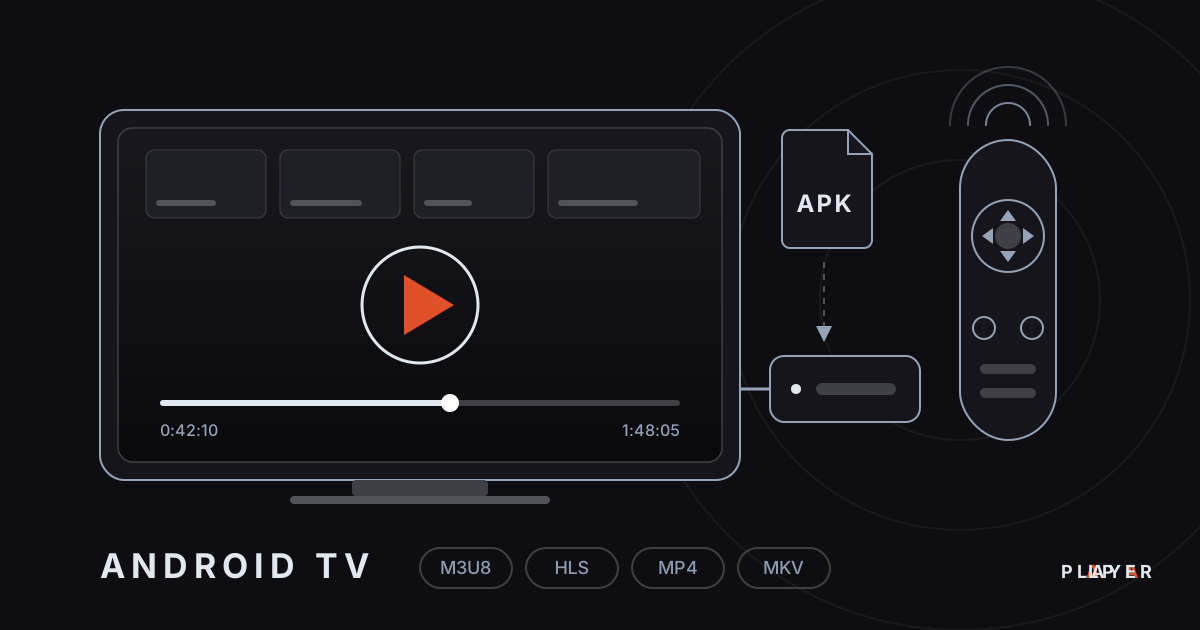
Media Player for Android TV: How to Choose
Looking for a media player for Android TV? See what to look for, compare popular options and set up Alpa Player, a free app built for the remote.
 Device guides
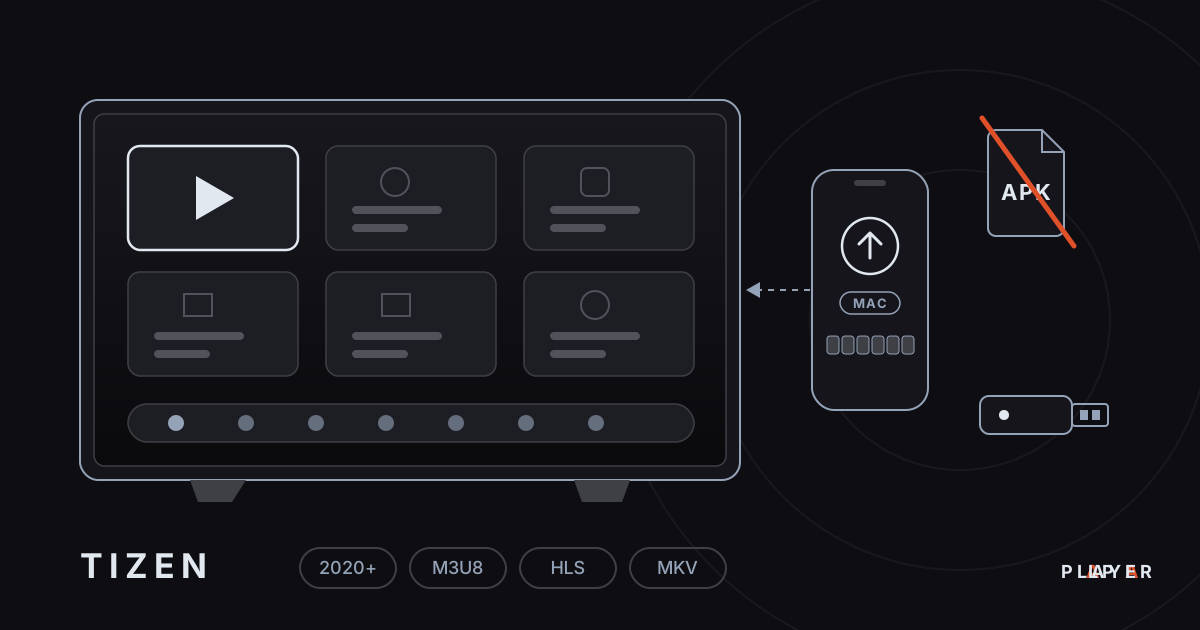
Samsung Smart TV Media Player: Options for 2026
Need a Samsung smart TV media player? Learn how Tizen apps work, which models Alpa Player supports and how to watch your own videos today.
 Device guides
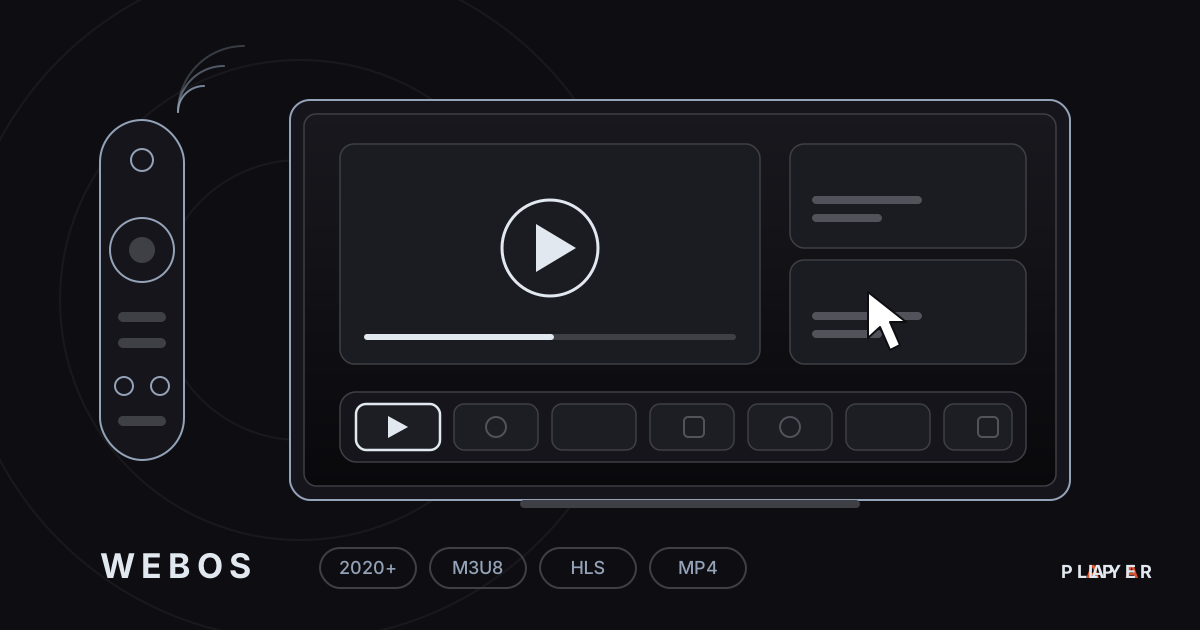
LG webOS Media Player: Compatibility and Setup
Looking for an LG webOS media player? See which models work, how the LG store route differs from APKs, and how to load a playlist without typing.