
What is video watermarking, how does it work and what does it deter?
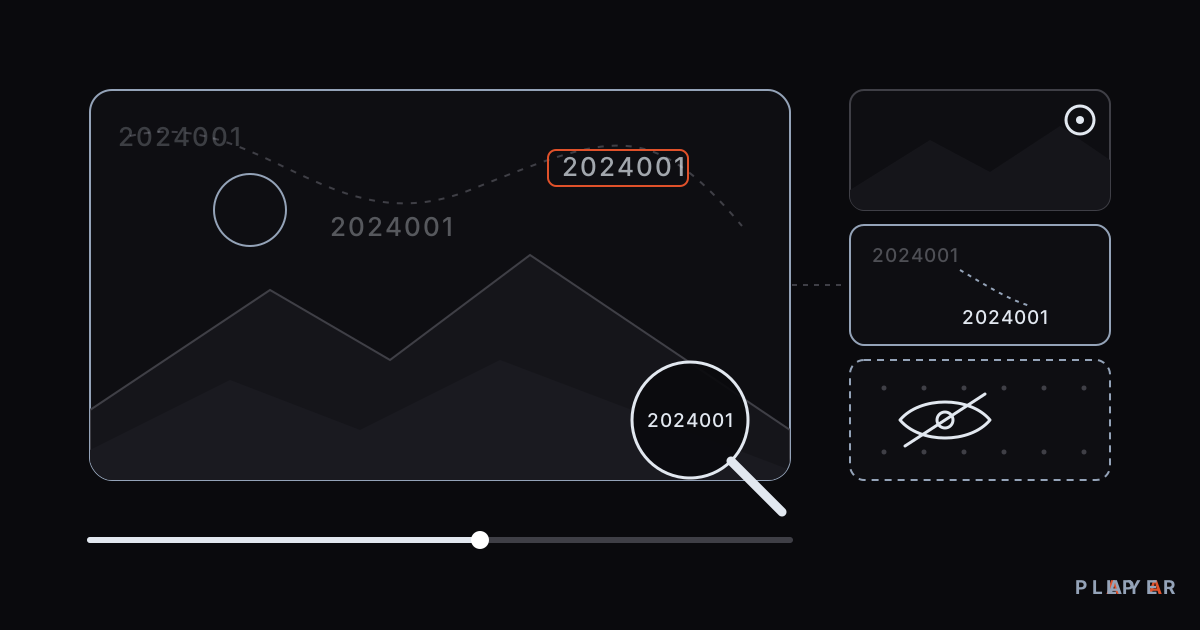
Short answer: Video watermarking is the practice of placing a mark on or inside a video to identify its owner or its viewer. A visible watermark appears as a logo, text or number on screen; an invisible one is embedded in the picture and read with special tools. The Alpa Player institution panel uses a visible watermark that moves the student number across the video. It deters recording and points to the source of a leak, but cannot fully prevent it.
Key takeaways
- A video watermark is a mark placed on or inside a video that identifies its owner or its viewer.
- There are three main kinds: a fixed logo, a personalized moving watermark and an invisible watermark.
- The Alpa Player institution panel uses a visible watermark that moves the student number across the video.
- A watermark does not block screen recording; it deters it and helps trace the source of a leaked copy.
- A watermark works best alongside a signed link and a device lock, not on its own.
If you have ever wondered what video watermarking is, you have already seen it plenty of times. The logo in the corner of a news channel, the semi-transparent text stamped across a stock photo, or a student number drifting across a recorded lecture are all watermarks. They share one purpose: to show who owns the content or who is watching it.
This guide explains what a watermark is, which types exist and what each one can and cannot stop. Our running example is the student-number watermark in the free institution panel built by Alpa Yazılım. To see the student side yourself, you can download Alpa Player for free.
What is video watermarking?
Video watermarking is the practice of placing a mark on or inside a video to identify its owner, its source or its viewer. The idea comes from paper watermarks, such as the pattern that appears when you hold a banknote up to the light. Digital versions do a similar job, and the broader field is known as digital watermarking.
A watermark has three basic jobs: to state ownership, to discourage unauthorized use and to help find the source if a copy leaks. Which job matters most to you decides which type you should choose.
Where is video watermarking used?
Video watermarking is used wherever content travels, not only in education. Typical examples include:
- Broadcasting and brands: Channel logos and brand marks on promotional videos.
- Photos and stock media: Translucent text laid over previews before purchase.
- Documents and certificates: Words like "draft" or "copy" printed in the background.
- Lessons and internal videos: Recordings marked with the viewer's name or number, such as lectures, meetings and training videos.
The last group is meant for specific people, not the general public, and it is the focus of this article. Here a watermark is less about declaring ownership and more about reminding each viewer that they can be identified.
What types of video watermarks are there?
Watermarks fall into three groups depending on whether they are visible and whether they are personalized: a fixed logo watermark, a personalized moving watermark and an invisible watermark. The table summarizes the differences.
| Type | Visibility | Personalized? | What it does | Weak point |
|---|---|---|---|---|
| Fixed logo watermark | Visible | No | Shows ownership and brand | Can be cropped or blurred; does not identify a leaker |
| Personalized moving watermark | Visible | Yes | Deters sharing and points to the source of a leak | Does not physically block recording |
| Invisible watermark | Not visible to the eye | Usually yes | Helps prove where a leaked copy came from | Needs special tools; can weaken if the picture is reprocessed |
The Alpa Player institution panel uses the second type: it moves the student number across the video. We describe invisible watermarks only to complete the picture; we do not present them as an Alpa Player feature.
Why is a fixed watermark not enough?
A fixed watermark shows everyone the same mark, so it cannot tell you where a leak came from. A broadcaster's logo says whose video it is, but not which viewer made the copy. And a logo in a corner can be cropped, blurred or covered.
With lecture videos, the real issue is not ownership but circulation. When a copy turns up, you need to be able to answer the question "which account did this come from?" That requires a mark that is personal to the viewer.
How does a moving, personalized watermark work?
A moving watermark displays information about the viewer, which in Alpa Player is the student number, and keeps changing its position over the video. Because the number does not sit still, a single crop or blur is not enough; cleaning a mark that moves through an entire recording takes far more effort.
Two effects follow. The first is deterrence: a student thinking about recording and sharing a lesson knows their own number is on screen. The second is traceability: if the number is readable in a leaked copy, the source account is known.
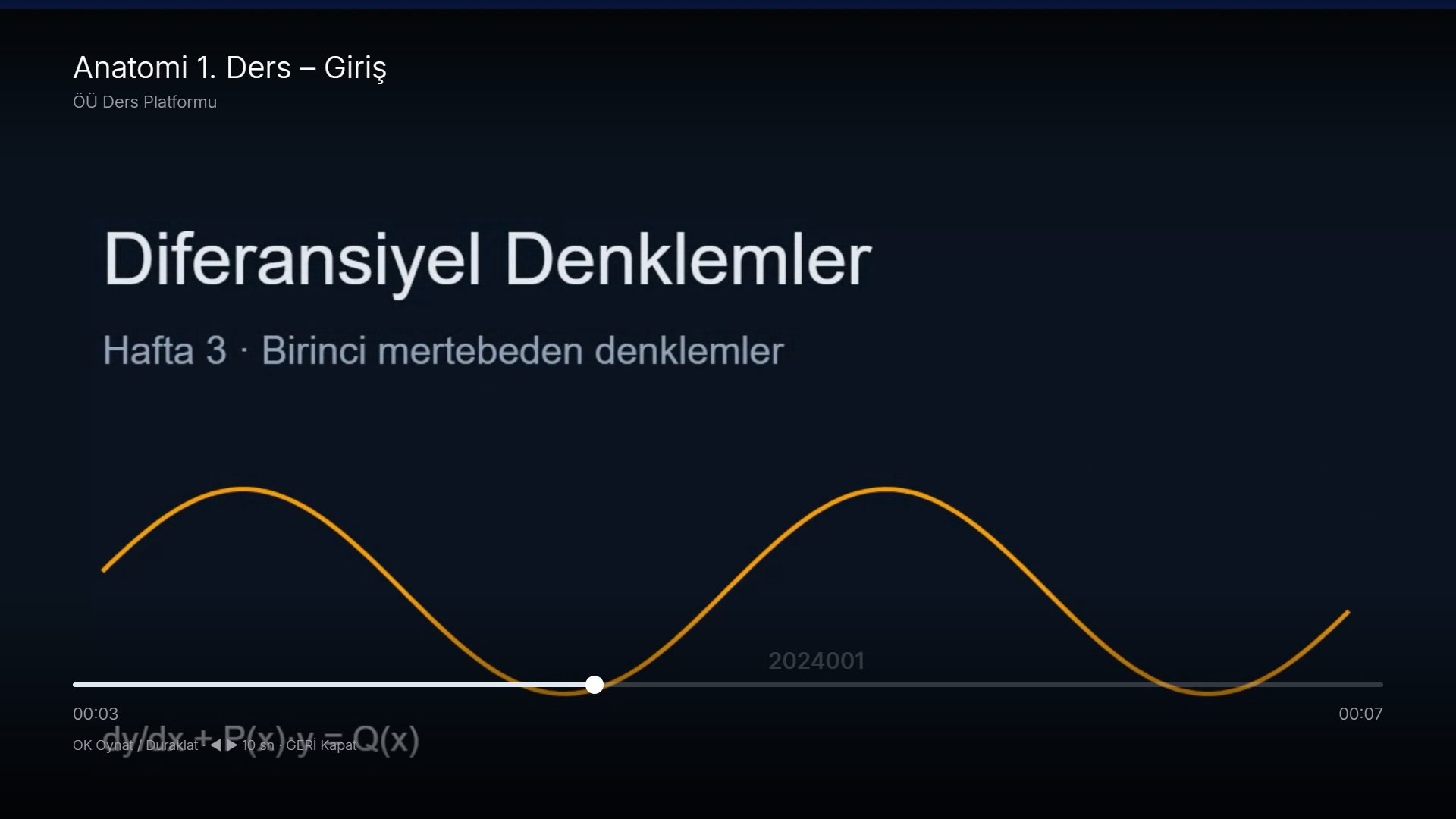
In Alpa Player, this watermark runs in the player used for lecture videos that your institution adds to the panel. Students sign in with an institution code, number and password, and the watermark carries that student's number. We cover the panel's other safeguards in our guide to secure video sharing for schools.
What does a watermark stop, and what can it not stop?
A watermark does not physically stop anything; it changes behavior and leaves evidence behind. The table below helps set realistic expectations.
| Leak route | Effect of the watermark | Complementary measure |
|---|---|---|
| Screen recording | Does not block it; deters it and shows the source | Device lock |
| Filming the screen with a phone | Does not block it; the number stays in the footage | Telling students up front |
| Forwarding a link | No effect | Short-lived signed link |
| Sharing a password | Does not block it; points to the account | Device lock |
The honest summary: pointing a camera at a screen cannot be stopped by any software, and fully preventing screen recording is often impossible too. A watermark does not close that gap. It turns a leak into an expensive, risky act, and in practice that difference stops many people from sharing.
What does a good watermark look like?
A good watermark is personalized, moving and readable without getting in the way of viewing. You can use these criteria when you evaluate one:
- Personalized: The same mark for everyone cannot point to a source.
- Moving: A fixed position is easy to crop; a roaming mark is harder to remove.
- Readable but unobtrusive: Too faint and it cannot serve as evidence; too bold and it spoils the viewing.
- Visible throughout: Even a short clip should carry the mark.
- Announced in advance: When viewers know why it is there, the deterrent works better.
- Not alone: It should work together with other safeguards.
How do you use a watermark when a leak is found?
A watermark pays off when a leak is discovered: the number is the first clue to which student account the copy came from. A clue is not a verdict, though, because a password may have been shared or a device may have changed hands. A sensible sequence looks like this:
- Find the leaked copy and keep it as evidence.
- Read the number shown in the video and match it against your student records.
- Talk to the student first and try to understand how the account was shared.
- Secure the account again, for example by renewing the password and resetting the device lock with one click.
- Take whatever step your institution's usage rules call for, and make sure those rules were announced beforehand.
What are the common watermarking mistakes?
The most common mistake is treating a watermark as enough on its own. The others are easy to avoid:
- Showing everyone the same mark: A mark that is not personal cannot reveal a source.
- Making it too faint or too large: An unreadable mark is not evidence, and one that fills the screen ruins viewing.
- Keeping it secret: A hidden safeguard deters no one.
- Skipping the rights check: A watermark does not make it acceptable to share content you have no right to share.
How does a watermark fit with student privacy?
A moving watermark shows the viewing student's own number, so no one else's personal information appears on screen. Even so, a number can count as an identifier. Tell students and parents why you use it, and give notice in line with the data protection rules that apply to you.
Open communication also feeds the watermark's strongest effect: when students know the number is there and why, they weigh the decision to share a video more carefully. As for rights, your institution must stand behind every video it uploads; copyright and personal media covers the basics.
This article is general information, not legal advice.
How can your institution use a watermark?
In the Alpa Player institution panel, the watermark is part of lecture video sharing rather than a separate product. Schools, course centers, hospitals, hotels and municipalities can use the panel for free; fill in the institution panel application to get started.
After verification, you upload lecture videos, import students from Excel or through the API and cap the number of devices per student. For the school side of the picture, see video platform for schools. If you care about the app's own security, media player privacy and security is worth a read.
Keep one thing in mind: no watermark can recall a video that has already been recorded. What counts is building a setup that makes leaks harder and traceable.
Frequently asked questions
What is the difference between a visible and an invisible watermark?
A visible watermark appears on screen as a logo, text or number, and it works as a deterrent because everyone can see it. An invisible watermark is embedded in the picture or sound, cannot be seen by eye and is read with special tools, usually to prove a leak after the fact. The watermark in the Alpa Player institution panel is the visible kind.
Does a watermark stop screen recording?
No. A watermark cannot physically stop a recording. It discourages the person who is thinking about sharing, and if the student number is visible in a leaked copy, it helps trace the source. That is why it should be used together with a signed link and a device lock.
Why does the student number move instead of staying put?
A fixed mark can be cropped, blurred or covered. A number that keeps changing position is much harder to clean from a whole recording. This raises the effort needed to remove the watermark and keeps the information that identifies the source in the video for longer.
Can a watermark be removed from a video?
No one can guarantee that a watermark is impossible to remove; a determined person might try to blur it. A moving watermark makes that harder but does not make it impossible. Think of the watermark as one part of layered protection, not as your only defense.
How do I use the watermark in Alpa Player?
Apply for the institution panel, which is free. After verification, upload lecture videos and import your students. When students sign in with the institution code, number and password and watch a video, their own number moves across it. Start on the institution panel application page.
Sources
Related articles
 For organizations
Secure Video Sharing for Schools: A Guide
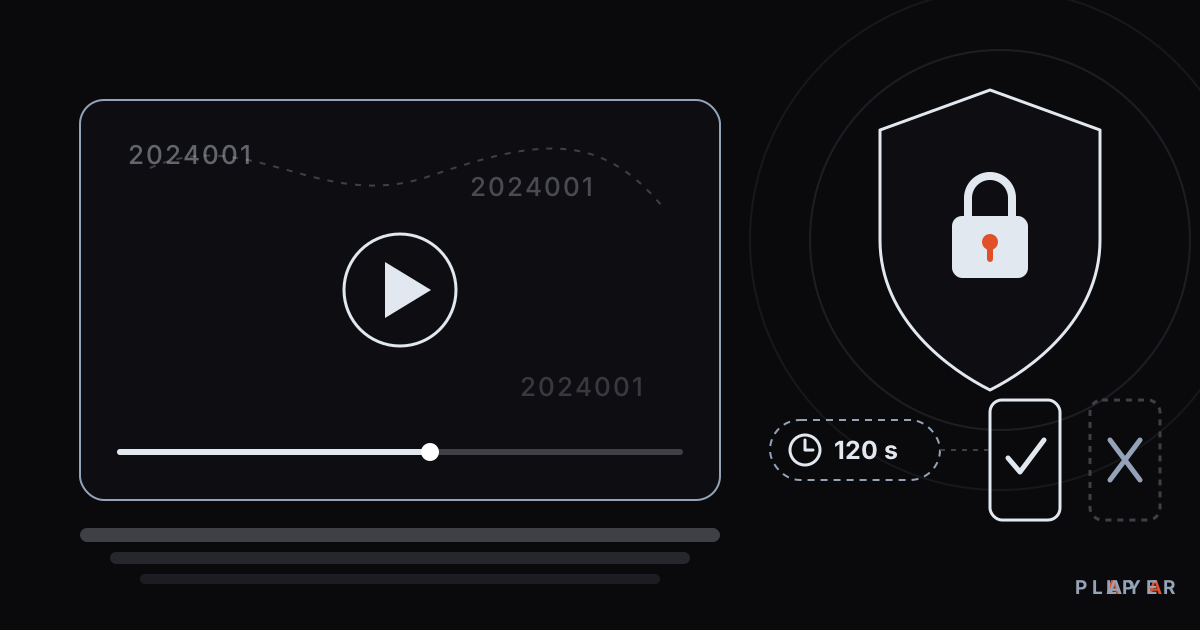
Secure video sharing for schools made practical: short-lived signed links, student-number watermarks and device locks keep lecture videos from leaking.
 For organizations
Hotel TV System: Manage Room TVs from One Panel
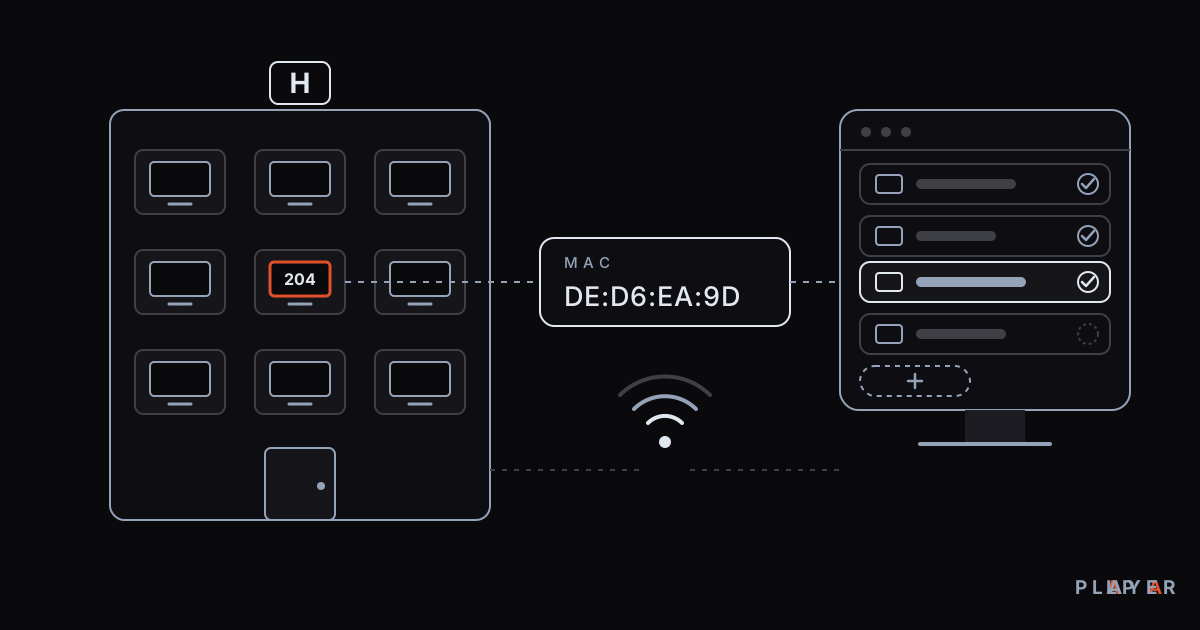
Set up a hotel TV system by defining room TVs with their MAC ID in the free Alpa Player institution panel, with your hotel's logo, name and colors applied.
 For organizations
Video Platform for Schools: A Free Option
How to choose a video platform for schools: student sign-in, protected links, Excel import and classroom TVs, plus the free Alpa Player institution panel.